
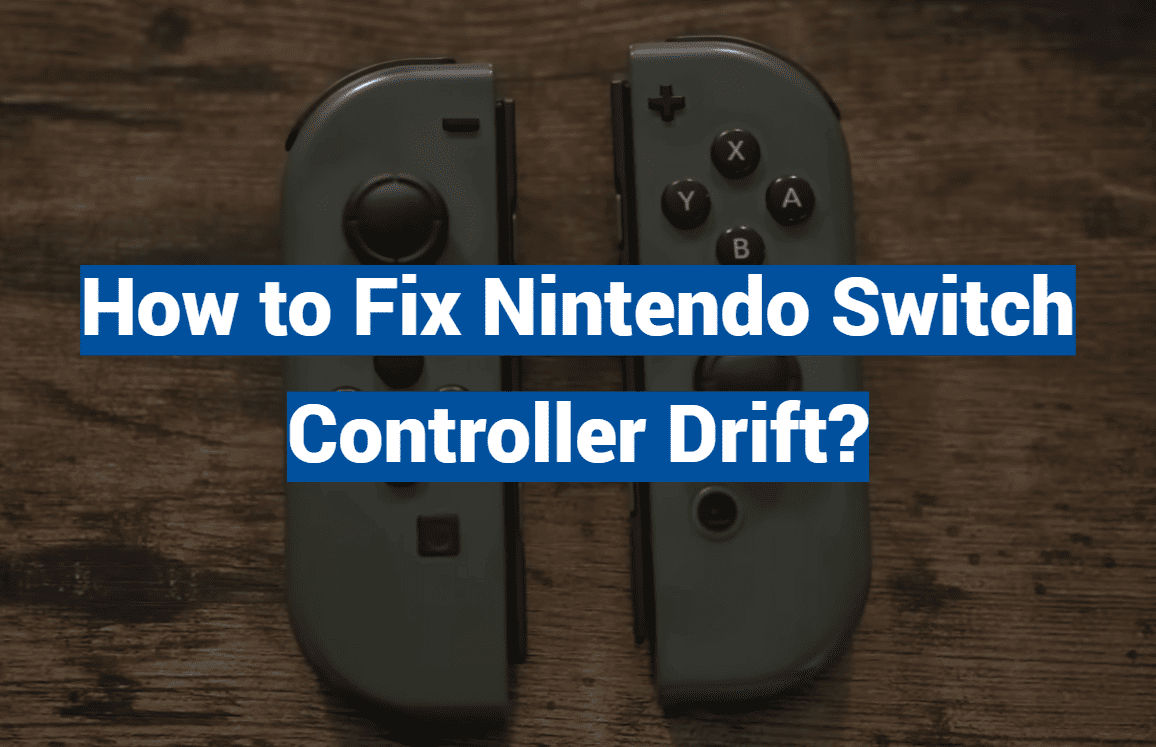
Did you know Nintendo’s president has formally apologized for a widespread hardware problem? This issue has impacted countless gaming sessions worldwide.
Welcome to our comprehensive guide. We are tackling one of the most common frustrations for owners of this popular gaming console. It is known as Joy-Con drift.
This phenomenon causes characters or menus to move on their own. It happens without any player input. Imagine your character wandering off a cliff in your favorite adventure game. This issue can turn a relaxing session into a major headache.
The problem is not limited to one model. It affects both the standard Nintendo Switch and the more compact Switch Lite. Increased playtime in recent years has made this drift more noticeable for many.
This guide will walk you through several practical solutions. You will find options ranging from simple cleaning techniques to more advanced repairs. The good news is that many fixes do not require special tools or deep technical knowledge.
Our goal is to help you get back to smooth, uninterrupted gameplay. There is a solution that fits your comfort level. Let’s explore how to resolve this annoying controller problem together.
Key Takeaways
- Joy-Con drift is a recognized issue where controllers input commands without being touched.
- This problem can occur on both the standard Nintendo Switch and the Switch Lite console.
- Nintendo’s leadership has publicly acknowledged the inconvenience caused to players.
- Several practical solutions exist, from simple at-home fixes to more involved repairs.
- Many troubleshooting methods are accessible and do not require advanced technical skills.
- The guide aims to restore a seamless and enjoyable gaming experience.
Understanding Joy-Con Drift and Its Impact
A common technical glitch can make your gaming character behave as if it has a mind of its own. This phenomenon, known as joy-con drift, occurs when controllers register movement without player input.
Imagine setting your console down for a moment. You return to find your avatar has wandered across the map. This unwanted movement creates frustration during gameplay sessions.
What Is Joy-Con Drift?
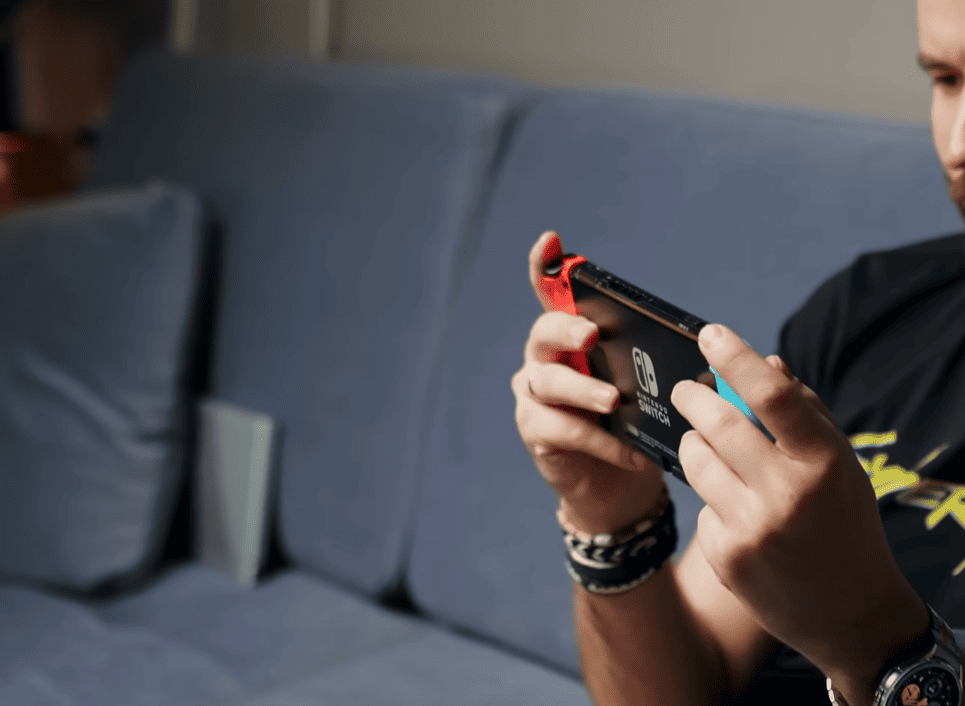
Joy-con drift describes the issue where control sticks send false signals. Your character might slowly creep forward or the camera spins uncontrollably. Menu selections can scroll rapidly without touch.
The problem affects both standard models and the Switch Lite version. Left controllers experience this drift more frequently according to user reports. Either side can develop the same issue over time.
Common Signs and Controller Sensor Issues
Two primary causes explain most joy-con drift occurrences. Hardware or software malfunctions create internal problems. Physical debris buildup around thumb sticks also triggers false readings.
Tiny sensors at the base of each control stick are particularly vulnerable. Dust and grime interfere with their precise measurements. This sensor mechanism becomes less accurate with particle interference.
Understanding these root causes helps address the problem effectively. Precision movements become impossible when drift affects your controller. Certain games become virtually unplayable without reliable controls.
how to fix nintendo switch controller drift
Before considering complex repairs, try these accessible troubleshooting methods first. Many responsiveness issues respond well to simple adjustments.
Calibrating Your Joy-Cons for Accurate Control
Start with the calibration feature in your system settings. This process realigns the controller’s internal sensors.
Navigate to the controllers and sensors menu. Select the calibrate control sticks option from the list.
Follow the on-screen instructions carefully. The calibration screen shows a circle that changes color during testing.
Move your joystick in all directions as prompted. Complete the process by rotating the stick clockwise.
Cleaning Your Control Sticks with Isopropyl Alcohol
Dust and dirt accumulation often causes sensor interference. Gentle cleaning can restore proper function.
Apply a small amount of isopropyl alcohol around the stick’s base. Never pour liquid directly onto components.
Use a cotton swab for precise application. Allow complete drying before testing the controls again.
Compressed air offers an alternative cleaning method. Spray at different angles while moving the sticks.
These techniques resolve many common issues without special tools. They preserve your warranty while restoring gameplay accuracy.
Exploring Repair and Replacement Options for Your Controller
If your character continues to move autonomously, the next step involves considering more definitive solutions. Several effective paths exist for restoring full functionality.
Nintendo’s Repair Program and Update Options
The manufacturer offers an official repair program. This service addresses the specific issue even for units outside the warranty period.
Initiate the process through a free online form. Be prepared for a potential wait of several weeks for the return of your controller.
Before shipping your device, check for a software update. Navigate to the System settings menu. This simple step can sometimes resolve the problem without a physical repair.
DIY Repair: Replacing the Analog Stick
For the technically inclined, a do-it-yourself replacement is an option. Kits containing a new joystick module and tools are readily available.
This process requires patience and intermediate skill. It involves delicate work like desoldering the old analog stick.
Successfully putting the unit back together is crucial. There is a risk of damaging other components. This path will void any remaining warranty.
When to Consider Buying a New Joy-Con
Purchasing a new unit is the fastest way to get back to gaming. New controllers provide a fresh start.
Be aware of frequent stock shortages. Also, exercise caution when buying used parts, as they may already have the same issue.
Third-party repair services offer a middle ground. They often provide same-day service for a fee. Weigh the cost, time, and your technical comfort to choose the best option.
Conclusion
When your gaming character starts moving independently, a clear path forward exists through graduated troubleshooting. This guide has outlined multiple approaches to address these control issues.
The problem can stem from various sources like software glitches, sensor malfunctions, or simple dust and dirt buildup. Identifying the root cause helps determine the most effective solution for your specific situation.
Always begin with the simplest methods like calibration through your system settings or cleaning with compressed air. Many users successfully resolve their controller issues without spending money or voiding warranties.
For persistent problems, consider Nintendo’s repair program or DIY stick replacement if you’re technically skilled. Regular cleaning around the control sticks helps prevent future issues from developing.
You now have the knowledge to confidently tackle any joy-con drift challenges. Get back to enjoying your favorite game on your Nintendo Switch console with reliable controls.