
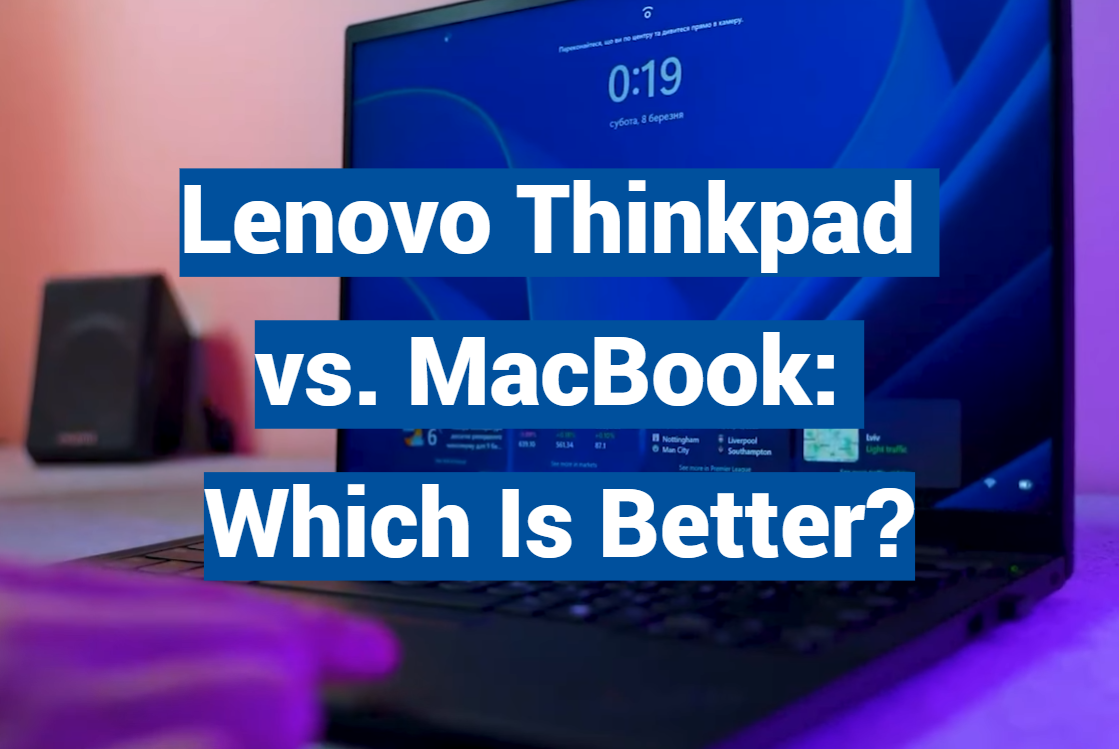
Over 70% of professionals report spending more time researching their next laptop than planning their last vacation. This surprising statistic reveals just how critical the right computing choice has become for today’s workforce.
When it comes to premium business machines, two names consistently dominate the conversation. These devices represent completely different approaches to professional computing, each with passionate advocates and distinct advantages.
This comprehensive comparison goes beyond simple spec sheets to examine how these powerhouse laptops perform in real-world professional scenarios. We’ll explore everything from design philosophy to daily workflow efficiency.
Whether you’re crunching numbers in finance or creating digital masterpieces, understanding these platforms’ strengths is essential. Your laptop becomes your daily partner, and making the right investment can transform your productivity.
We’ll provide practical insights that help you match the perfect machine to your specific needs. From operating systems to build quality, we cover all the factors that matter most to serious users.
Key Takeaways
- Both devices represent the pinnacle of their respective computing ecosystems
- The choice depends heavily on your specific professional workflow requirements
- Design philosophies differ significantly between the two platforms
- Real-world performance often differs from theoretical specifications
- Consider long-term value and ecosystem integration when making your decision
- Each machine excels in different professional environments and use cases
Overview and Introduction
When professionals face the choice between these legendary laptop lines, they’re really choosing between distinct approaches to productivity and creativity. Each brand brings decades of refinement to the table, but with fundamentally different priorities.
Background of ThinkPad and MacBook Brands
The ThinkPad lineage began with IBM in the early 1990s, focusing on rugged reliability for corporate environments. These devices earned their reputation through military-grade testing and legendary keyboard comfort.
Business users consistently praise the iconic red TrackPoint and no-nonsense design. The emphasis has always been on security and durability for demanding professionals.
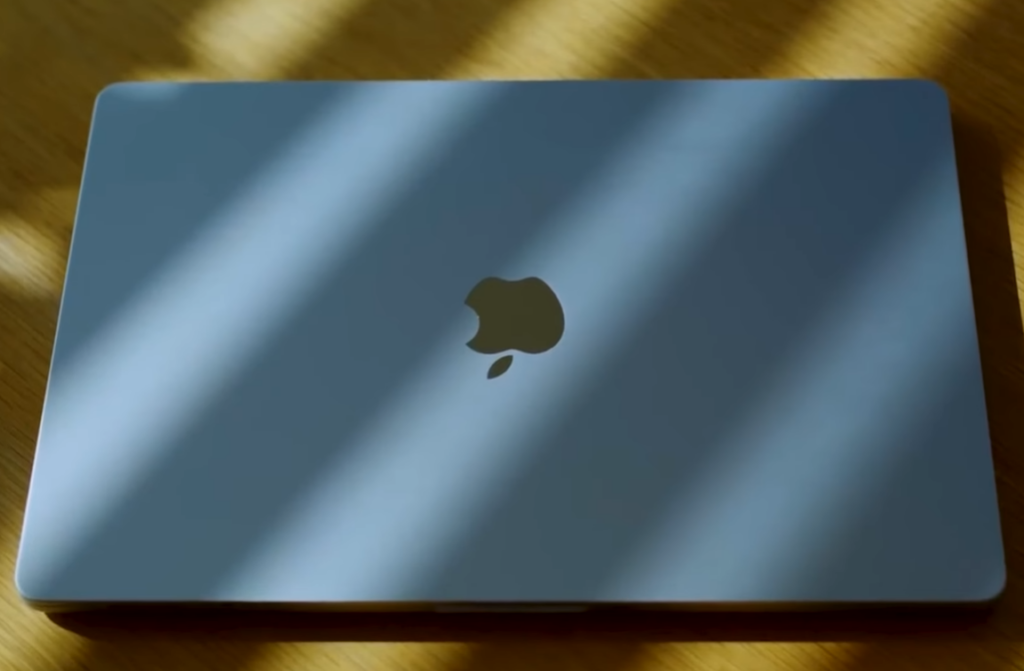
Apple’s entry into this space came later with the 2006 MacBook launch. This platform brought sleek aluminum construction and retina displays to the professional market.
Creative professionals quickly embraced the seamless ecosystem integration. The user-friendly interface and minimalist aesthetic defined a new standard.
Purpose of the Comparison
This analysis helps laptop shoppers understand which platform suits their specific needs. We examine real-world performance beyond marketing claims.
Business users need to consider long-term value and workflow compatibility. The right choice depends heavily on your daily tasks and professional environment.
Both families offer exceptional quality, but target different types of users. Understanding these distinctions ensures you select the perfect tool for your work.
Design, Build Quality, and Aesthetics
Beyond technical specifications, the tactile experience and visual appeal of a device significantly impact user satisfaction. The physical design tells a story about intended use and target audience.
Both platforms showcase exceptional craftsmanship, but approach aesthetics from different perspectives. One favors utilitarian professionalism while the other embraces minimalist elegance.
Unique Design Elements and Materials
The business-focused model features angular lines and traditional black finishes. Its signature red pointer sits centered in the keyboard, offering precise navigation.
Carbon fiber construction in premium versions creates remarkable lightweight durability. This material choice demonstrates serious commitment to portable quality.
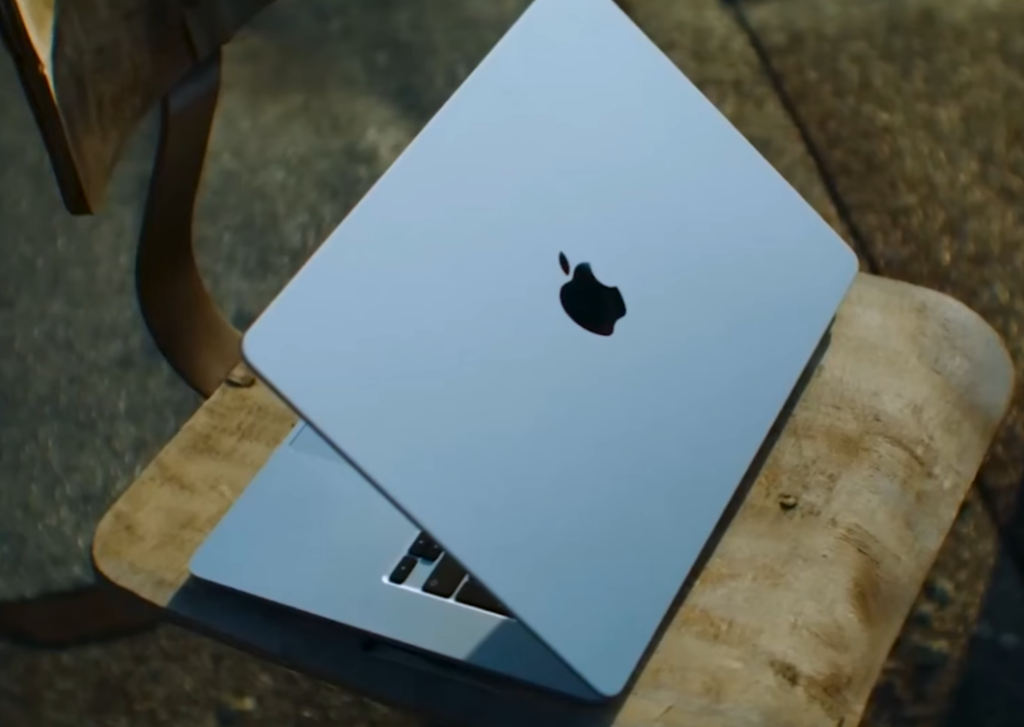
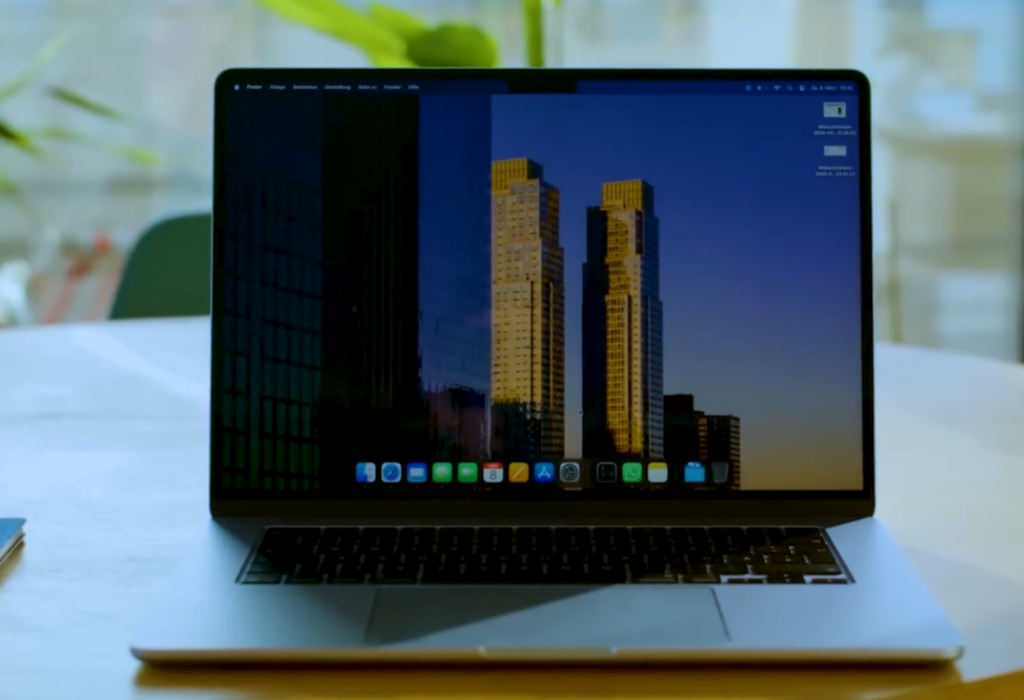
Meanwhile, the competing device showcases seamless aluminum unibody construction. Gentle curves and flawless manufacturing define its premium hardware appeal.
“Good design is as little design as possible. Less, but better.”
Durability and Ruggedness Features
Military-grade testing ensures these devices withstand extreme conditions. Shock, vibration, and temperature resistance meet rigorous standards.
Spill-resistant keyboards provide practical protection for mobile professionals. Both systems maintain impressive thin profiles around 0.6 inches.
The carbon fiber model weighs just 2.5 pounds, enhancing portability. Its competitor comes in at 3 pounds, still remarkably light.
| Feature | Business Platform | Creative Platform |
|---|---|---|
| Primary Material | Carbon fiber & magnesium alloy | Aluminum unibody |
| Weight | 2.5 pounds | 3.0 pounds |
| Durability Testing | MIL-STD 810H certified | Premium manufacturing standards |
| Keyboard Protection | Spill-resistant design | Precision key mechanisms |
| Aesthetic Style | Angular, professional | Curved, minimalist |
The right choice depends on your environment and mobility needs. Corporate settings may favor the rugged business model, while creative spaces often prefer sleek aesthetics.
Operating Systems, Performance, and Battery Life
Modern professionals demand a harmonious blend of intuitive interfaces, robust processing capabilities, and reliable battery performance. These three elements work together to create either a frustrating or fantastic daily computing experience.
Windows vs. macOS: User Experience
The operating system choice fundamentally shapes your workflow. Windows offers unparalleled software compatibility with business applications and enterprise tools.
Many corporate environments rely on Windows for its customization options. The competing platform provides exceptional hardware-software integration that creative professionals appreciate.
Performance Benchmarks and Battery Endurance
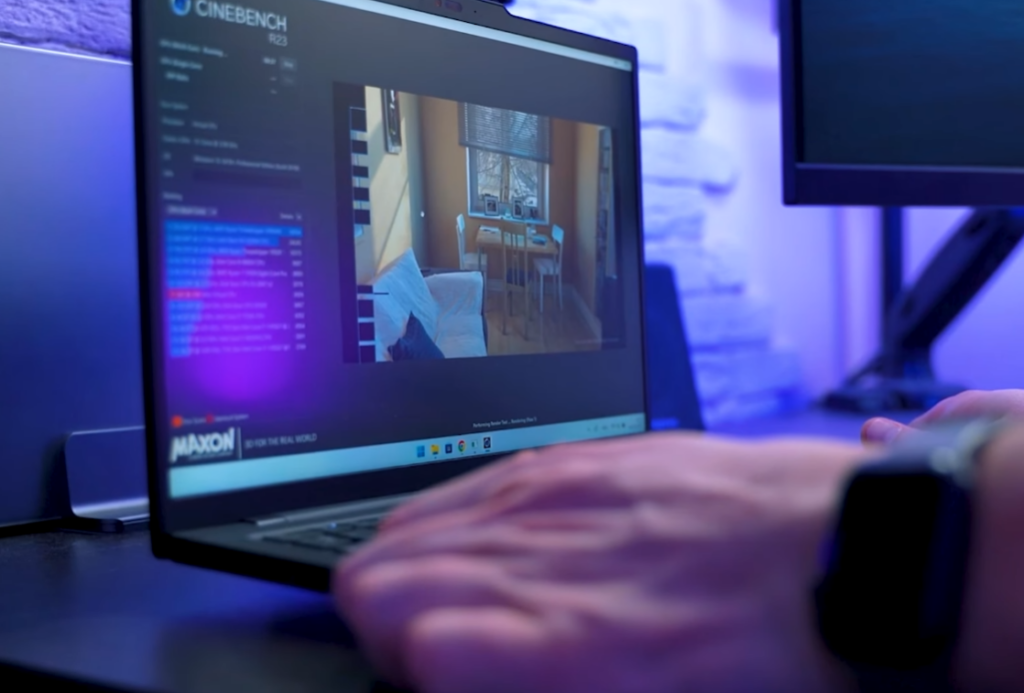
Recent testing reveals significant differences in processing power. Apple’s M2 chip demonstrated superior performance in video transcoding and rendering tasks.
Battery life represents another key differentiator. One system achieved nearly 22 hours of runtime, while the other provides a solid 12 hours for full workday coverage.
Both platforms deliver professional-grade power for their respective ecosystems. Your choice depends on specific software requirements rather than pure performance numbers.
lenovo thinkpad vs macbook: Feature and Specification Breakdown
Screen quality and input methods directly influence how efficiently professionals complete their work. These elements create the daily interaction experience that either supports or hinders productivity.
Display Quality and Graphics Options
The business-focused model offers remarkable display flexibility. Users can choose from multiple resolution options including premium 4K panels with 500 nits brightness.
Advanced anti-reflective coatings and Dolby Vision HDR enhance visual clarity. The competing device features a high-resolution Retina display with excellent color accuracy.
Creative professionals appreciate the wide P3 color gamut coverage. Touchscreen capabilities provide direct interaction on select configurations.
Keyboard, Trackpad, and Typing Experience
Keyboard design represents a significant differentiator between these platforms. The business model is renowned for its superior typing experience.
Deeper key travel and sculpted keycaps reduce fatigue during extended sessions. The iconic pointing stick offers precise navigation in tight spaces.
The competing platform features a capable keyboard with excellent haptic feedback. Both systems include high-quality webcams for virtual meetings.
| Feature | Business Platform | Creative Platform |
|---|---|---|
| Display Options | Multiple resolutions up to 4K | Fixed high-resolution Retina |
| Touch Capability | Available on select models | Touch Bar instead of touchscreen |
| Keyboard Type | Deep travel, sculpted keys | Modern low-profile design |
| Pointing Device | TrackPoint + touchpad | Force Touch trackpad |
| Webcam Quality | 1080p with privacy shutter | 720p standard camera |
The right display and keyboard combination depends on your specific workflow requirements and personal preferences.
Connectivity, Ports, and User Inputs
Port selection and audio capabilities play a crucial role in modern hybrid work environments. The right connectivity options determine how easily professionals can connect to office equipment and accessories.
Port Options and Peripheral Compatibility
One business laptop offers comprehensive port features including dual Thunderbolt 4 ports, two USB-A connections, and full-size HDMI output. This extensive selection ensures excellent peripheral compatibility with common office devices.
The competing creative platform takes a minimalist approach with only two Thunderbolt 4 ports. Users often need adapters for standard office equipment. Video output requires additional accessories for most display setups.
Webcam and Audio Features
Both systems include advanced microphone arrays for clear virtual meetings. The business model features a four-microphone system with Dolby Voice noise cancellation. This provides superior audio quality during video conferences.
Speaker placement differs significantly between the two platforms. One includes an innovative hinge-mounted speaker for consistent audio quality. Both support Wi-Fi 6 for reliable wireless connectivity.
| Connectivity Feature | Business Platform | Creative Platform |
|---|---|---|
| Thunderbolt 4 Ports | 2 | 2 |
| USB-A Ports | 2 | 0 |
| HDMI Output | Full-size native | Adapter required |
| Microphone Array | 4-mic with Dolby Voice | 3-mic standard |
| Wireless Connectivity | Wi-Fi 6 + Cellular option | Wi-Fi 6 standard |
The right connectivity setup depends on your specific office environment and peripheral needs. Comprehensive port options reduce adapter dependency for business users.
Pricing, Customization, and Ecosystem Integration
Investment decisions for professional laptops extend beyond initial price tags to long-term value and ecosystem compatibility. Both platforms offer distinct approaches to configuration and pricing structures that impact your daily work experience.
Configuration Options and Value for Professionals
The business-focused laptop starts at $1,439 with extensive customization options. Professionals can choose between Core i5 and i7 processors, memory from 8GB to 32GB, and storage up to 1TB.
This flexibility allows users to match specifications precisely to their productivity needs. The competing platform offers preset configurations at $1,299, $1,899, and $2,499 price points.
Ecosystem integration significantly affects work efficiency. Windows-based systems integrate seamlessly with Microsoft services and corporate software. The alternative platform provides exceptional synergy across its device ecosystem.
| Feature | Business Platform | Creative Platform |
|---|---|---|
| Starting Price | $1,439 | $1,299 |
| Customization Level | Extensive component choices | Preset configurations |
| Memory Options | 8GB to 32GB RAM | 8GB to 24GB RAM |
| Storage Flexibility | 256GB to 1TB SSD | 256GB to 2TB SSD |
| Ecosystem Value | Windows software integration | Apple device synchronization |
The best value depends on your specific work requirements and existing technology investments. Business users often prefer customization options, while creative professionals value ecosystem synergy.
Consider battery life, durability, and necessary accessories when evaluating total cost. Both laptops deliver excellent performance for their target audiences.
Conclusion
Rather than seeking a universal winner, smart professionals match their laptop choice to their specific workflow requirements. Both platforms deliver exceptional quality, but they excel in different areas that matter most to various types of users.
The Windows-compatible option shines with its superior keyboard experience and extensive port selection. It offers outstanding customization and security features ideal for business environments. Meanwhile, the Apple alternative provides unmatched battery life and stunning display quality that creative professionals value.
Your decision should focus on which features align with your daily work needs. Consider software compatibility, typing comfort, and mobility requirements. Both laptops represent premium investments that will serve professionals well in their respective domains.