
Every year, over 50 million tablets suffer screen damage worldwide. That’s one damaged device every few seconds. If you’re holding a cracked tablet right now, you’re definitely not alone.
Whether it’s a small hairline fracture or a completely shattered display, dealing with a broken screen can be incredibly frustrating. Your favorite device suddenly becomes difficult or impossible to use.
The price for this essential repair varies dramatically. Factors like your tablet’s brand, model, and the extent of damage all influence the final bill. Where you choose to get the work done also makes a big difference.
This comprehensive guide will walk you through all your options. We’ll cover average price ranges, do-it-yourself possibilities, and professional service alternatives. We’ll also discuss warranty considerations that could save you money.
Understanding these choices helps you make an informed decision that fits your budget. Whether you own an iPad, Samsung Galaxy Tab, or another popular model, we’ll help you find the most cost-effective solution to get your device working perfectly again.
Key Takeaways
- Screen repair expenses depend heavily on your specific tablet model and damage type
- Professional service centers typically offer warranties on their work
- DIY repair kits can be cheaper but require technical skill
- Insurance or extended warranties might cover some or all repair costs
- Getting multiple quotes ensures you find the best price for your situation
- Original manufacturer parts usually cost more but offer better compatibility
Understanding Tablet Screen Repair Costs
Tablet displays can experience various levels of damage, each requiring different repair approaches and budgets. The expense depends on your specific device model and the nature of the problem.
Average Price Ranges and Estimates
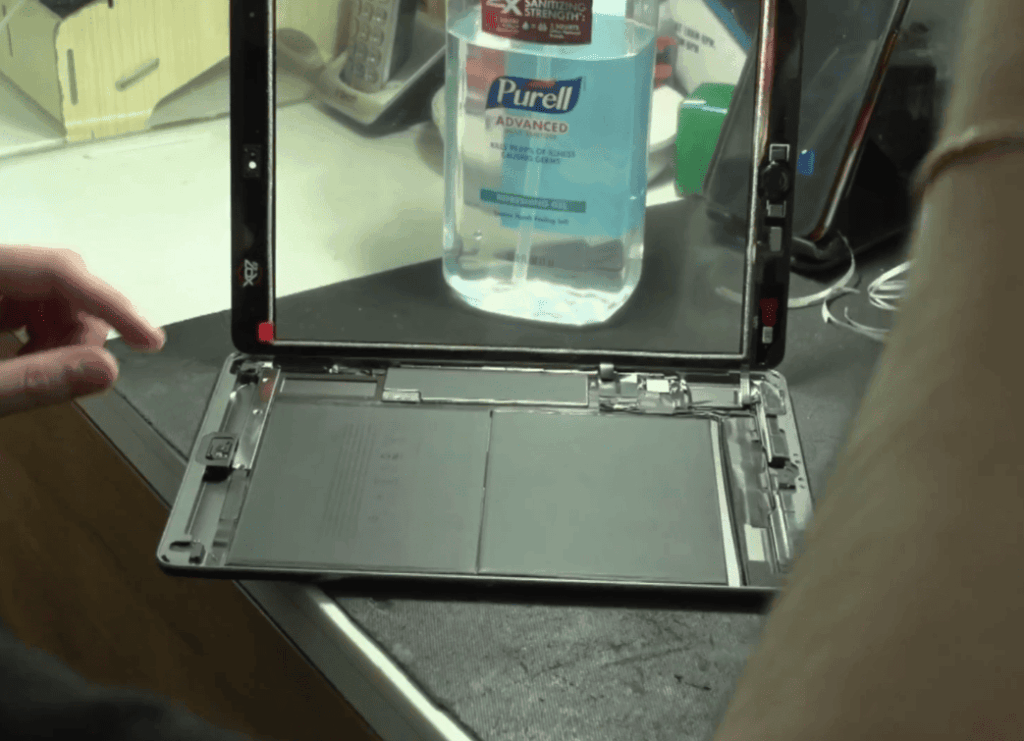
Screen restoration expenses show significant variation. Basic replacement parts purchased online might start around $20. Professional manufacturer services often charge several hundred dollars.
For popular devices like iPads, professional screen repair offers substantial savings. New iPads begin at $449, with high-end models reaching $799. Repairing instead of replacing can save over 40%.
Authorized service centers typically charge higher prices than independent shops. However, they usually include warranties and guaranteed quality components. Getting multiple estimates helps find the best value.
Common Types of Damage and Repair Needs
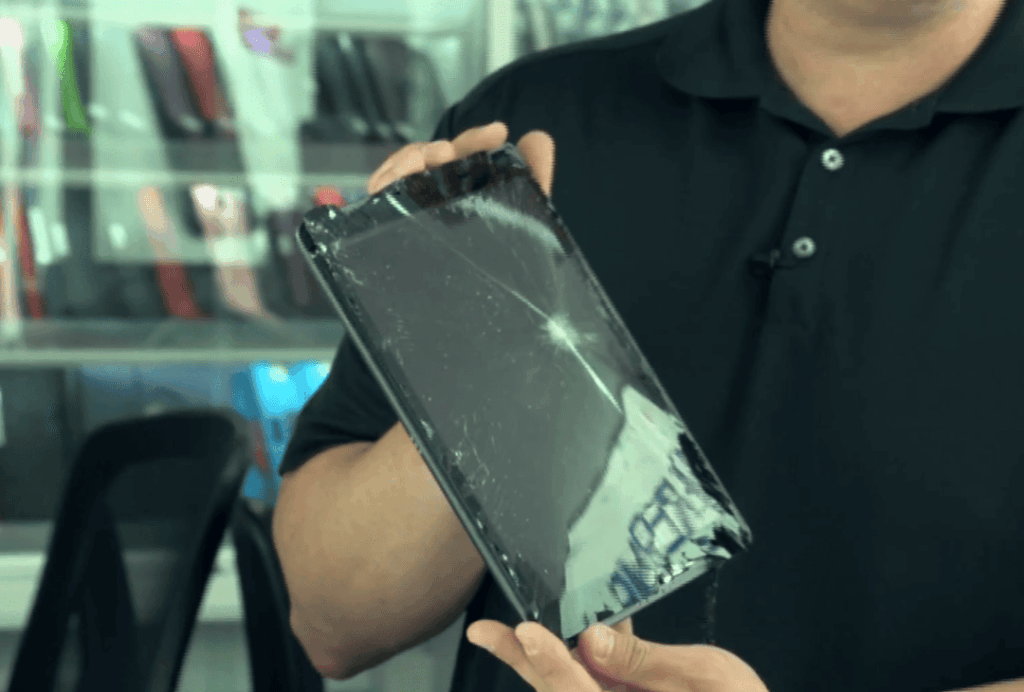
Tablet screens encounter different damage patterns. Impact cracks result from drops, while pressure cracks occur from sitting or bag compression. Surface scratches come from contact with keys or other objects.
The repair complexity varies greatly between glass-only damage and full display issues. Simple surface cracks affect only the protective layer. Complete shattering may damage the LCD underneath.
Understanding your specific damage type helps estimate restoration expenses accurately. Some devices have more affordable repair options available than others.
Factors Impacting Tablet Screen Repair Prices
Multiple elements converge to determine what you’ll pay to get your tablet’s screen functioning properly again. Understanding these variables helps you budget accurately for the restoration work.
Device Model and Extent of Damage
Your specific tablet model dramatically influences the final bill. Premium devices like iPad Pros and Samsung Galaxy Tab S series command higher prices than budget tablets. Replacement parts for these high-end models cost significantly more.
The severity of damage also plays a crucial role. A small corner crack might be purely cosmetic. Extensive damage affecting the LCD underneath requires complete display assembly replacement.
Newer tablet models often incur steeper repair expenses. Their components are more expensive and less readily available compared to older, discontinued devices.
Warranty Status and Repair Location
Your warranty coverage can substantially reduce out-of-pocket costs. Tablets under manufacturer warranty typically qualify for free or discounted repairs during the first year.
Where you choose to get the work done matters significantly. Manufacturer-authorized service centers charge premium prices but use genuine parts. Independent shops offer more competitive pricing with varying quality levels.
Geographic location also impacts pricing. Repair shops in major metropolitan areas sometimes charge more than those in smaller towns. Online mail-in services can level this playing field.
how much does it cost to fix a tablet screen
Online part suppliers and neighborhood repair shops offer contrasting approaches to fixing damaged displays. Each option presents unique advantages for different situations and budgets.
Comparing Online Prices vs. Local Repair Offers
Basic components for older models like the Samsung Galaxy Tab 4 start around $20 online. These affordable parts require technical skills for proper installation.
Local phone repair stores in your area provide convenience and expertise. You can negotiate pricing by comparing online quotes with their service offers.
Breakdown of Replacement Parts and Labor Costs
Professional restoration involves multiple expense components. The display assembly itself ranges from $20 to over $300 depending on your device model.
Labor charges typically add $50-$150 to the final bill. Some stores include additional components like bezels for better value.
| Service Option | Turnaround Time | Price Range | Warranty |
|---|---|---|---|
| Walk-in Store Service | Same Day | $200-$400 | 90 days |
| Mail-in Repair | 5-7 Business Days | $150-$300 | 90 days |
| Mobile Technician | Same Day | $250-$500 | 90 days |
Samsung’s certified technicians use genuine components. Their professional service includes quality guarantees that justify higher prices.
DIY Repair vs. Professional Service
When facing a cracked screen, you’ll need to decide between fixing it yourself or hiring an expert. This choice depends on your technical skills, available time, and budget considerations.
Both approaches have distinct advantages. The DIY route offers significant savings while professional services provide guaranteed results.
Step-by-Step DIY Repair Tips
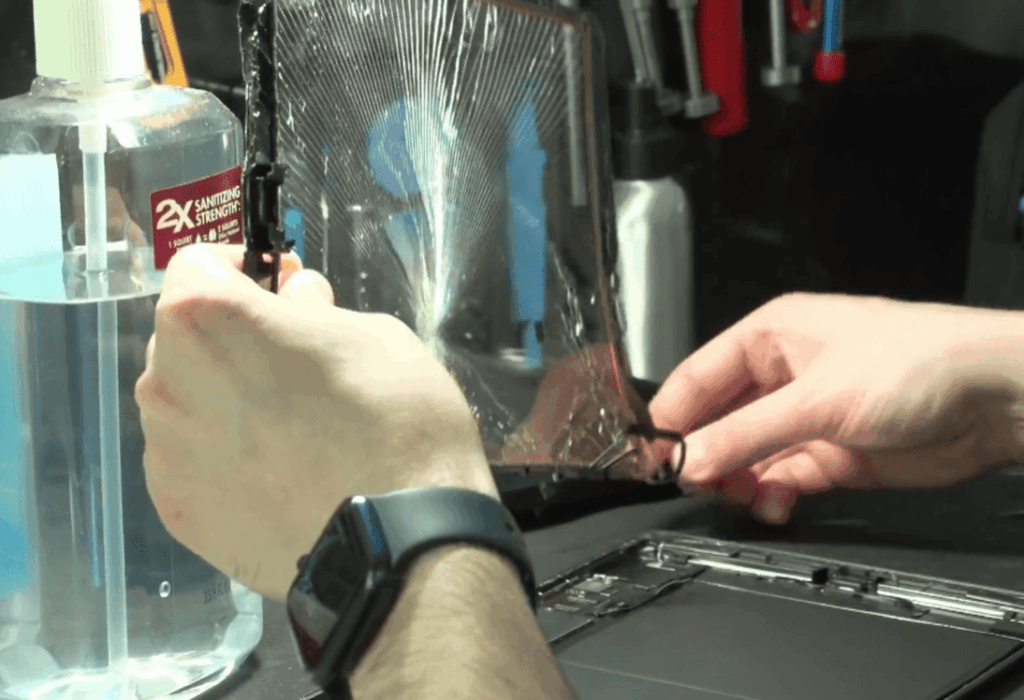
Starting a DIY repair project requires careful preparation. First, find video tutorials specific to your tablet model. These guides walk you through the entire repair process from start to finish.
Your essential tool kit should include:
- A heat gun or hair dryer for adhesive softening
- Plastic prying tools to separate components safely
- Small screwdrivers and tweezers for delicate work
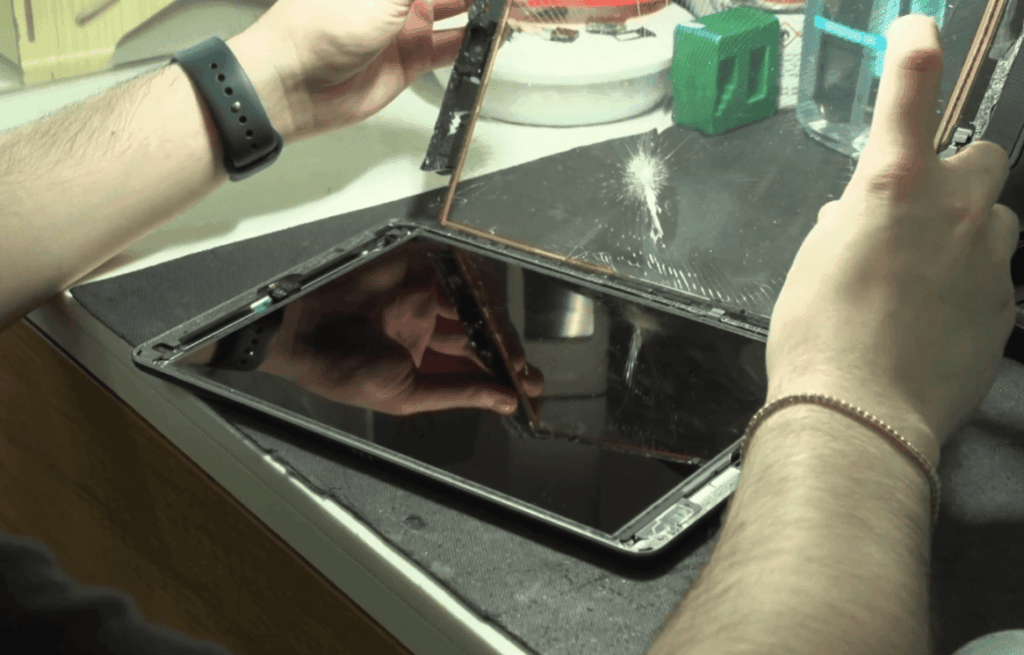
The actual repair process involves applying heat to loosen adhesive. Carefully separate the front glass from the housing. Always disconnect the battery first for safety.
When replacing cracked screens, avoid touching the LCD directly. Fingerprints on the LCD screen are difficult to clean. Work slowly to prevent spider cracks from spreading.
Risks and Benefits of Professional Repair
Professional screen repair services eliminate the DIY learning curve. Technicians have proper tools and expertise with delicate components.
The main benefits include:
- Warranties on the work performed
- Correct installation of the replacement screen
- Time savings compared to DIY projects
While DIY options cost less upfront, professional services offer peace of mind. They handle complex tasks like digitizer separation and assembly reassembly correctly the first time.
Third-Party Repairs and Warranty Considerations
Navigating repair options beyond the manufacturer can save money while maintaining quality. Third-party shops offer screen replacement services at competitive prices.
These repair options use various parts sources. Some providers use OEM components identical to original equipment. Others utilize quality aftermarket alternatives.
Evaluating Authorized Repair Centers
Authorized centers like uBreakiFix by Asurion provide manufacturer-approved service. They combine genuine parts with certified technician expertise.
Always verify a store’s reputation before committing to repairs. Check online reviews and ask about warranty coverage. Request up-front pricing to avoid surprises.
Third-party work might affect your device warranty. Some manufacturers void coverage after unauthorized repairs. Confirm your warranty status before proceeding.
| Repair Center Type | Parts Quality | Price Range | Warranty Protection |
|---|---|---|---|
| Manufacturer-Authorized | Genuine OEM | Higher | Full coverage |
| Third-Party Certified | OEM/Aftermarket | Medium | Shop warranty |
| Independent Shop | Aftermarket | Lower | Limited or none |
Trade-In, Recycling, and Extended Warranties
Extensive damage might make replacement smarter than repair. Trade-in programs offer credit toward new devices. This option works well when restoration expenses approach half the replacement cost.
Recycling damaged tablets is environmentally responsible. Many uBreakiFix locations accept electronics for recycling. Major retailers like Best Buy and Staples also participate in recycling programs.
Extended warranty plans provide ongoing protection for your device. Asurion Home+ covers accidents and normal wear and tear. This protection brings peace of mind for future repair needs.
Conclusion
A cracked screen doesn’t have to mean the end of your tablet’s useful life. With restoration expenses ranging from affordable DIY kits to professional services, there’s a solution for every budget.
Acting quickly when you notice damage prevents small cracks from spreading. Check your warranty first, as many devices qualify for low-cost or free service. Compare quotes from different providers, considering both price and quality of components.
Whether you choose DIY or professional service, the goal is restoring your device’s functionality. With the right information, you can make a confident decision that saves money while getting your tablet working perfectly again.
Screen damage is frustrating but completely fixable. You now have the knowledge to navigate the repair process successfully and return to enjoying your device.