
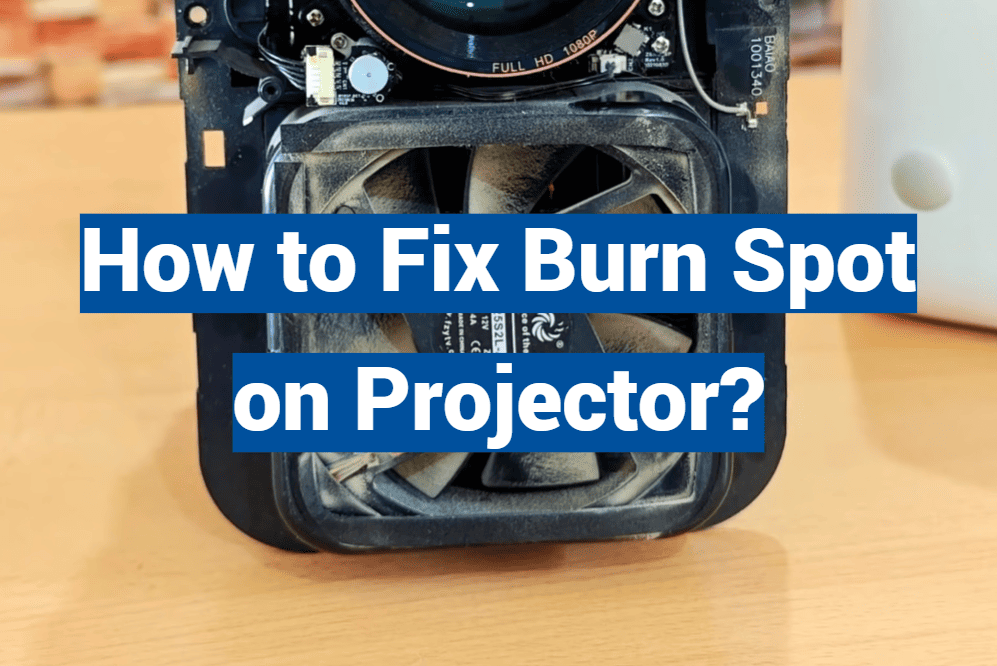
Projectors serve as critical components for businesses, classrooms, and homes, transforming ordinary walls into cinematic marvels or expansive whiteboards. However, even the most reliable projectors can develop issues over time, one of which is the dreaded ‘burn spot’ on the lens that can mar your viewing experience. This comprehensive guide will delve into the potential causes of a burn spot, walk you through the necessary steps to clean your projector lens, discuss when it’s time to bring in a professional, and share crucial tips for preventing burn spots in the future.
Identifying the Cause of the Burn Spot
Common Culprits
A burn spot on a projector lens isn’t always the result of a literal burn. It can occur due to various factors, including:
- Dust accumulation: Over time, tiny dust particles settle on the lens surface, gradually blocking light and leading to the formation of spots. This can happen in environments with poor air quality or if the projector is not cleaned regularly.
- Heat damage: Excessive heat or prolonged exposure to direct sunlight can cause damage to the lens coatings or underlying elements. The intense heat can affect the optical properties of the lens, resulting in the appearance of burn spots.
- Ignored maintenance: Neglecting proper maintenance and infrequent cleaning of the projector can make it more susceptible to issues, including burn spots. Regular cleaning and upkeep of the lens can help prevent the accumulation of debris and minimize the risk of burn spots.
By understanding these factors, users can take necessary precautions to minimize the occurrence of burn spots on their projector lenses and ensure optimal performance.
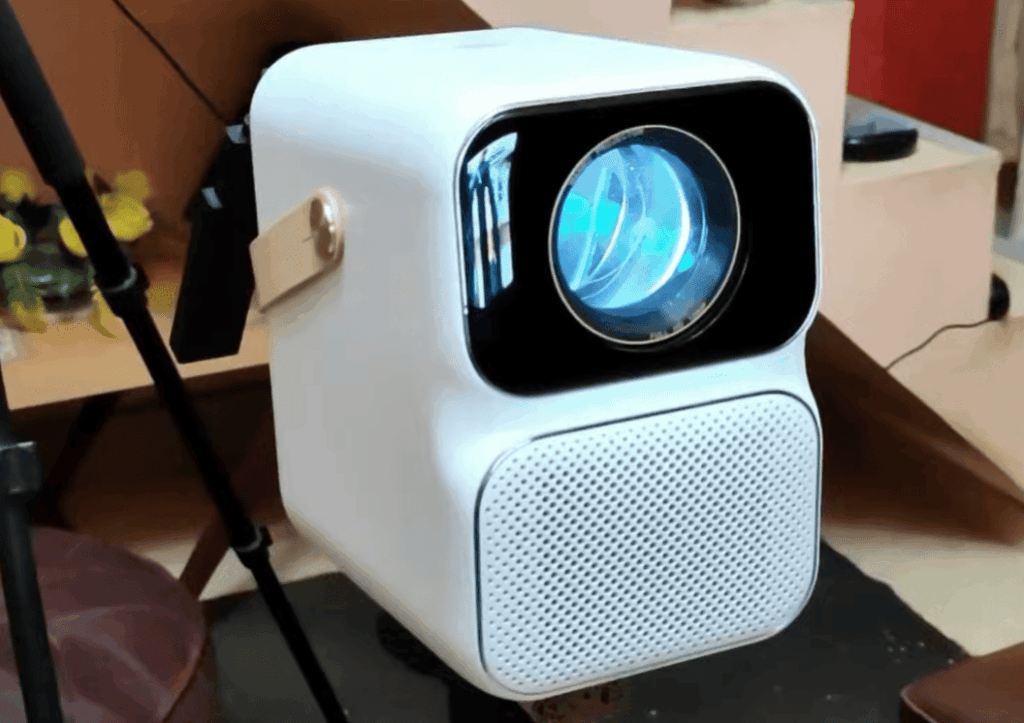
Signs and Symptoms
To identify if your projector has a burn spot, pay attention to the following signs:
- Look for a distinct and localized discoloration or dark spot on the projected image, which may appear as a concentrated area of abnormality. This could manifest as a visibly darker portion, different from the surrounding image, indicating possible burn damage.
- Observe if there are hazy or blurred areas that stand out from the rest of the projection. These areas might indicate potential burn damage caused by overheating or prolonged use.
- Take note of any distorted colors or a rainbow effect that emanates from the central burn area. This suggests a compromised projection quality due to a burn spot.
By carefully examining these indicators, you can determine if your projector is affected by a burn spot and take the necessary steps to address it, such as seeking professional assistance or adjusting the usage patterns to prevent further damage.
Steps to Clean the Projector Lens
Gather Your Supplies
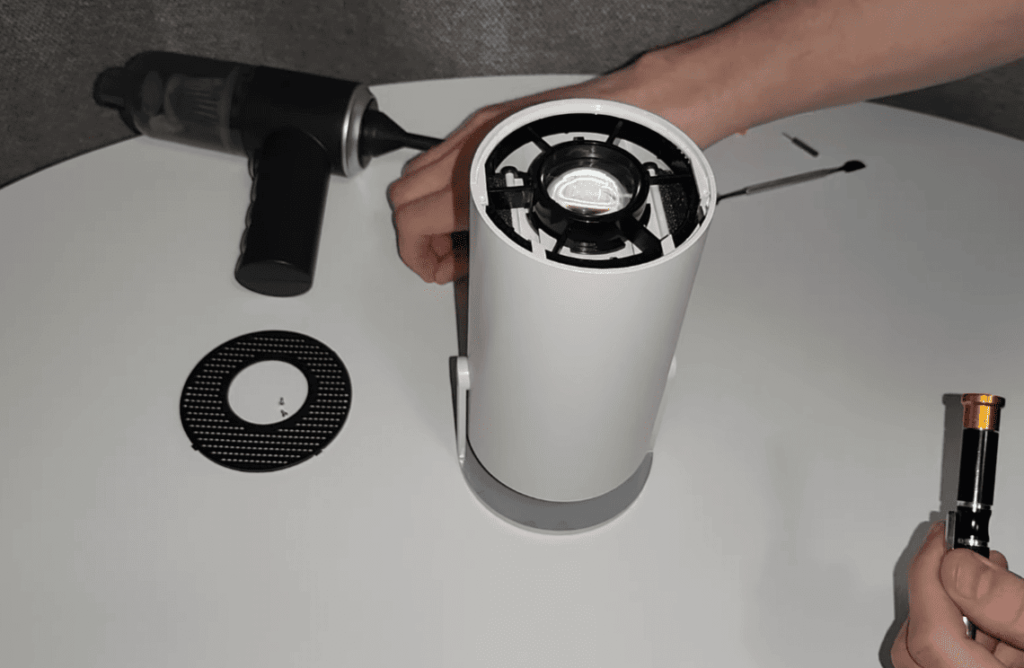
To safely and effectively clean your projector lens, you will need a few essential tools. Firstly, a can of compressed air is recommended for delicate dust removal. This gentle yet powerful airflow will help dislodge any loose particles without causing any damage. Additionally, having a lens brush or air blower on hand can be useful for tackling stubborn particles that may be harder to remove. These tools provide more precision in cleaning and ensure a thorough result.
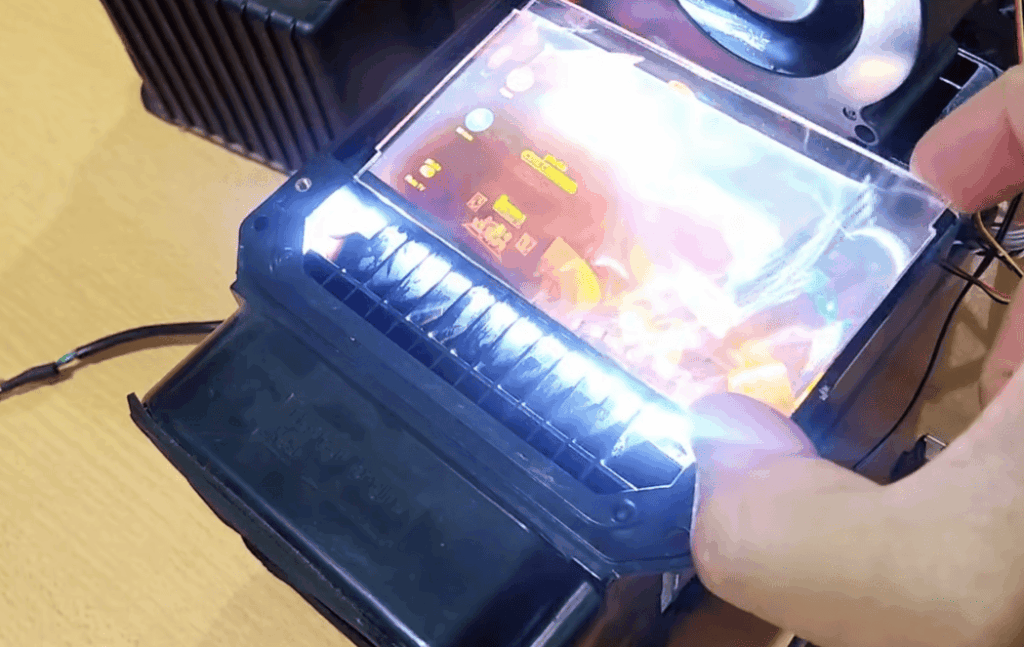
Finally, using a lint-free microfiber cloth that is slightly dampened with a suitable lens cleaner or distilled water can help to wipe away any remaining smudges or fingerprints, leaving your projector lens crystal clear and ready for optimal performance. Remember, taking the time to properly clean your projector lens will help maintain its quality and ensure a sharp and vibrant image projection.
Safe Cleaning Techniques
Before starting, it is important to ensure the proper maintenance of the projector for optimal performance and longevity. Follow these steps:
- Begin by gently powering down the projector and unplugging it from the power source. This ensures safety and prevents any electrical mishaps during the cleaning process.
- To remove loose particles and dust, start with gentle puffs of compressed air. This will dislodge any debris that may have accumulated on the surface of the lens or other parts of the projector.
- Next, use a lens brush to sweep away any remaining dust. Make gentle circular motions starting from the center and moving outwards. This helps to effectively clean the lens without causing any damage.
- If there are still smudges or stubborn marks on the lens, lightly dab the lens with a damp microfiber cloth. Remember to apply the liquid to the cloth and not directly to the lens. This prevents any potential damage that may be caused by excess moisture.
By following these steps, you can ensure that your projector remains in excellent condition, providing you with crisp and clear visuals for your presentations or entertainment needs.
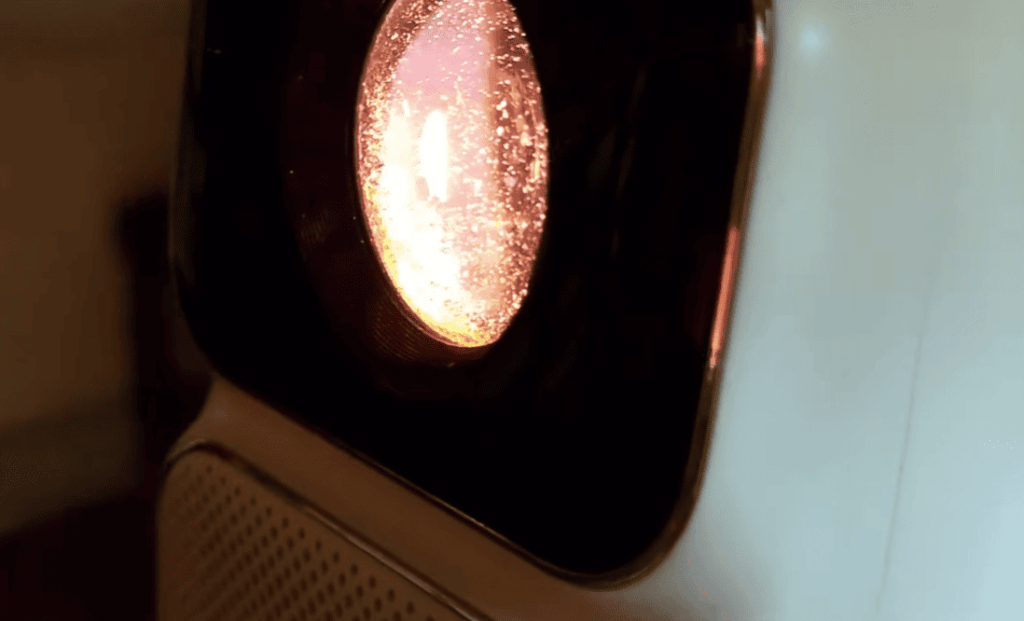
Important Precautions
- When it comes to cleaning your lenses, it is of utmost importance to remember that regular household cleaning solutions should never be used. These solutions, due to their chemical composition, have the potential to cause irreparable damage to the delicate lens coatings, compromising the optical performance of your lenses over time.
- Additionally, exercising caution and avoiding the application of excessive force during the cleaning process is crucial. Any excessive force can lead to micro-scratches on the lens surface, affecting the clarity and overall visual quality of your lenses. It is advisable to use gentle, sweeping motions with a soft, lint-free cloth or a lens cleaning solution specifically designed for optical lenses.
- To ensure a thorough cleaning, it is recommended to take your time and approach the task slowly and methodically. Pay attention to every spot on the lenses, especially areas that may accumulate dirt or debris, such as the edges and corners. Be mindful of potential accidents that might occur, such as accidentally dropping or knocking your lenses against hard surfaces. By adopting a careful and meticulous approach, you can effectively maintain the quality and longevity of your lenses, ensuring optimal visual clarity and comfort for years to come.
When to Seek Professional Help
Signs of Serious Damage
While most burn spots can be resolved with proper cleaning techniques, there may be instances where professional assistance is necessary. This includes situations where the spot does not respond to any cleaning attempts and persists on the lens, or when there are visible scratches on the lens surface. In such cases, seeking help from a qualified technician or optician who specializes in lens repair can provide the expertise needed for effective resolution.
Additionally, it is important to pay attention to any accompanying image anomalies and unusual sounds that may be indicative of a more serious issue. If the image anomalies are accompanied by whirring or whining sounds coming from the projector unit, it is advisable to seek professional help promptly. This can help prevent further damage and ensure that any underlying problems are addressed and resolved in a timely manner.
Taking these factors into consideration and promptly seeking professional assistance when needed will ensure that any issues with burn spots are effectively addressed and resolved, ultimately prolonging the lifespan and performance of your projector.
Professional Cleaning and Repair
Service technicians can provide thorough cleanings that go beyond what’s possible at home. They have specialized equipment and expertise to ensure a deep and comprehensive cleaning of your projector, removing dust and debris that can affect its performance.
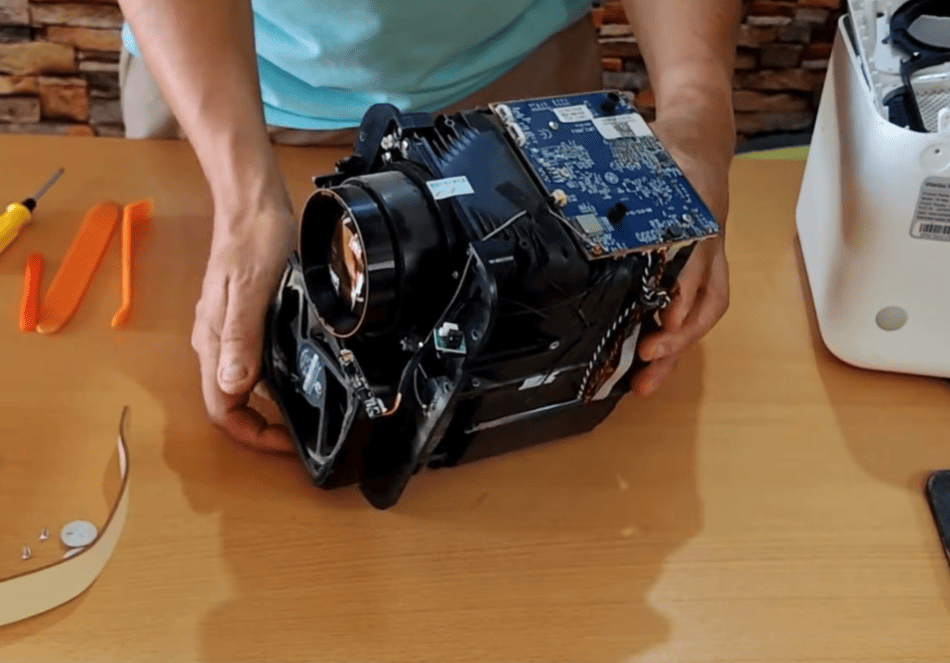
Additionally, they can repair lens damage if it’s within their capabilities. Whether it’s a scratch or a crack, their skill and knowledge allow them to restore the lens to its optimal condition, ensuring clear and sharp image projection.
Moreover, service technicians perform overall projector maintenance to prevent future issues. They inspect and address potential problems, such as worn-out components or faulty connections, ensuring your projector operates smoothly and consistently.
Furthermore, if your projector is still under warranty, service technicians can offer warranty-covered repairs. This means that you can have peace of mind knowing that any necessary repairs will be taken care of without additional cost.
With the expertise and services provided by service technicians, you can ensure the longevity and optimal performance of your projector, allowing you to enjoy high-quality projections for years to come.
Preventive Measures
Minimizing Dust
To reduce the likelihood of dust-related burn spots, follow these steps:
- Store the projector in a clean and dust-free environment when it is not in use. This will help prevent dust particles from settling on the lens or other sensitive parts.
- Regularly clean the room where the projector is housed to minimize the presence of airborne particles. Dusting surfaces, vacuuming, and ensuring proper ventilation can all contribute to a cleaner environment.
- Consider using a projector cover between uses to provide an extra layer of protection for the lens. This cover will shield the lens from potential dust accumulation and help maintain its clarity.
By implementing these practices, you can prolong the lifespan of your projector and ensure optimal performance by minimizing the impact of dust-related burn spots.
Maintenance Best Practices
To ensure that your projector lasts for a long time, it’s important to follow these maintenance tips:
- Follow the manufacturer’s recommended maintenance schedule diligently. This will help you stay on top of routine maintenance tasks and ensure that your projector functions optimally.
- Keep a detailed projector log where you record cleaning dates and patterns. This will allow you to keep track of when the projector was last cleaned and determine the ideal frequency for future cleanings.
- When handling the projector, make sure to avoid touching the lens with bare hands. The natural oils from your skin can cause smudges over time, affecting the image quality. Instead, use a microfiber cloth or lens cleaning solution to gently clean the lens when necessary.
By implementing these maintenance practices, you can prolong the lifespan of your projector and enjoy high-quality projections for a longer period of time. Regular and proper maintenance not only ensures optimal performance, but it can also save you from expensive repairs or replacements down the line. Taking preventive measures now can make a significant impact on the long-term health of your projector.
Other problems that may occur with a projector
Apart from burn spots, there are other potential problems that may occur with projectors. Some of these issues include:
- Image flickering or distortion: This can be caused by faulty connections, outdated firmware, or software glitches.
- Color and contrast issues: These problems can arise due to incorrect settings, damaged color filters, or malfunctioning components.
- Lamp failure: Projector lamps have a limited lifespan and may need to be replaced periodically.
- Fan or ventilation issues: Overheating can occur if the projector’s fans are not functioning properly, leading to shut down or permanent damage.
- Power failure: This can happen due to faulty power cords, damaged power supplies, or electrical faults.
If you encounter any of these problems with your projector, it is important to address them promptly to prevent further damage and ensure optimal performance. Seeking professional assistance or referring to the manufacturer’s troubleshooting guide can help resolve these issues effectively. Regular maintenance and proper use can also help prevent these problems from occurring in the first place.
FAQ
Can I use any cleaning solution on the lens?
No, it is highly advisable to refrain from using any ordinary cleaning solution on the lens. For optimal maintenance and preservation, it is crucial to exclusively employ a specialized projector lens cleaning solution explicitly designed for this precise purpose. Utilizing alternative solutions not intended for this task can potentially lead to detrimental consequences such as lens damage or compromised performance. Therefore, it is strongly recommended to exercise caution and adhere to the prescribed cleaning methods to ensure the longevity and optimal functioning of the lens.
How often should I clean my projector?
It is recommended to clean your projector at least once a month, but frequency may vary depending on usage and environment. Consider keeping a detailed log of cleaning dates and patterns to determine the ideal frequency for your specific projector. Regular maintenance is crucial in prolonging the lifespan of your projector and ensuring optimal performance.
How often should I replace the bulb?
Most projector lamps have a lifespan of approximately 2,000 to 3,000 hours. However, this can vary depending on usage and environment. It is recommended to check the manufacturer’s specifications for the estimated lifespan of your specific projector bulb and replace it accordingly. Keeping track of lamp usage and replacing it promptly when necessary can help prevent unexpected failures and maintain consistent image quality. By regularly adhering to these recommended practices, you can ensure the long-term health and optimal performance of your projector without incurring additional costs. So, keep these preventive measures and maintenance tips in mind, and enjoy high-quality projections for years to come! Happy projecting!
Is it safe to open my projector for cleaning?
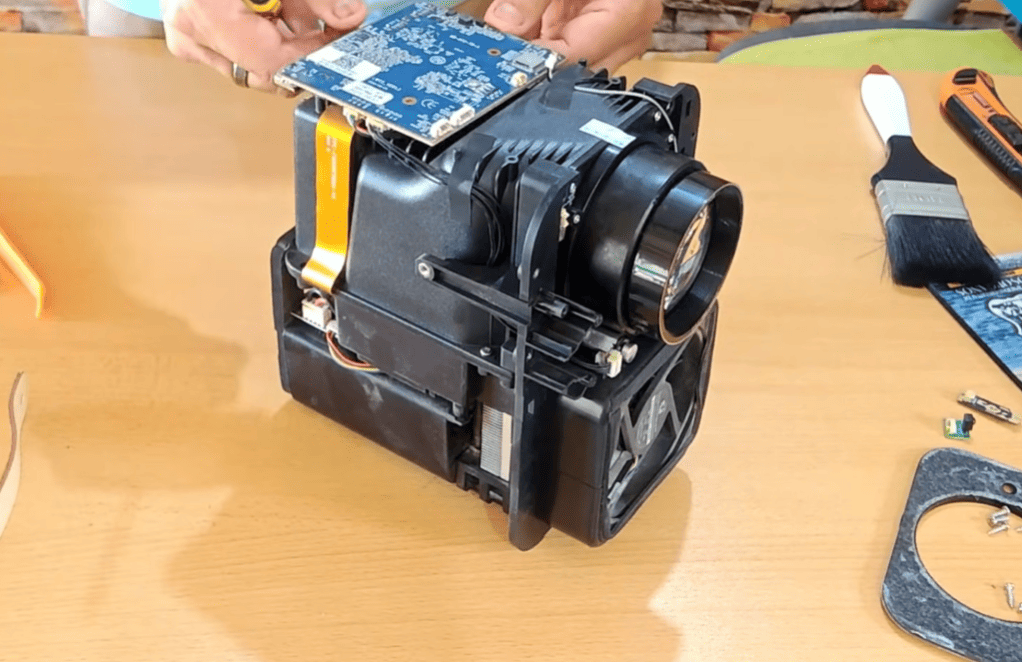
No, it is not recommended to open your projector for cleaning unless you have proper knowledge and experience with its internal components. Attempting to clean the inside of a projector without proper training can cause damage and void your warranty. It is best to seek professional assistance or refer to the manufacturer’s recommended service centers for any internal maintenance needs. Keeping up with regular external cleaning and maintenance will help prevent the need for opening the projector in the first place. It is always better to err on the side of caution and avoid potential risks to your projector’s functionality.
Can you fix burn in on a projector?
Burn in on a projector can be challenging to fix and may require professional assistance. In some cases, adjusting the settings or replacing the bulb may help reduce the visibility of burn spots. However, if they are severe or have been present for an extended period, it may not be possible to completely eliminate them. Prevention is always better than trying to fix burn spots, so make sure to follow proper maintenance practices to avoid this issue. Regular cleaning and avoiding prolonged usage with static images can help prevent burn in on your projector. If you do encounter this issue, consult with a professional for the best course of action.
How do you fix a spot on a projector?
A spot on a projector can be caused by various factors such as dust, dirt, or even damage to the lens. To fix this issue, start by gently cleaning the lens with a microfiber cloth or specialized cleaning solution. If the spot persists, it may be necessary to adjust the focus or zoom settings on the projector. In some cases, professional assistance may be required to diagnose and fix the issue. Regular cleaning and maintenance can help prevent spots from occurring in the first place, so make sure to follow recommended guidelines for optimal performance of your projector. In case of persistent issues with spots or any other problems, it is always best to seek professional assistance for proper resolution.
Why does my projector have a brown spot?
A brown spot on a projector can be caused by various factors such as dust, dirt, or even damage to the lens. It can also occur due to color calibration issues or a faulty color wheel. To fix this issue, start by gently cleaning the lens with a microfiber cloth or specialized cleaning solution. If the spot persists, check the color settings and try calibrating the projector. If the issue continues, it may be necessary to replace the color wheel or seek professional assistance for further troubleshooting. Regular maintenance and proper usage can help prevent brown spots from occurring on your projector.
Can a projector overheat?
Yes, projectors can overheat if not properly maintained or used in environments with poor ventilation. Overheating can cause damage to internal components and affect the overall performance of the projector. To prevent overheating, make sure to clean the air vents regularly and avoid using the projector for prolonged periods without breaks. It is also recommended to keep the room temperature between 50-95 degrees Fahrenheit (10-35 degrees Celsius) when using a projector. If you suspect that your projector is overheating, turn it off immediately and let it cool down before using it again. Seek professional assistance if the issue persists. Keeping your projector well-maintained and following proper usage guidelines can help prevent overheating and ensure its longevity.
Do projectors burn out?
Yes, projectors can burn out if not properly maintained or used for prolonged periods without breaks. The most common cause of a projector burning out is the bulb reaching the end of its lifespan. However, other factors such as dust buildup, overheating, or damage to internal components can also contribute to a projector burning out. To prevent this from happening, make sure to regularly clean and maintain your projector, follow recommended usage guidelines, and replace the bulb when necessary.
With proper care and maintenance, you can prolong the lifespan of your projector and avoid burnouts. Keep in mind that projectors are not designed for continuous use like TVs; they require breaks to cool down and prevent overheating. So make sure to give your projector some rest between use and follow proper maintenance practices for optimal performance. Remember, prevention is always better than trying to fix any issues that may arise from neglecting these essential guidelines.
Conclusion Paragraph
A burn spot on your projector lens can be disheartening, but it’s often a manageable issue. By identifying and addressing the cause, learning the right way to clean the lens, and taking preventative measures, you can enjoy crystal clear projections again. Remember, a well-maintained projector not only provides a better image quality but also a longer service life.
Addressing burn spots promptly is crucial in maintaining your projector’s performance. If cleaning doesn’t restore your projector’s image quality, it is time to turn to the professionals. By staying attentive to your equipment and implementing our tips, you can elevate your projector’s performance and the experience it provides.