
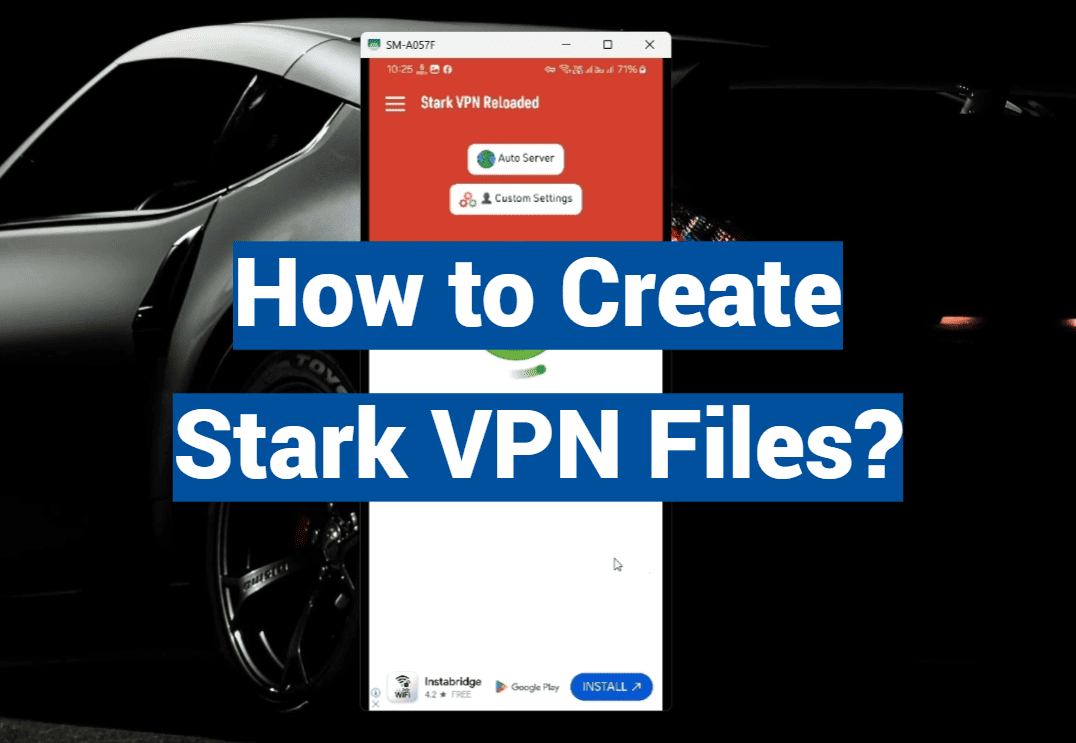
In the expansive realm of virtual private networks (VPNs), Stark VPN has carved a niche for itself with its robust privacy features and user-friendly design. Whether you’re a privacy-conscious individual or an IT professional looking to optimize network security, understanding how to create custom Stark VPN files can be a game-changer. This post is a deep-dive into the process — demystifying the technical jargon and offering clear guidance so you can create and use your own custom Stark VPN files with confidence.
A Primer on Stark VPN
For individuals who are new to VPN services, Stark VPN is a standout choice known for its user-friendly approach. With its modern and intuitive interface, complemented by a broad spectrum of customizable options, it caters to a wide array of users. What sets Stark VPN apart is not only its exceptional flexibility in file creation but also its robust security features that ensure a safe and private online experience. Whether you’re a beginner or an experienced user, Stark VPN offers a seamless and reliable solution for all your virtual private network needs.
By creating personalized Stark VPN configuration files, users have the ability to tailor their VPN experience according to their specific needs. This customization not only helps in overcoming geographical restrictions but also ensures a secure and private online connection. Such a high level of customization gives users the freedom to explore the digital realm with enhanced confidence and seamless navigation, providing a robust shield against potential cyber threats.
Why do you need a VPN?
Accessing Blocked Content
VPN allows you to bypass geo-restrictions and access websites and content that may be blocked in your region. This is particularly useful for travelers who want to access their favorite shows or streaming services while abroad, or for individuals living in countries with strict internet censorship policies.
Protection From Hackers
Using a VPN not only safeguards you from hackers and cybercriminals, but it also adds a layer of security by encrypting your internet connection. This encryption ensures that any data exchanged between your device and the server remains confidential and inaccessible to third parties. This protective measure becomes crucial, particularly when utilizing public Wi-Fi networks that are frequently left unsecured, making them prime targets for potential hacking attempts.
Privacy and Anonymity
VPNs offer a valuable layer of anonymity by concealing your IP address and physical location. This added privacy measure thwarts efforts by websites, advertisers, and internet service providers to monitor your online behavior and construct a detailed profile about you. Given the growing apprehension surrounding data privacy in today’s digital landscape, incorporating a VPN into your online routine can provide you with reassurance, assuring that your internet activities remain private and shielded from prying eyes.
Remote Access
Apart from personal use, businesses frequently employ Virtual Private Networks (VPNs) to furnish their employees with a secure means of accessing the company’s network remotely. By implementing VPNs, companies ensure that their staff can work from home or while on the go, maintaining productivity without jeopardizing the confidentiality of critical company data. This approach not only enhances flexibility for employees but also reinforces the overall security posture of the organization.
Cost-Effective
Using a VPN is often a more cost-effective option compared to alternative methods for safeguarding your internet connection, like employing a proxy server or leased line. By utilizing a VPN, you gain the flexibility to connect to numerous servers situated in various countries. This feature allows you to switch between servers effortlessly, tailoring your connection to specific needs without any supplementary expenses.
Bypass Throttling
Internet service providers (ISPs) sometimes throttle or decrease internet speeds for specific activities like streaming movies or downloading files through torrents. However, by utilizing a Virtual Private Network (VPN), your ISP is unable to monitor your online activities, preventing them from slowing down your connection speed. This additional layer of privacy not only safeguards your browsing habits but also guarantees a more seamless and expeditious online experience overall.
Types of Virtual Private Network (VPN) and its Protocols
Site to Site VPN
Site to Site VPN is a type of VPN that connects two or more networks together over the internet. This allows organizations with multiple locations to securely communicate and share data between their different network environments.
One major advantage of Site to Site VPN is its scalability. It can accommodate a large number of devices and users, making it suitable for small businesses as well as large corporations. Additionally, Site to Site VPN offers a high level of security through encryption and authentication protocols.
Other benefits of Site to Site VPN include cost-effectiveness, as it eliminates the need for expensive dedicated lines, and easy remote access for employees working from different locations.
Furthermore, there are two types of Site to Site VPN: Intranet-based and Extranet-based. Intranet-based Site to Site VPN connects two private networks belonging to the same organization, while Extranet-based Site to Site VPN connects a private network to a partner or supplier’s network.
Remote Access VPN
Remote Access VPN is a type of VPN that allows individual users to securely access a private network from a remote location. This is commonly used by employees who need to connect to their company’s network while working remotely.
Remote Access VPN uses a combination of encryption and authentication protocols to establish a secure connection between the user and the private network. This ensures that sensitive information remains protected even when accessed outside of the organization’s physical premises.
One key advantage of Remote Access VPN is its flexibility, as it allows employees to work from anywhere with an internet connection. It also offers a high level of security, preventing unauthorized access to the private network.
Remote Access VPN can be configured in two ways: Client-based and Network-based. In client-based Remote Access VPN, users must install a VPN client on their device to connect to the private network. In network-based Remote Access VPN, users can connect directly through a web browser or dedicated software without the need for a VPN client.
Cloud VPN
Cloud VPN is a type of VPN that enables secure communication between cloud-based resources and an organization’s network. It uses virtual private cloud (VPC) and virtual private gateway (VGW) to establish a connection between the two networks.
One major benefit of Cloud VPN is its scalability, as it allows organizations to easily expand their network without having to invest in physical infrastructure. It also offers a high level of security, with data being encrypted in transit between the cloud and private network.
Additionally, Cloud VPN is cost-effective as it eliminates the need for expensive hardware and maintenance costs. It also enables easy remote access for employees working from different locations, providing flexibility and productivity.
Some examples of popular Cloud VPN solutions include Amazon Web Services (AWS) VPN, Microsoft Azure VPN, and Google Cloud VPN.
Mobile VPN
Mobile VPN is a type of VPN that enables secure communication between mobile devices and a private network. This is especially useful for employees who need to access company resources while on the go.
Mobile VPN uses encryption and authentication protocols, as well as tunneling technologies, to establish a secure connection between the mobile device and the private network. This ensures that sensitive information remains protected even when accessed outside of the organization’s physical premises.
One major advantage of Mobile VPN is its flexibility, as it allows employees to securely access company resources from any location with an internet connection. It also offers a high level of security, protecting against cyber threats and unauthorized access.
VPN Protocols
In addition to the different types of VPNs, there are also various protocols that govern how data is transmitted and secured within a VPN. Some common VPN protocols include:
- Point-to-Point Tunneling Protocol (PPTP): This protocol is widely used for remote access and is supported by most operating systems. However, it has been found to have security vulnerabilities and is not recommended for sensitive data.
- Layer 2 Tunneling Protocol (L2TP): This protocol works in conjunction with IPsec for enhanced security and is commonly used in combination with PPTP.
- Internet Protocol Security (IPsec): This protocol offers a high level of security through encryption and authentication. It is commonly used in site to site VPNs.
- Secure Sockets Layer (SSL) and Transport Layer Security (TLS): These protocols are commonly used for remote access VPNs, particularly in web-based applications.
- OpenVPN: This open-source protocol is highly customizable and offers a high level of security through its use of SSL/TLS encryption.
Understanding the different types of VPNs and their protocols is crucial in selecting the right solution for your organization’s needs. Each type offers its own unique benefits and considerations, so it is important to carefully evaluate and choose the most suitable option. By implementing a VPN, organizations can ensure secure communication and protect sensitive data from potential cyber threats. So, it is essential to regularly review and update the VPN to maintain its effectiveness and security.
How to Create Stark VPN Files?
What You Need to Get Started
Before you jump into the nitty-gritty, you’ll need to set up a few things:
- A Stark VPN Account: You can’t log in without one! If you haven’t already, register for an account.
- A Text Editor: Any will do, but one that can deal with plain text files is ideal for avoiding unintentional formatting.
- A Little Know-How: Some familiarity with networking basics, like IP addresses and server protocols, will go a long way.
Step 1: Gathering Server Information
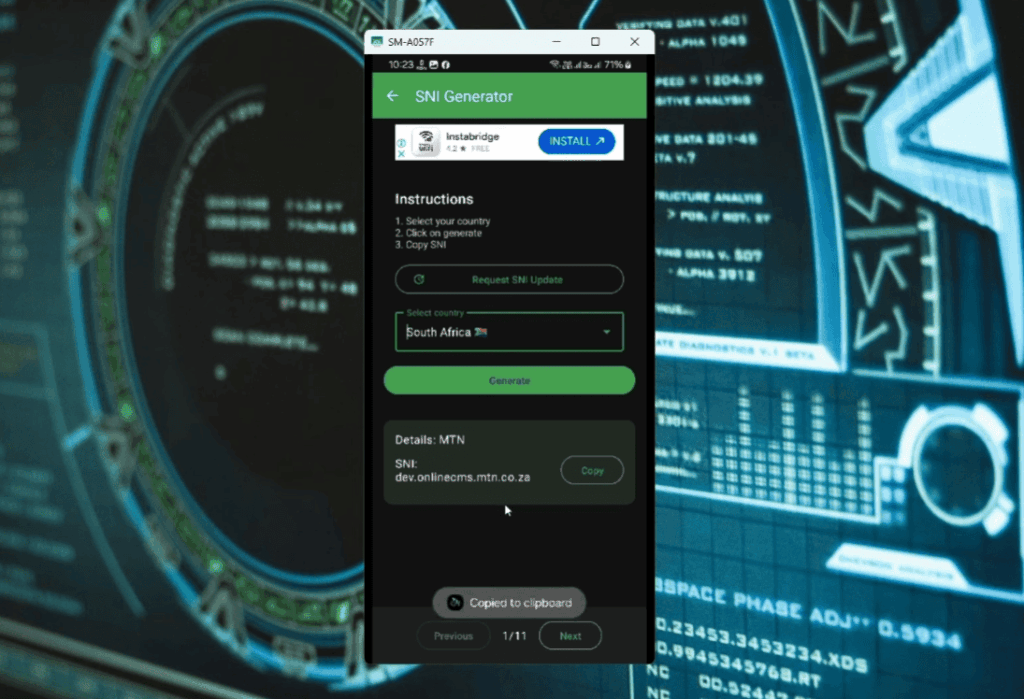
The core of your custom Stark VPN file will be the server details. You’ll need to decide which server you want to connect to. To do this, visit the Stark VPN server list and note down the server’s domain name or IP address, and the protocol it uses (such as OpenVPN).
Step 2: Configuration File Formatting
Next, you’ll need to create a .ovpn file. This is the configuration file that will tell Stark VPN how to connect to your chosen server. It means OpenVPN, but the format can be used with other VPN clients. Use your text editor to create a blank file and save it as servername.ovpn in a place you’ll remember.
Step 3: Inputting Server Information
This step is where you’ll put the server information you gathered in Step 1 into your .ovpn file. You may also need to add additional lines for authentication, depending on the server’s settings.
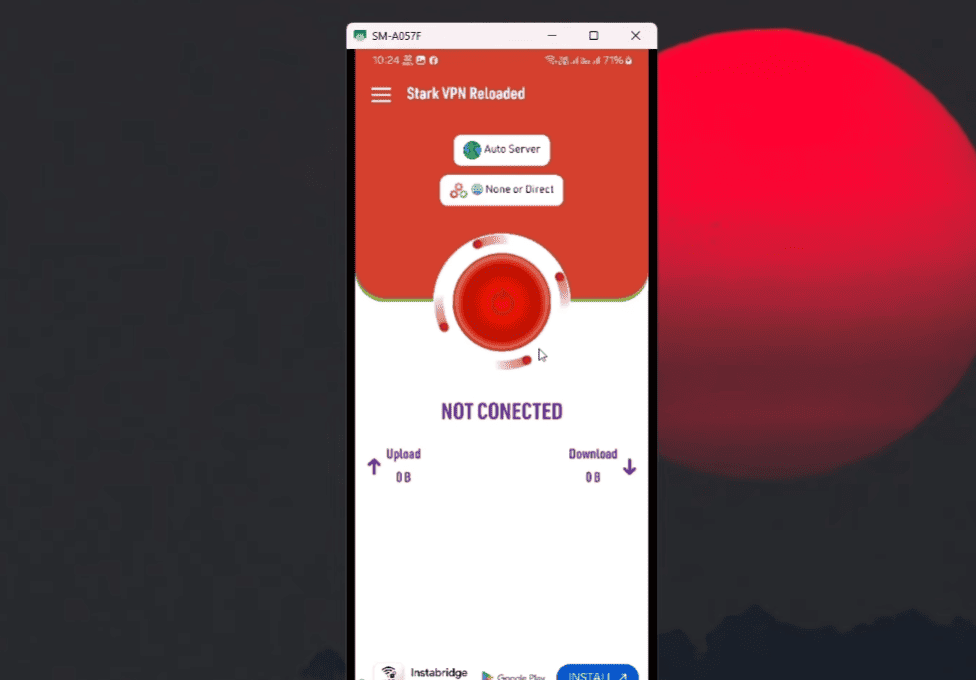
Step 4 Connecting to Stark VPN with Your Custom File
Once you’ve created your .ovpn file, all that’s left to do is connect to Stark VPN with it. Follow these steps:
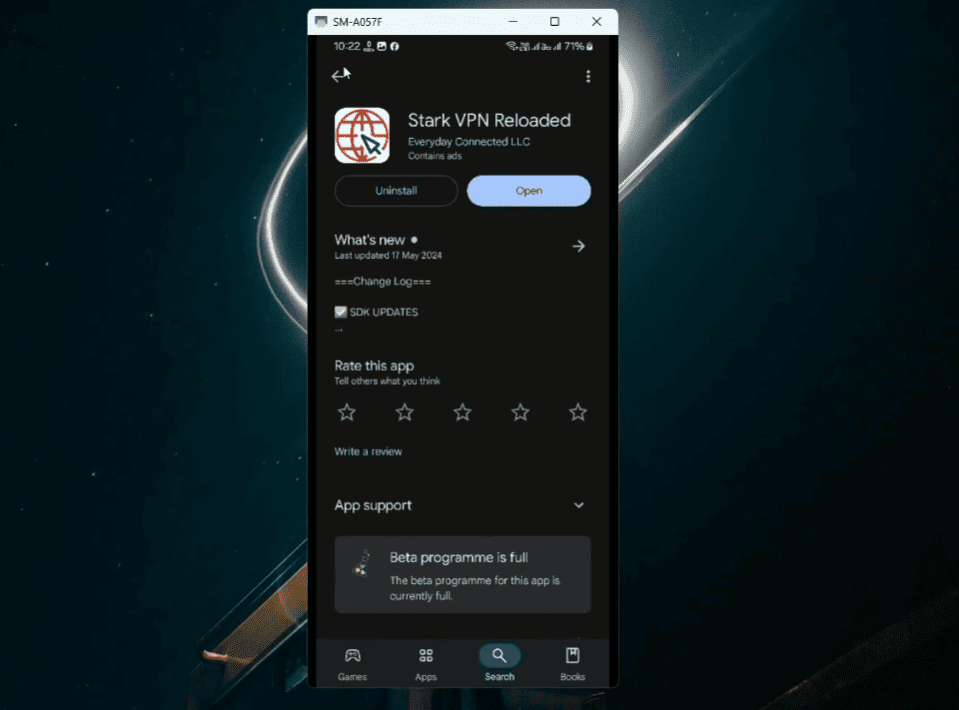
- Open the Stark VPN app and tap on the three dots in the top right corner.
- Tap on “Import” and select your servername.ovpn file from where you saved it.
- Input your Stark VPN login credentials when prompted.
- Click on the imported server and hit “Connect”.
And voila! You’re connected to a custom server with Stark VPN. If you encounter any issues, double check that all of your information is correct in your .ovpn file. Happy browsing!
Additional Tips
- Always make sure your server information is accurate, as even small typos can cause connection problems.
- You can create multiple .ovpn files for different servers and switch between them easily in the Stark VPN app.
- Don’t share your custom .ovpn file with others, as it contains your authentication details. As mentioned earlier, having some networking knowledge comes in handy when creating custom Stark VPN files. If you’re not familiar with networking, consider brushing up on some basics to make the process smoother. Additionally, keep an eye out for updates and changes to the server lists as new servers are added and others may be retired.
- Overall, creating custom Stark VPN files is a great way to optimize your browsing experience and access websites that may be blocked in your region.
Troubleshooting Common Issues while Creating Custom Stark VPN
While creating custom Stark VPN files can seem daunting at first, it’s a fairly straightforward process once you get the hang of it. However, if you encounter any issues along the way, here are some common problems and their solutions:
- Connection Fails: If your connection fails, double check that all of your server information is correct in the .ovpn file. Also, make sure you have a stable internet connection.
- Slow Speeds: If you experience slow speeds with your custom Stark VPN file, try switching to a different server or protocol. Some servers may be more congested than others, so it’s always worth experimenting with different options.
- Authentication Problems: If you’re having trouble authenticating with your custom file, make sure all of the necessary authentication lines are included in the .ovpn file. You may also want to try changing your Stark VPN account password and updating it in the file as well.
- Errors in File Creation: If you encounter any errors while creating your .ovpn file, it’s likely due to incorrect formatting or missing information. Double check that all of the necessary fields are filled in and that the file is saved with a .ovpn extension.
- Outdated Server Information: As mentioned earlier, keep an eye out for updates and changes to the server lists as new servers are added and others may be retired. If you’re using outdated server information, it can cause connection issues.
By keeping these troubleshooting tips in mind, you should be able to successfully create custom Stark VPN files without any major problems. And if you do run into any issues, don’t hesitate to reach out to the Stark VPN support team for assistance. Happy browsing!
FAQ
What are the 4 main types of VPN?
- Remote Access VPN: A remote access VPN allows users to connect to a private network from any location using the internet. This type of VPN is commonly used by employees who need secure access to their company’s network while working remotely.
- Site-to-Site VPN: Also known as router-to-router or gateway-to-gateway, this type of VPN connects two or more networks together over the internet. It is commonly used by businesses to securely connect their branch offices or remote data centers.
- Extranet VPN: An extranet VPN allows authorized external users to access specific resources within a company’s network, such as partners, suppliers, or customers. It provides a secure way to share sensitive information with trusted third parties.
- Intranet VPN: An intranet VPN is used to connect multiple internal networks within a company, creating a secure private network for employees to access company resources. It is commonly used by large organizations with multiple offices or campuses.
What are the benefits of using a VPN?
- Enhanced Security: A VPN encrypts all data between your device and the internet, preventing interception of sensitive information – crucial for public Wi-Fi.
- Remote Access: Use a VPN to securely connect to your company’s network globally, facilitating remote work and boosting productivity.
- Overcoming Geographical Restrictions: By changing your virtual location with a VPN, you can access restricted content on websites or streaming platforms.
- Anonymity: A VPN conceals your IP address and encrypts online traffic for privacy, shielding your browsing history from tracking.
- Cost-Effective: VPNs offer economical network security compared to leased lines, without requiring extra hardware.
- Flexibility: VPNs support secure remote connections from various devices like laptops, smartphones, and tablets, enabling convenient access to sensitive data while on the move.
Conclusion Paragraph
Crafting custom Stark VPN files may seem challenging, especially for non-techies. With a systematic approach and clear understanding of your needs, you can create a secure, personalized VPN experience. Remember, with great power comes great responsibility. Protect your config files and information, share cautiously, and consider extra security like two-factor authentication. Creating your Stark VPN files is rewarding, offering more privacy control and a valuable learning opportunity for personal and professional use.