

Tired of seeing the world through an orange-tinted lens? Well, prepare to bid farewell to those pesky orange lights that have been plaguing your Instax Mini 9 adventures! This troubleshooting guide will unravel the mystery behind the dreaded flashing orange lights and equip you with the knowledge you need to fix this issue once and for all. Say goodbye to the frustration and say hello to picture-perfect moments with vibrant colors and clarity. So, dive into the world of Instax Mini 9 and unlock the secret to banishing those pesky orange lights for good!
Why an Instax Mini 9 camera?
The Instax Mini 9 camera has become increasingly popular over the years, and for good reason. This compact instant film camera offers a fun and unique way of capturing memories that cannot be replicated by digital cameras. But what makes it stand out from other instant cameras?
Affordable Price and Variety of Colors
One of the main reasons why people choose the Instax Mini 9 as their instant camera of choice is because of its affordable price. Compared to other instant cameras available in the market, the Mini 9 is not only known for its exceptional features but also for being relatively inexpensive, making it accessible to a wider audience. With its budget-friendly price range of $60-$70, the Instax Mini 9 becomes an attractive option for those who are on a budget or those who are looking for an affordable gift.
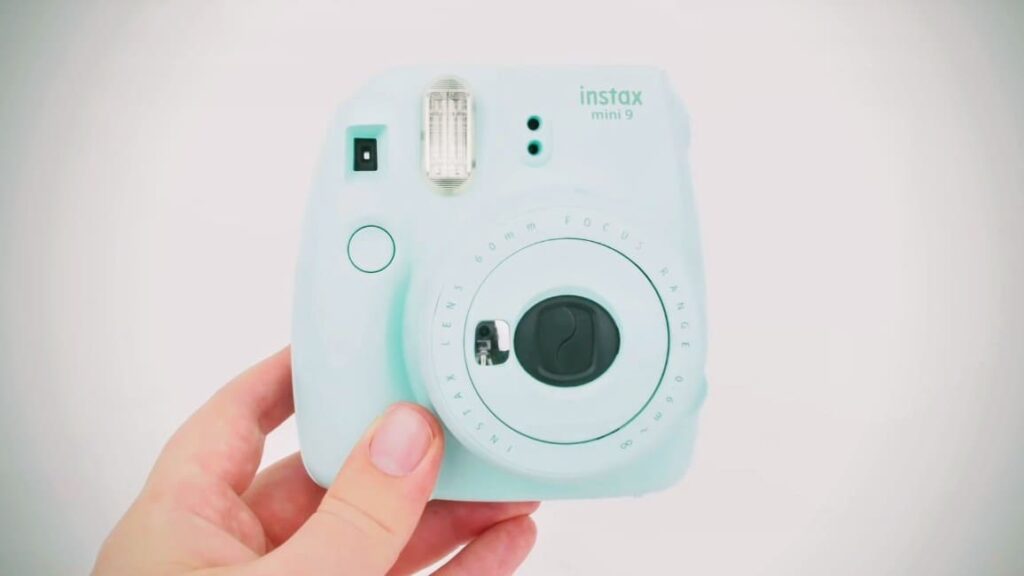
In addition to its affordability, the Instax Mini 9 stands out with its wide range of fun and vibrant colors. Whether it’s the playful Flamingo Pink, the cool Ice Blue, or the lively Lime Green, users can choose a color that perfectly suits their personal style and preference. This allows individuals to not only capture memories but also make a statement with a camera that truly reflects their personality.
With its combination of affordability, functionality, and a splash of color, the Instax Mini 9 proves to be a great choice for anyone seeking an instant camera that provides both quality and style without breaking the bank.
User-Friendly Features
The Instax Mini 9 is the perfect camera for beginners, offering a delightful array of user-friendly features. It’s simple yet stylish design ensures ease of use, even for those with no prior photography knowledge. With a built-in flash and a convenient selfie mirror, capturing well-lit photos and picture-perfect selfies has never been easier.
But that’s not all – the Mini 9 goes above and beyond with its versatile shooting modes. The hi-key mode adds a touch of brightness to your images, creating a vibrant and lively atmosphere. And for those who love capturing the finest details, the camera comes with a close-up lens attachment, allowing you to take stunning and intricate shots with ease.
Whether you’re indoors or outdoors, day or night, the Instax Mini 9 excels in any setting. Its remarkable features make it a go-to choice for capturing beautiful instant photos that you can cherish for a lifetime.
Instant Gratification
With digital cameras, the process of seeing your photos can be quite time-consuming, often taking days or even weeks. However, the Instax Mini 9 offers an exciting alternative by providing instant gratification. You can capture a moment and witness the photo being printed right before your eyes, allowing you to cherish it immediately. This feature is especially ideal for parties, events, or those spontaneous moments that you want to hold onto forever. So, why wait when you can have instant memories with the Instax Mini 9?
Unique and Memorable Prints
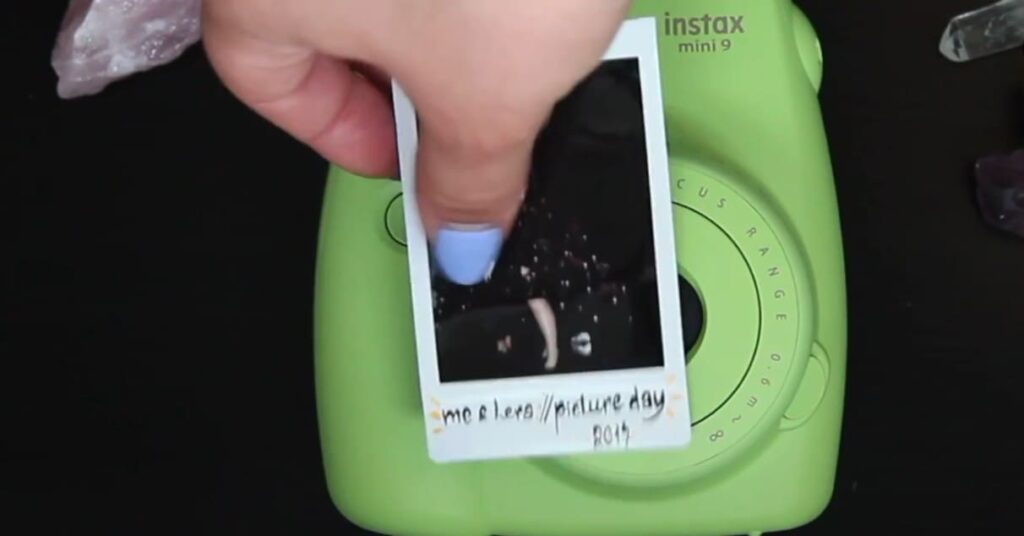
Unlike digital photos, each Instax Mini 9 print is a one-of-a-kind masterpiece. The film used for this camera not only captures your precious moments but also gives them a vintage touch, complete with a distinctive white border that adds a touch of character and charm to your photos. Embrace your creativity and make your prints even more special by personalizing them with handwritten messages, delightful stickers, and a wide range of fun accessories. Let your imagination run wild and create memories that will last a lifetime!
Nostalgic Appeal
In today’s fast-paced digital world, where everything seems to exist in virtual spaces, there is an undeniable charm in the tangible and intimate experience of holding a physical print in your hands. The Instax Mini 9, with its vintage-inspired design and instant photo capabilities, effortlessly transports us back to a bygone era of instant cameras and cherished memories captured in real time.
With its compact size and user-friendly features, the Instax Mini 9 has become a beloved companion for those who appreciate the allure of vintage and retro items. Whether it’s capturing candid moments with friends, preserving precious memories, or adding a touch of nostalgia to any occasion, this instant camera has won the hearts of many who seek to embrace the beauty of the past in the present.
Top 8 Reasons Your Instax Mini 9 Isn’t Working
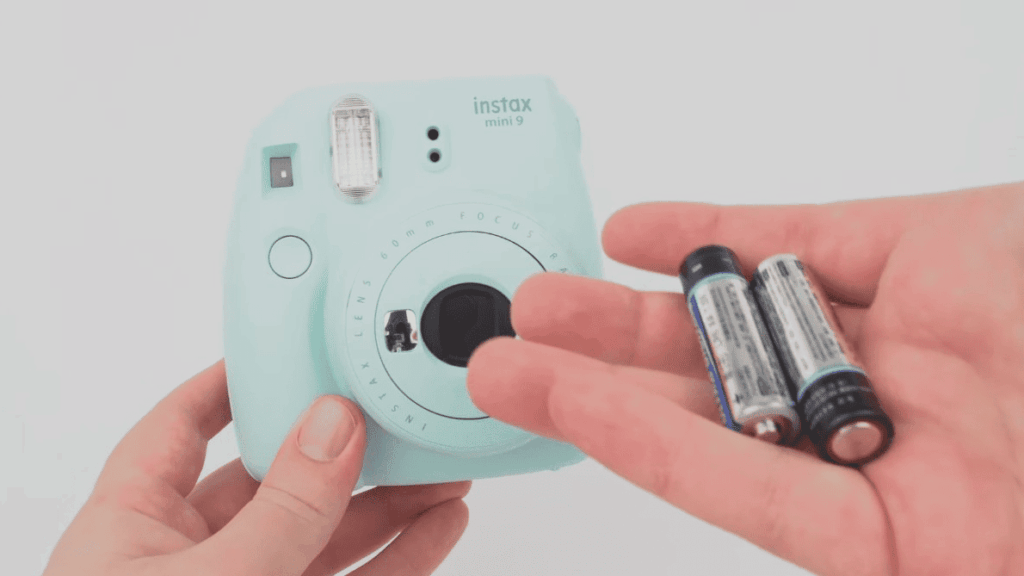
The batteries are dead or dying
If your Instax Mini 9 won’t turn on, the first thing you should check is the batteries. Make sure they are properly inserted and have enough charge to power the camera. If the batteries are old or dying, it’s time to replace them with fresh ones.
The film was damaged or loaded incorrectly
Another common issue with the Instax Mini 9 is film-related. If your photos aren’t coming out or are blurry, it could be due to damaged or incorrectly loaded film. Make sure that the black tab on the film pack is facing downwards when loading it into the camera.
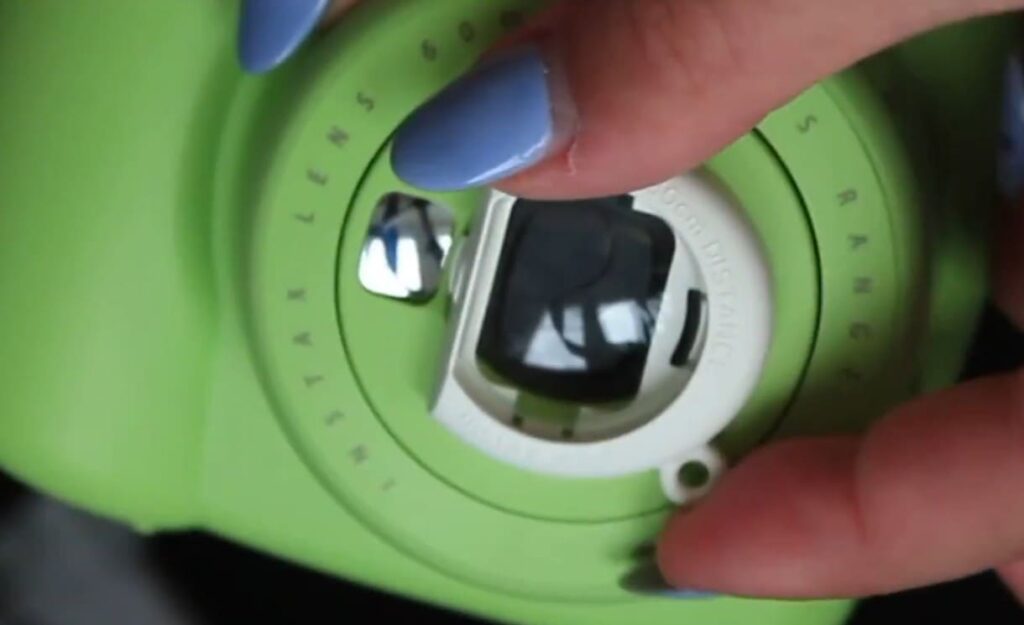
The lens is dirty or obstructed
If your photos are turning out blurry or distorted, it could be due to a dirty or obstructed lens. Dust, fingerprints, or smudges on the lens surface can affect the clarity and quality of your images. To resolve this, take a soft, dry cloth and gently clean the lens in a circular motion, ensuring that you remove any particles or debris. Additionally, check for any obstructions, such as lens caps or filters, that might be blocking the lens. By taking these simple steps, you can ensure that your photos are crisp, clear, and free from any unwanted distortions or blurriness.
The camera settings are incorrect
Sometimes, the issue with your Instax Mini 9 may not be technical but rather user error. Double-check that you have the correct settings for the lighting conditions and mode you are shooting in. The camera has four different shooting modes: indoors, parties, sunny/cloudy, and landscapes. Each mode is designed to optimize the settings for specific shooting scenarios, ensuring the best possible results. So, take a moment to review the lighting conditions and choose the appropriate mode to capture stunning photos with your Instax Mini 9.
The film pack is empty.
Another common reason why an Instax Mini 9 might not be working is that the film pack is empty. To check this, simply take a look at the film counter located on the back of the camera. It will indicate how many shots you have left before running out. If you find that the film counter is displaying zero, it’s a clear sign that it’s time to replace the film pack with a fresh one. By doing so, you’ll be able to capture more precious moments and continue enjoying the magic of instant photography.
You’re too close to your subject
The Instax Mini 9 is carefully engineered to capture stunning photos from a minimum distance of 0.6m (2ft), ensuring every shot is sharp and distortion-free. It’s important to remember that getting too close to your subject can result in blurry or distorted images. To achieve the best photo quality, maintain the proper distance between yourself and your subject, allowing the camera to work its magic and capture every detail with precision and clarity. So go ahead, step back a little, and let the Instax Mini 9 bring your memories to life in vibrant, high-quality prints!
Your camera needs a good clean
If none of the above reasons are causing your Instax Mini 9 to not work properly, it may be time for a good clean. Use a soft, dry cloth to gently wipe down the exterior of the camera and remove any dust or dirt that may have accumulated. Pay close attention to the lens area and make sure to clean it thoroughly. Additionally, you can use a small brush or compressed air to clean hard-to-reach areas. Taking the time to clean your camera regularly can help improve overall performance, extend its lifespan, and enhance the quality of your photos.
The camera was dropped or knocked
Accidents happen, and if your Instax Mini 9 was dropped or knocked, it may have caused damage to the delicate internal components that ensure its smooth operation. In such unfortunate instances, it is highly recommended to reach out to the dedicated customer support team who possess the expertise to provide professional assistance and guidance in promptly repairing your beloved camera. They will diligently work towards restoring your camera to its optimal condition, ensuring you can continue capturing precious moments with ease and confidence.
What are the flashing orange lights in a camera?
Orange lights in a camera are indicators that signal certain conditions or modes of the camera. Each brand and type of camera may have different meanings for these flashing orange lights. In general, orange lights indicate that there is an issue or change in the camera’s settings, mode, or battery life.
One common use of flashing orange lights is to indicate low battery levels. This is especially helpful for photographers who are in the middle of a shoot and need to know when to change their battery. Some cameras may also have an orange light that flashes when the battery is charging, so you can easily monitor its progress.
Another use of flashing orange lights is to indicate a change in mode or setting. For example, some cameras may have an orange light that blinks when the self-timer is activated. This serves as a visual reminder for the photographer to prepare for the shot.
In high-end cameras, flashing orange lights may also serve as a warning sign. For instance, if there is an issue with the lens or focus, an orange light may start blinking to alert the user. Similarly, if there is an error in saving photos or videos, an orange light may also appear.
Moreover, some cameras have customizable buttons that can be assigned specific functions, such as activating the flash or changing the ISO. These buttons may also have corresponding flashing orange lights to indicate when they are being used.
In summary, orange lights in a camera serve as helpful indicators for various purposes such as battery life, mode changes, and warning signs. Knowing the meanings behind these flashing lights can greatly improve a photographer’s shooting experience and help them troubleshoot any issues that may arise during a shoot. So, the next time you see those orange lights blinking on your camera, don’t panic – they are just trying to tell you something important about your camera’s functions!
How to Fix Instax Mini 9 All Lights Flashing Orange?
Check the battery life
If you’re experiencing all lights flashing orange on your Instax Mini 9, the first thing you should check is the battery life. Make sure that your camera has enough power to function properly. If the battery is low, replace it with a new one or recharge it.
Additionally, it’s worth examining the battery contacts to ensure they are clean and making proper contact. Sometimes, dirt or debris can hinder the connection, causing the lights to flash. Gently clean the battery contacts using a soft cloth or cotton swab if needed.
Furthermore, if the issue persists even after checking the battery and contacts, it could indicate a more complex problem. In such cases, consulting the user manual or reaching out to technical support can provide further guidance and assistance. Remember, troubleshooting steps can vary depending on the specific model, so it’s always beneficial to refer to the manufacturer’s instructions for accurate troubleshooting steps.
Clean the lens
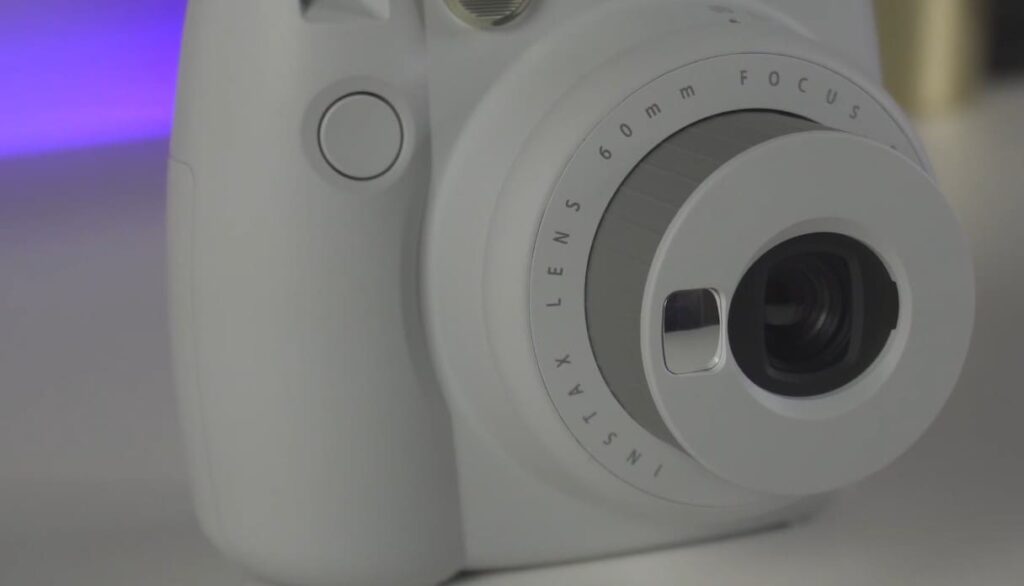
Another possible reason for all lights flashing orange could be dirty lenses. When dirt or smudges accumulate on the lens, it can hinder the camera’s performance and significantly affect image quality. Even small particles or fingerprints can create unwanted artifacts or blurriness in photos.
To address this, it is crucial to keep the lens clean for optimal results. You can use a soft microfiber cloth or a gentle lens cleaning solution (avoid using harsh chemicals) to delicately wipe the lens and remove any dirt or smudges. Taking this simple step regularly not only helps resolve the issue of flashing lights but also ensures consistently sharp and clear images.
By maintaining a clean lens, you can enhance the overall image quality, capturing stunning photos without any distracting imperfections or loss of detail. So, don’t forget to include lens cleaning as part of your regular camera maintenance routine!
Check film compatibility
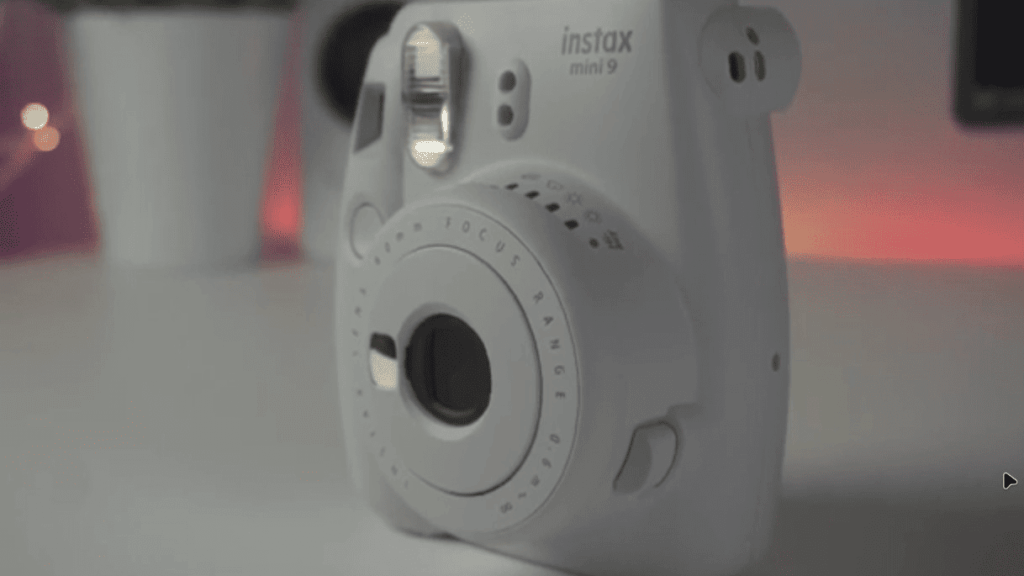
The Instax Mini 9 is exclusively compatible with Fujifilm Instax Mini instant film, ensuring optimal performance. It’s important to avoid using any other type of film, as this can result in all lights flashing orange, indicating an incompatibility issue. To prevent any potential problems, it is highly recommended to double-check and verify that the film being used is specifically designed for the Instax Mini 9. Additionally, it’s worth noting that using expired or damaged film can also lead to similar issues. If you encounter any problems, consider replacing the current pack of film with a new one to troubleshoot and determine if the issue persists.
Reset the camera
In some cases, when encountering technical issues with your Instax Mini 9 camera, performing a reset can be a helpful troubleshooting step. To initiate a reset, start by turning off the camera and removing the batteries for a few minutes. This period allows for a complete power cycle, ensuring that any temporary glitches are resolved. After the designated time, reinsert the batteries, and power on the camera again. This action effectively resets the internal settings, restoring them to their default state and potentially resolving any issues that may have been causing all lights to flash orange. By following these steps, you can increase the likelihood of resolving technical problems and enjoying a seamless photography experience with your Instax Mini 9 camera.
FAQ
What to do if your Instax mini 9 is flashing orange?
If your Instax mini 9 is flashing orange, it means that the camera is indicating an error or malfunction. This could be due to a variety of reasons such as low battery, jammed film, or internal issues. To troubleshoot this issue, here are some steps you can follow. The first step is to check the battery level. If the battery is low, replace it with a new one and see if the flashing orange light stops.
If the battery is not the issue, try removing and reinserting the film pack. Sometimes, the film may get stuck or jammed which can cause an error in the camera. After reinserting the film, turn off the camera and turn it back on to see if the issue is resolved.
If the problem persists, you may need to reset your Instax mini 9. To do this, remove the batteries for a few seconds and then reinsert them. This will reset the camera’s settings and may fix any internal issues that were causing the flashing orange light.
If none of these steps work, it is recommended to contact customer support or take your camera to a professional for repair. Do not try to fix the issue yourself as this could potentially damage your camera further.
How to prevent Instax mini 9 from flashing orange?
To avoid encountering the flashing orange light, there are a few precautions you can take. First, make sure to always use fresh batteries and replace them when they start running low. This will ensure that your camera has enough power to function properly.
Secondly, be gentle when handling the film pack and make sure it is inserted correctly into the camera. Avoid forcing or jamming the film pack into the camera as this can cause damage. Lastly, try to keep your Instax mini 9 in a cool and dry environment. Extreme temperatures and humidity can affect the functionality of the camera and may trigger the flashing orange light.
By following these tips, you can help prevent your Instax mini 9 from encountering any issues or malfunctions. If you continue to experience problems, refer back to the troubleshooting steps or seek professional help.
Why is my Instax not working?
If your Instax mini 9 is not working, it could be due to a variety of reasons. Some common issues include low battery, jammed film, or internal malfunctions. To troubleshoot the problem, refer back to the steps mentioned above in “What to do if your Instax mini 9 is flashing orange?” If none of those steps work, it is best to contact customer support or take your camera to a professional for repair. Avoid attempting to fix the issue yourself, as this can potentially cause more damage.
How do I reset my Fujifilm Instax Mini 9?
To reset your Instax mini 9, remove the batteries for a few seconds and then reinsert them. This will restore the camera’s default settings and may fix any internal issues that were causing problems. You can also refer to the instruction manual for specific instructions on how to reset your camera model. In case of any difficulties, it is best to contact customer support for further assistance. Overall, it is important to take good care of your Instax mini 9 and handle it with caution to avoid any malfunctions or errors.
Conclusion
So, Instax Mini 9 All lights can flash orange and you may want to fix the problem yourself, but it’s important to take precautions and follow the proper steps given above to avoid causing further damage. If the issue persists, it is always recommended to seek professional help or contact customer support for assistance. With proper care and maintenance, you can continue capturing beautiful memories with your Instax mini 9 for a long time.