Do you ever find yourself in a situation where you need to capture the perfect shot, but the loud shutter sound of your camera gives you away? Whether you’re trying to take a candid photo or simply don’t want to disturb the peace, learning how to turn off the shutter sound on your Canon Rebel T7 is essential. This step-by-step guide will show you just how easy it is to make your camera discreet and silent, so you can capture those priceless moments without any distractions. So, grab your Rebel T7 and let’s get started on our journey to stealthy photography!
Why to Turn off Shutter Sound on a camera?
One of the most common features of digital cameras is the shutter sound. This distinct clicking noise indicates that a photo has been taken and has become synonymous with photography.
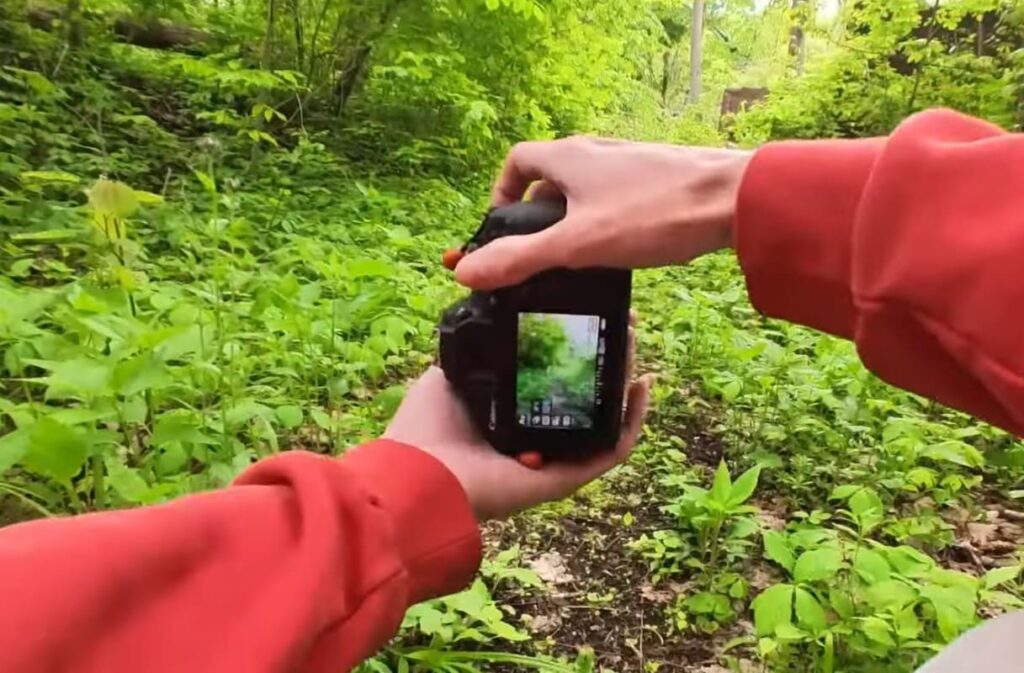
While some people find the shutter sound to be satisfying and reassuring, others may find it annoying or distracting. In fact, there are many situations where turning off the shutter sound on your camera can be beneficial. Among them are:
- Disruptive Environments: When taking photos in quiet or intimate settings, the shutter sound can be disruptive and draw unnecessary attention. This is particularly true for events like weddings, performances, or ceremonies where silence is expected.
- Photographing Animals: For wildlife photographers, the shutter sound can often scare away animals or disturb their natural behavior. Turning off the shutter sound can help capture more natural and candid shots.
- Street Photography: When taking photos in public places, the constant clicking of a camera can attract unwanted attention or make people uneasy. Turning off the shutter sound can help you blend in and capture authentic moments without disrupting the scene.
- Quiet Locations: In certain locations such as museums, libraries, or churches, the use of a camera may be permitted but the shutter sound can still cause disturbance. Turning off the shutter sound shows respect for your surroundings and allows you to take photos without creating a distraction.
- Avoiding Distraction: In general, turning off the shutter sound can help minimize distractions for both the photographer and their subject. By eliminating the constant clicking noise, you can focus more on capturing the perfect shot without any unnecessary interruptions.
- Privacy Concerns: In some situations, taking photos may be considered intrusive or disrespectful. Turning off the shutter sound can help alleviate concerns and allow you to take photos without infringing on someone’s privacy.
- Personal Preference: Ultimately, whether to turn off the shutter sound is a matter of personal preference. Some photographers enjoy the sound as it adds to the experience of taking a photo, while others find it unnecessary and prefer a silent camera.
Whatever your reason may be, most digital cameras offer the option to turn off the shutter sound. So next time you are in a situation where silence is key, consider turning off the shutter sound on your camera for a more discreet and distraction-free photography experience. So, it is important to know how to turn off the shutter sound on your camera and take advantage of this feature when needed. While some cameras have a dedicated button or setting for turning off the shutter sound, others may require you to access the camera’s menu and adjust the settings.
Additionally, there are also certain countries where it is required by law to turn off the shutter sound on cameras to respect people’s privacy. It is important to be aware of these laws and regulations when traveling to different countries.
How to Turn Off Canon Camera Sounds
Canon cameras are known for their quality and reliability. They also have a variety of settings that can be customized according to your preference. One of these customizable settings is the camera sounds – specifically, the beep and shutter sounds.
The beep sound is usually heard when you press a button or adjust a setting on the camera. The shutter sound, on the other hand, is the clicking sound that is made when you take a photo. Some people find these sounds helpful and reassuring, while others find them annoying and distracting.
If you fall into the latter category and want to turn off the camera sounds on your Canon DSLR, this guide will walk you through the steps.
Step 1: Access the Camera Menu
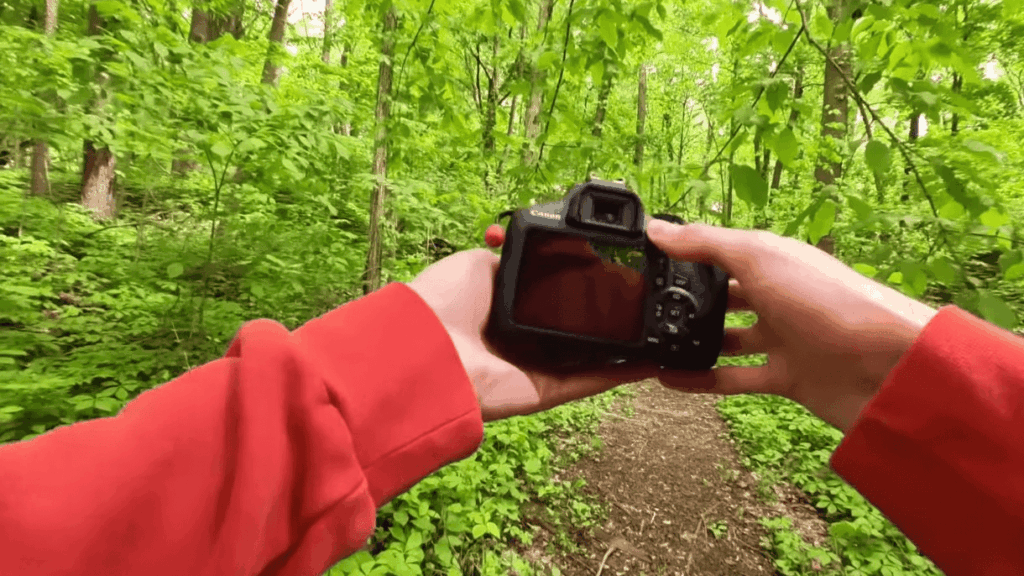
To begin, make sure you have your Canon DSLR camera powered on and ready. Locate the “Menu” button situated on the back of the camera, and press it to access the comprehensive menu system. This menu serves as a gateway to a wide array of settings and options, allowing you to customize your camera’s functionalities according to your specific needs and preferences.
Step 2: Navigate to “Sound Recording”
To navigate to the “Sound Recording” option in the menu, use the arrow keys. Typically, you can find this option under either the “Settings” or “Setup” tab, both of which are commonly located in the main menu of the device or application you are using. Feel free to explore the menu and look for the designated section to enable or adjust sound recording settings according to your preferences.
Step 3: Select “Off” or “Silent”
Once you have selected the “Sound Recording” option, you will be presented with a convenient choice to customize the camera sounds according to your preference. You can opt to completely disable all camera sounds by selecting the “Off” option, or you can selectively mute specific sounds, such as the beep sound, by choosing the “Silent” option. This level of flexibility allows you to tailor the sound settings precisely to your liking, enhancing your overall user experience.
Step 4: Save and Exit
After carefully making your selection, ensure to save the changes by pressing the “OK” or “Set” button. Once the changes are saved, you can conveniently exit the menu by pressing the “Menu” button again. This straightforward process ensures that your desired modifications are securely implemented and you can proceed with confidence.
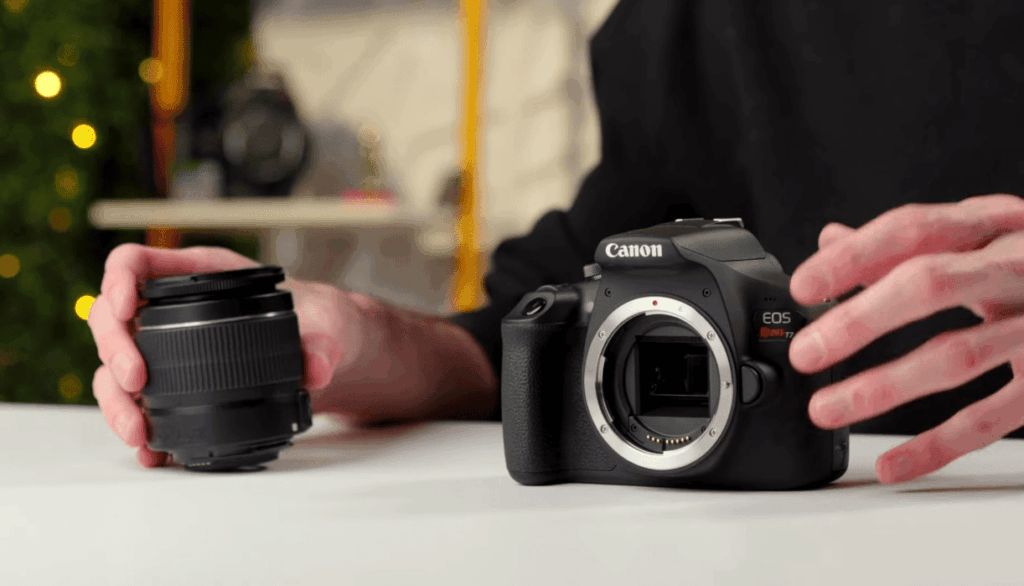
How to Carry Out Silent Shooting
Electronic Shutter
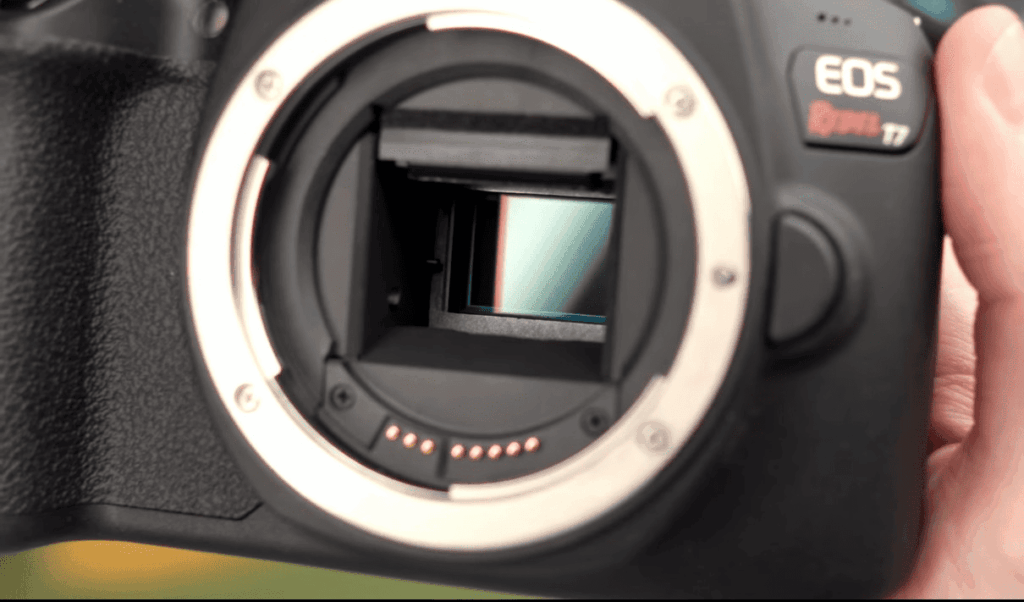
An electronic shutter is a feature that allows you to shoot images silently. It works by using electronic signals to record the image and does not require any physical movement of shutter curtains. This makes it ideal for shooting in situations where noise would be distracting, such as wildlife photography or capturing candid moments.
To enable the electronic shutter on your camera, follow these steps:
- Go to your camera’s menu and locate the “Shutter Type” or “Drive Mode” option.
- Select the electronic shutter option from the available options.
- Adjust your camera settings as desired, such as ISO, aperture, and exposure compensation.
- Press the shutter button to take a photo. You will notice that there is no sound when the image is captured.
Silent Shooting Modes
Some cameras have specific silent shooting modes that can further reduce any potential noise. These modes typically use a combination of electronic shutter and other features to ensure the quietest shooting experience possible. Some common silent shooting modes include:
- Quiet Mode: This mode slows down the mechanical shutter’s movement, resulting in less noise.
- Silent Mode: In this mode, the camera uses only the electronic shutter to capture images.
- Shutter Delay: This mode adds a slight delay between pressing the shutter button and capturing the photo, reducing any potential noise caused by your finger’s movement.
Check your camera’s manual to see if it has any of these silent shooting modes available. If so, experiment with them to find the one that works best for you.
Live View Silent Shooting
Live View is a feature that allows you to compose and capture your images using the camera’s LCD screen instead of the viewfinder. In this mode, you can also enable silent shooting by using the electronic shutter. This is especially useful when shooting in quiet environments where even the slightest noise from a traditional shutter may be disruptive.
To activate live view silent shooting, follow these steps:
- Go to your camera’s menu and locate the “Live View” or “LCD Display” option.
- Select live view mode.
- Enable the electronic shutter by following the steps mentioned earlier.
- Compose your shot using the LCD screen and press the shutter button to capture the image silently.
Shooting ‘Silent Movies’
Aside from capturing still images silently, some cameras also can shoot silent video footage. This is especially useful for videographers who need to capture footage in quiet environments, such as during a wedding ceremony or an animal documentary.
To shoot a ‘silent movie’ with your camera, follow these steps:
- Go to your camera’s menu and locate the “Video Mode” or “Movie Setting” option.
- Select the video mode and choose a resolution, frame rate, and other settings as desired.
- Enable silent shooting by using one of the modes mentioned earlier.
- Press the record button to start capturing the video silently.
Some cameras also offer additional features for shooting silent videos, such as face detection and image stabilization, which can help improve the overall quality of your footage. Experiment with these features to see how they can benefit your shooting experience.
Other Tips for Silent Shooting
Silent shooting has a lot of benefits, but it also comes with its own set of challenges. Here are some additional tips to help you get the most out of your silent shooting experience.
- Use a tripod or stabilizer: Since silent shooting requires longer exposure times, any small movements from your hands can result in blurry images. Using a tripod or stabilizer can help keep your camera steady and reduce camera shake.
- Experiment with different settings: Silent shooting can produce different results depending on the settings you use. Don’t be afraid to play around with your ISO, shutter speed, aperture, and other settings to see what works best for your specific situation.
- Use a remote trigger: If you don’t have a tripod or stabilizer handy, using a remote trigger can also help minimize camera shake. This allows you to trigger the shutter without having to physically touch the camera.
- Be aware of your surroundings: Even though silent shooting is, well, silent, it’s important to still be mindful of your surroundings. If you’re in a quiet setting or taking photos of something sensitive, make sure to use discretion and not disturb those around you.
- Practice, practice, practice: Like with any new technique, the more you practice, the better you’ll become. Try out silent shooting in different scenarios and lighting conditions to get a feel for how it works and what settings produce the best results.
In addition to these tips, make sure to also keep your camera equipment clean and well-maintained. Any dust or debris on your lens or sensor can impact the quality of your silent shots. Always have spare batteries on hand, as silent shooting can drain your battery faster than traditional shooting methods.
Overall, don’t be afraid to experiment and have fun with silent shooting. It may take some getting used to, but the results are often worth it for capturing those quiet and candid moments without disrupting the scene.
FAQ
What is the difference between mechanical and electronic shutters?
Mechanical and electronic shutters are both essential components of cameras, but they function differently. A mechanical shutter is a physical mechanism that controls the amount of time light can pass through the camera’s lens and reach the camera sensor. It opens when you press the shutter button to take a photo and closes after a predetermined amount of time. On the other hand, an electronic shutter uses an electronic sensor to control the amount of light entering the camera. It works by turning the camera’s sensor on and off rapidly, similar to how a television screen displays images.
What are the advantages and disadvantages of each type of shutter?
Mechanical shutters are known for their durability and reliability as they have been used in cameras for a long time. They can also provide a wider range of shutter speeds, allowing for more creative control over motion in photos. However, they do have limitations as they are prone to wear and tear, making them less reliable in the long run. On the other hand, electronic shutters are quieter and faster than mechanical shutters. They also eliminate any potential vibrations caused by the movement of mechanical parts. However, they may be more susceptible to distortion and rolling shutter effects, causing image quality issues in certain situations.
Which type of shutter should I choose for my camera?
The choice between a mechanical or electronic shutter ultimately depends on your specific photography needs and preferences. If you require precise control over shutter speed and are willing to sacrifice some durability, a mechanical shutter may be the better option. On the other hand, if you prioritize speed and quietness in your photography, an electronic shutter may be more suitable for you. Some cameras also offer a combination of both mechanical and electronic shutters, giving photographers the best of both worlds.
It is recommended to do some research and try out different types of shutters before making a decision. Overall, both types of shutters have their strengths and weaknesses, so it is important to consider your shooting style and subject matter when choosing a camera with a particular type of shutter. So, carefully assess your needs and make an informed decision based on that. Keep in mind that the shutter is just one aspect of a camera, and other factors such as lens quality, sensor size, and overall camera performance should also be taken into consideration. Happy shooting!
What are the advantages of the electronic shutter?
The electronic shutter offers several advantages, such as faster shutter speeds, quieter operation, and the elimination of vibrations caused by mechanical parts. It also allows for more precise control over the exposure time, resulting in sharper images with better clarity. Additionally, electronic shutters are less prone to wear and tear compared to mechanical shutters, making them a more durable option in the long run. They also have the potential to improve overall camera performance and offer advanced features such as silent shooting and high-speed burst mode. Overall, electronic shutters are a great advancement in camera technology, providing photographers with more options and flexibility in their shooting capabilities.
Are there any downsides to using an electronic shutter?
While electronic shutters have many advantages, they do have some drawbacks as well. One of the main issues is the potential for distortion or rolling shutter effects, which can occur when capturing fast-moving subjects. This can result in skewed or stretched images, which may affect image quality. Additionally, electronic shutters may not be suitable for long exposures as they are more prone to noise and hot pixels compared to mechanical shutters. It is also worth noting that not all cameras offer electronic shutters, so it may limit your options when selecting a camera. However, with advancements in technology, these downsides are continually being addressed and improved upon. In the end, it is important to evaluate your specific photography needs and consider both the advantages and disadvantages before deciding on a shutter type for your camera.
When do you need to use silent shutter mode?
The silent shutter mode is most commonly used in situations where the sound of a camera’s shutter may be disruptive or distracting, such as during a wedding ceremony or other quiet events. This feature is also helpful when photographing animals or wildlife, as the noise from a camera’s shutter can startle and disturb them. Additionally, silent shutter mode can be useful for street photography, allowing photographers to capture candid shots without drawing attention to themselves. However, it is important to note that using silent shutter mode may affect the camera’s performance and image quality, so it is best to test it out before relying on it for important shots. Ultimately, the decision to use silent shutter mode should be based on the specific shooting situation and the photographer’s discretion.
How do I turn off the shutter sound on my Canon Rebel EOS?
To turn off the shutter sound on a Canon Rebel EOS camera, follow these steps:
- Press the Menu button on your camera and navigate to the Settings menu.
- Select “Sound” or “Beep” from the menu options.
- Look for an option to disable or adjust the volume of the shutter sound.
- If there is no specific option for the shutter sound, try adjusting the camera’s overall sound or volume settings.
- Save your changes and exit the menu.
Note that not all Canon Rebel EOS models may have a feature to disable the shutter sound. If this is the case, you can try using silent shutter mode if your camera has it, or consider purchasing a third-party external microphone cover or dampener to muffle the sound. It is important to check your camera’s manual or do some research before attempting to turn off the shutter sound, as the steps may vary depending on the model.
How do I change the shutter on my Canon Rebel T7?
To change the shutter speed on a Canon Rebel T7 camera, follow these steps:
- Turn on your camera and set it to Manual (M) mode.
- Press the “Q” button on the back of your camera to bring up the quick menu.
- Use the arrow buttons on your camera’s control pad to highlight the shutter speed setting.
- Use the main dial on your camera to adjust the shutter speed.
- Alternatively, you can also turn the mode dial on top of the camera to Tv (Shutter Priority) mode and use the same steps to change the shutter speed.
- Check your camera’s manual for more information or refer to online tutorials for additional tips and techniques for adjusting shutter speed on a Canon Rebel T7. Overall, understanding how to change your camera’s shutter speed is crucial for capturing different types of shots and achieving the desired results in your photos. With practice and experimentation, you can master this skill and take your photography to the next level.
Why is it important to keep your camera’s shutter clean?
Keeping your camera’s shutter clean is essential for maintaining image quality and preventing potential issues with the mechanism. Over time, dust, dirt, and other debris can accumulate on the shutter blades, causing them to stick or malfunction. This can result in blurred images or even damage to the shutter mechanism itself. Regularly cleaning your camera’s shutter can also help prolong the lifespan of your equipment and ensure it continues to function properly. It is recommended to clean your camera’s shutter after each use, especially if you have been shooting in dusty or dirty environments.
Conclusion Paragraph
So, to turn off the shutter sound on the Canon Rebel T7i, follow the steps mentioned above. Additionally, you can also use third-party apps that offer the option to disable the shutter sound on your camera. However, make sure to check your local laws before doing so, as some countries have regulations regarding silent mode in photography. Moreover, there are other ways to reduce noise while taking photos with your Canon Rebel T7i. One way is to use a tripod and remote shutter release instead of pressing the camera’s button. This can significantly reduce camera shake, resulting in less noise.