

Have you ever found yourself eagerly waiting for your Instax Mini 9 film to develop, only to discover that it’s stuck inside the camera? It’s both frustrating and disappointing, especially when you’re excited to see your captured moments come to life. But fear not, because this blog post is going to unravel the mystery behind stuck Instax Mini 9 films and provide you with the most effective troubleshooting tips to fix the issue. So, grab your camera and let’s dive into the world of instant photography problem-solving!
Top 7 Reasons Your Instax Mini 9 Isn’t Working
The batteries are dead or dying
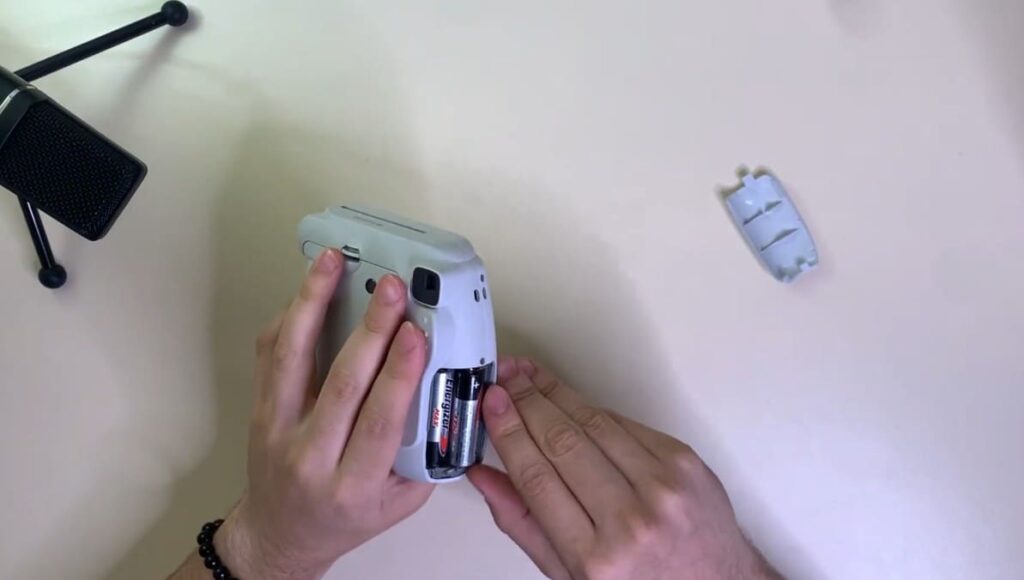
One of the most common reasons why your Instax Mini 9 isn’t working is because the batteries are dead or dying. This instant camera uses two AA batteries to power on and take photos. If you’ve been using your camera for a while and haven’t changed the batteries, they may have run out of charge. To avoid this issue, make sure to always have spare batteries on hand and replace them regularly.
The film cartridge is empty
Another reason why your Instax Mini 9 may not be working is because the film cartridge is empty. This instant camera uses Fujifilm Instax Mini Film, which comes in packs of 10 or 20 sheets. Once you’ve used up all the film sheets, the cartridge needs to be replaced for the camera to take more photos. Check the film indicator on the back of your camera to see if you need to replace the cartridge.
The film was damaged or loaded incorrectly
If your Instax Mini 9 is not producing clear and sharp photos or if the photos come out blurry with distorted colors, it could be due to various factors. One possible reason is that the film might have been damaged during storage or transport. It’s important to handle the film with care, ensuring that it is not bent or exposed to moisture. Another factor to consider is how the film is loaded into the camera. If the film is not inserted correctly according to the instructions provided with the cartridge, it can negatively affect the image quality. Lastly, extreme temperatures can also impact the film’s performance, so it’s advisable to avoid exposing the film to excessive heat or cold. By paying attention to these details and following the recommended guidelines, you can maximize the potential of your Instax Mini 9 and capture beautiful, high-quality photos.
You’re too close to your subject
The Instax Mini 9, a popular instant camera, features a fixed focus lens that offers simplicity and convenience. However, it’s important to note that the fixed focus lens cannot adjust for distance. This means that if you’re too close to your subject, the resulting photos might appear blurry or out of focus. To ensure optimal image quality, it is recommended to maintain a minimum distance of at least 60cm between the camera and your subject when capturing those special moments. Taking this extra precaution will help you achieve sharper and more focused photographs that you can cherish for years to come.
You haven’t adjusted the exposure correctly
The Instax Mini 9 also has a built-in light meter that measures the amount of light in the environment and adjusts the exposure accordingly. However, sometimes the camera’s default settings may not be suitable for certain lighting conditions. If you’re taking photos in a bright outdoor setting, it’s important to adjust the exposure manually by turning the dial on the lens to “Sunny” mode. On the other hand, if you’re taking photos indoors or in low-light situations, it’s recommended to use the “Indoor” mode for better results. By adjusting the exposure correctly, you can ensure that your Instax Mini 9 captures well-exposed and vibrant images.
Your camera needs a good clean
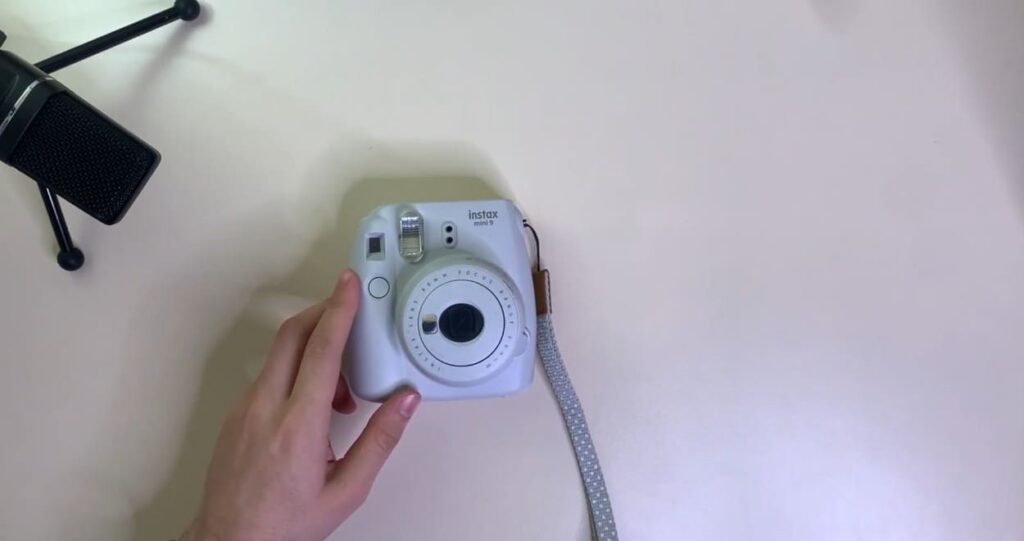
After frequent use, it’s important to clean and maintain your Instax Mini 9 to keep it in optimal working condition. Dust, dirt, and other debris can accumulate on the lens or inside the camera, affecting the image quality and functionality of the camera. To prevent this from happening, make sure to regularly wipe down the lens with a microfiber cloth and gently blow away any dust particles from the camera’s interior. This simple maintenance routine can not only improve your camera’s performance but also extend its lifespan.
The camera was dropped or knocked
Accidents happen, and if your Instax Mini 9 is dropped or knocked, it could cause damage to the camera’s internal components. This can result in issues such as the camera not turning on or producing distorted images. If this happens, it’s best to take your camera to a professional for repairs or consider purchasing a new one. To prevent accidental damage in the future, always handle your camera with care and avoid exposing it to extreme conditions.
Why Is My Instax Mini 9 Film Not Coming Out?
Weak battery in the camera or film pack
In most cases, when the film of your Instax Mini 9 does not come out, it is due to a weak battery. It is important to check the battery levels before taking any photos as this could save you time and frustration. To check the battery level, turn on the camera and look at the small window on the back of the camera. The number that appears indicates the battery level. If it shows a low number or no number at all, then it is likely that your battery needs to be replaced.
Film pack not loaded properly
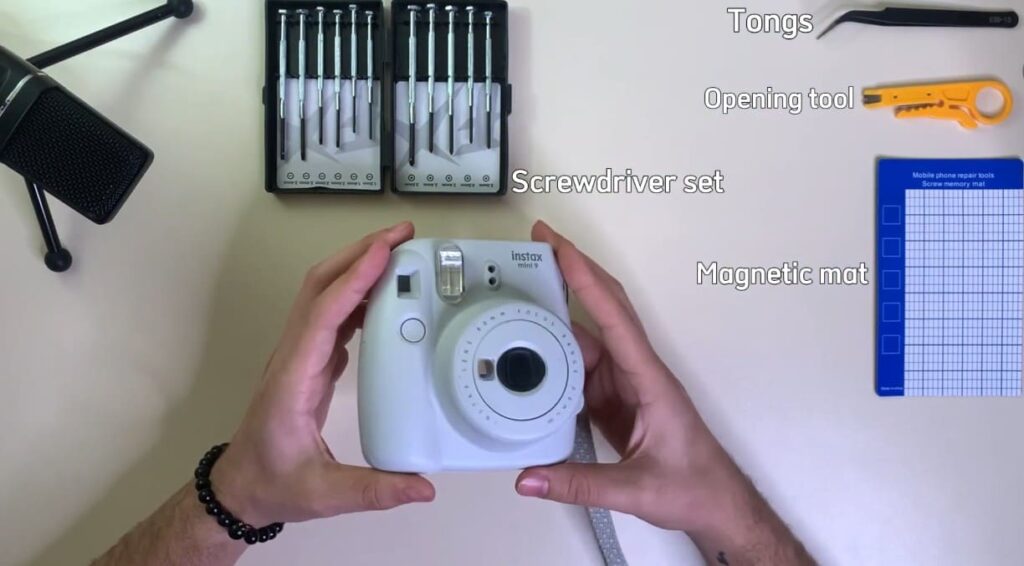
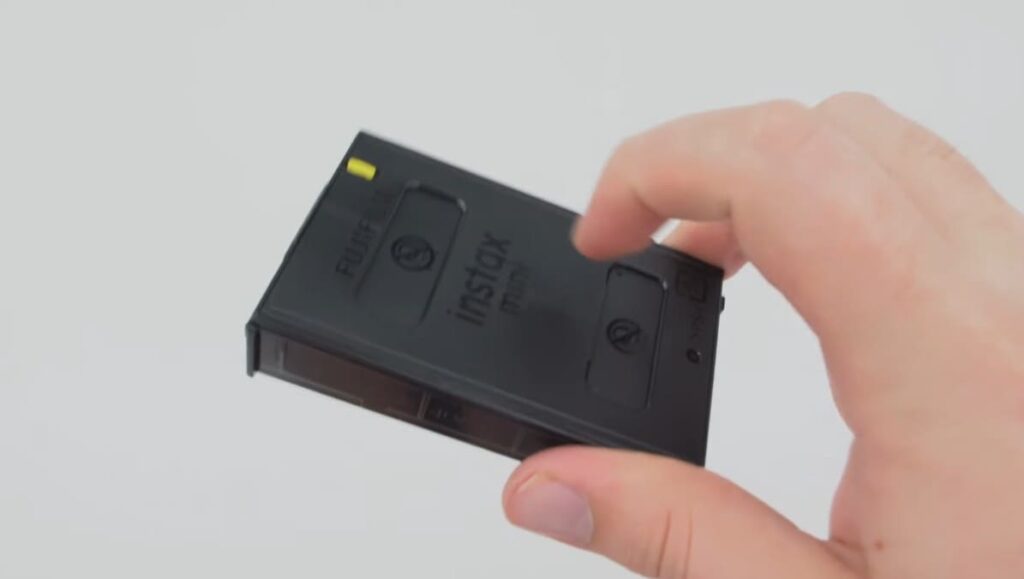
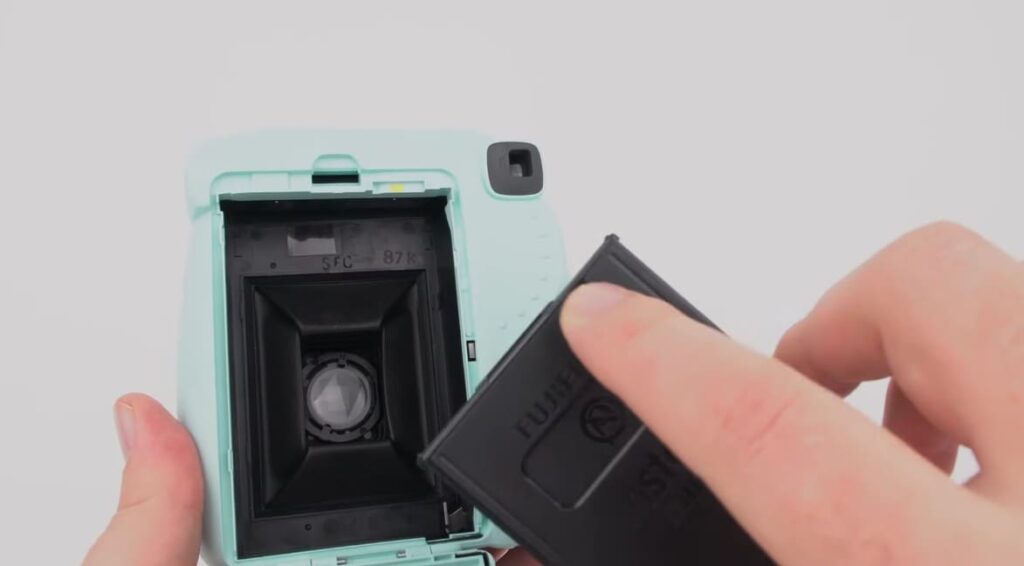
Another common reason for film not coming out of an Instax Mini 9 is that the film pack may not have been loaded correctly. To check this, open the film compartment and make sure that the yellow tab of the film pack is facing up and towards the lens. Also, ensure that the film pack is pushed in until it clicks into place.
Jamming or blockage
If there are no issues with battery levels or loading the film pack correctly, then your Instax Mini 9 may be experiencing jamming or blockage. This can occur when debris or dirt finds its way into the film compartment, obstructing the smooth operation of the camera. To resolve this issue, it is recommended to carefully remove the film pack and gently clean the inside of the compartment using a soft cloth. Make sure to remove any visible dirt or debris that might be causing the blockage. Once the compartment is clean, reinsert the film pack and give it a try by taking a photo again.
Defective camera
In some rare cases, the issue may lie with the camera itself. For example, there could be a malfunctioning component within the camera that is affecting the film development process. If you have already tried all of the above solutions and your film still does not come out properly, your camera may be defective.
In such situations, it is recommended to reach out to the manufacturer for further assistance. They can provide you with the necessary guidance to troubleshoot the issue or advise you on how to get a replacement camera if needed. Remember, it’s important to ensure that your camera is functioning correctly to capture those perfect moments.
Corroded battery contacts on camera or film pack
Corroded battery contacts can also be a common reason for film not coming out of an Instax Mini 9 camera. Over time, the metal contacts on both the camera and the film pack may become corroded due to the accumulation of moisture, dust, or dirt. This corrosion can disrupt the electrical connection between the camera and the film, leading to issues with film ejection.
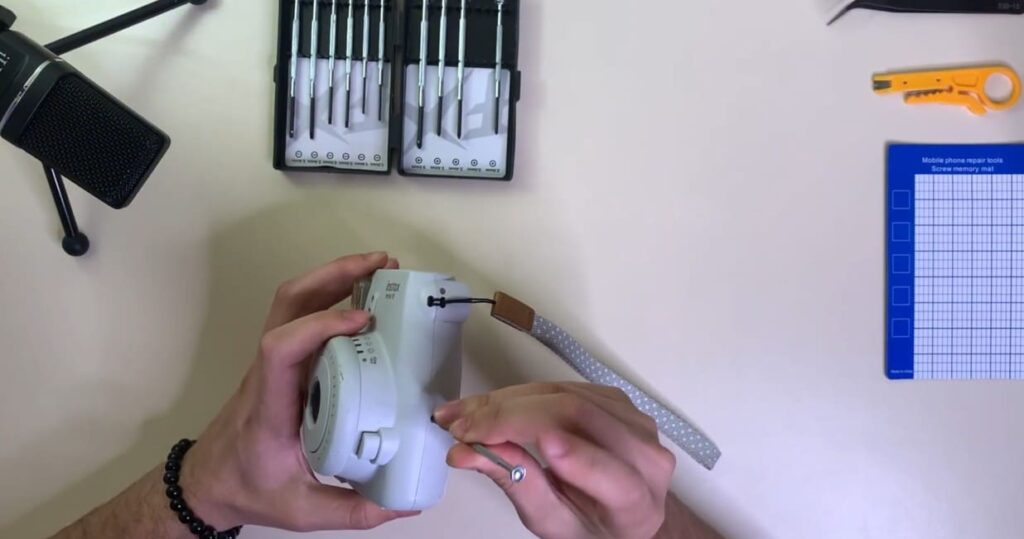
To address this problem, a simple and effective solution is to gently clean the battery contacts using a cotton swab dipped in rubbing alcohol. By carefully wiping the contacts, you can remove any corrosion or debris that may be hindering the proper functioning of the camera and film pack. This cleaning process helps restore the electrical connection, ensuring smooth film ejection and optimal performance.
However, it is important to note that severe corrosion may be difficult to clean and may require more extensive measures. In such cases, it is recommended to replace the corroded contacts with new ones to ensure the reliable operation of the camera and to avoid any further complications.
Blocked film slot
Another possible reason for the film not coming out is a blocked film slot. This can happen if the camera has been dropped or damaged, causing the mechanism to become misaligned. In such situations, the film transport system may get obstructed, preventing the film from advancing properly. This can result in incomplete or no exposure of the film. If you encounter this issue, it is recommended to take your camera to a professional for repair and realignment of the film transport mechanism to ensure optimal performance and accurate capturing of moments.
Damaged film pack
It is also worth checking if the film pack itself is damaged. Inspect the film pack for any signs of physical damage, such as tears, dents, or punctures. Additionally, consider the environmental conditions the film pack has been exposed to. Extreme temperatures or high humidity levels can adversely affect the film’s performance. When subjected to such conditions, the film may become stuck or fail to eject properly. In such cases, it is necessary to replace the film pack with a new one to ensure optimal functionality and capture high-quality images.
Malfunctioning film roller
The film roller, an essential component of the camera, plays a crucial role in smoothly pulling the film out of the pack and advancing it into position. However, if this mechanism malfunctions, it can lead to frustrating issues with the film not properly advancing or even not coming out at all. In such cases, it is recommended to seek the assistance of a professional camera technician who can diagnose and repair the problem effectively. Investing in professional repair services ensures that your camera will be in top-notch condition, allowing you to capture those precious moments without any hindrances.
How to Reset the Instax Mini 9?
After frequent use, your Instax Mini 9 camera may encounter some issues and require a reset. A reset can also be helpful if you are experiencing any technical difficulties or if you want to change some settings.
To reset the Instax Mini 9, follow these steps:
- Turn off the camera by pressing the power button.
- Remove the batteries from the camera.
- Keep the batteries out for at least 5 minutes.
- Reinsert the batteries and turn on the camera.
- Press and hold down the power button for about 10 seconds until you see all of the lights on the back of the camera blink twice.
- Release the power button and your camera should now be reset to its default settings.
- Test the camera by taking a photo to ensure that it is functioning properly.
It is important to note that resetting your Instax Mini 9 will delete any custom settings or preferences you may have set. If you want to preserve these settings, it is recommended to write them down before resetting the camera.
Additionally, if you are still experiencing issues after resetting, it may be helpful to check for any firmware updates or contact Fujifilm customer support.
Overall, resetting your Instax Mini 9 is a quick and easy solution for troubleshooting any problems you may encounter with your camera. Just remember to always handle the camera with care and follow proper maintenance instructions to prevent any future issues.
FAQ
Why is my Instax Mini 9 film not coming out?
There could be a couple of reasons why your Instax Mini 9 film is not coming out:
- Empty Film Pack: The first thing to check is if your film pack is empty. Each pack contains 10 films, so if you have already used up all the films, then you need to replace it with a new pack.
- Dark Environment: The Instax Mini 9 camera has a built-in light sensor that automatically adjusts the shutter speed and flash to optimize the photo for the current lighting conditions. If you are taking photos in a dark environment, the camera may think it needs to use the flash and will not release the film until it detects enough light.
- Low Battery: If your battery is running low, then the camera may not have enough power to release the film. Try replacing the batteries with new ones.
- Jammed Film: If there is something stuck in the film compartment or if a previous film got jammed, it could be preventing the current film from coming out. Check and clean the area around where the film comes out using a soft, dry cloth.
- Mechanical Issue: If none of the above solutions work, then there may be a mechanical issue with your camera. Contact the manufacturer or take your camera to a professional for repair.
Can I use Instax Mini 9 film in other cameras?
No, the Instax Mini 9 film is specifically designed for use with the Instax Mini 9 camera. It features a unique combination of film chemistry and size that ensures optimal performance and compatibility. Due to its specialized construction, it cannot be used with any other cameras, providing a tailored experience for Instax Mini 9 users.
How long does it take for the film to develop?
After taking a photo, it takes approximately 90 seconds for the image to fully develop on the film. During this time, make sure to keep the film away from direct sunlight or heat sources as it could affect the development process.
Can I reuse or recycle the Instax Mini 9 film?
No, the Instax Mini 9 film is designed for one-time use only and cannot be reused. It is specifically crafted with unique construction and chemical components that make recycling impossible. However, it is worth noting that the packaging of the film can be recycled by local recycling guidelines, contributing to a more sustainable approach to waste management.
Why are my photos coming out too dark or too bright?
The Instax Mini 9 camera has a built-in light sensor that automatically adjusts the shutter speed and flash to optimize the photo for the current lighting conditions. However, there may be instances where the camera’s automatic settings do not accurately capture the desired lighting or ambiance. In these cases, you can manually adjust the exposure level by rotating the dial on top of the camera to either lighten (+) or darken (-) your photos before taking them. This feature allows for more control over the final result of your photos. So, it is recommended to experiment with different exposure levels to find what works best for your specific lighting and subject.
Additionally, keep in mind that using the flash can also help balance out any dark or bright areas in your photos. Lastly, make sure to check that there is enough battery power to support the camera’s automatic flash function, as a low battery may also affect the photo’s brightness. Overall, with some trial and error, you will be able to take Instax Mini 9 photos with just the right amount of lighting for your desired effect.
Can I use filters or lenses with my Instax Mini 9?
No, the Instax Mini 9 does not have interchangeable lenses or the ability to attach filters. However, you can purchase special lenses that fit over the camera’s lens to create different effects, such as close-up shots or a fisheye view. These lenses are specifically designed for the Instax Mini 9 and do not require any additional attachments or modifications to use.
Are there any tips for taking better photos with my Instax Mini 9?
Here are a few tips to help you take better photos with your Instax Mini 9:
- Get close to your subject: The Instax Mini 9 is best for close-up shots, so make sure to get within the recommended range of 0.6m – 2.7m to capture clear and detailed photos.
- Use natural light: The Instax Mini 9 performs best in natural lighting, so try to avoid using the flash unless necessary. If you are indoors, try taking photos near a window or in a well-lit area for the best results.
- Experiment with angles: Due to its fixed lens, the Instax Mini 9 can produce some interesting effects when taken from different angles. Don’t be afraid to get creative and try taking photos from above, below, or at a tilt.
- Have fun with props: Using props like hats, sunglasses, or signs can add a fun and personal touch to your photos. Experiment with different props and see how they can enhance your pictures.
- Practice makes perfect: The best way to improve your photography skills with the Instax Mini 9 is by practicing and experimenting with different settings and techniques. Don’t be discouraged if your first few photos don’t turn out how you expected, as each film pack contains 10 shots for you to perfect your skills.
Final Thoughts
In conclusion, the Instax Mini 9 film is not coming to an end anytime soon. With its compact size, fun design and high-quality photos, it has become a must-have for any photography enthusiast. Whether you are looking for a new hobby or just want to capture memories uniquely, the Instax Mini 9 film is worth considering. Not only does it bring back nostalgia of the classic Polaroid cameras, but it also offers modern features such as a selfie mirror and close-up lens attachment. As technology continues to advance, the Instax Mini 9 film serves as a reminder of the simplicity and charm of instant photography.