
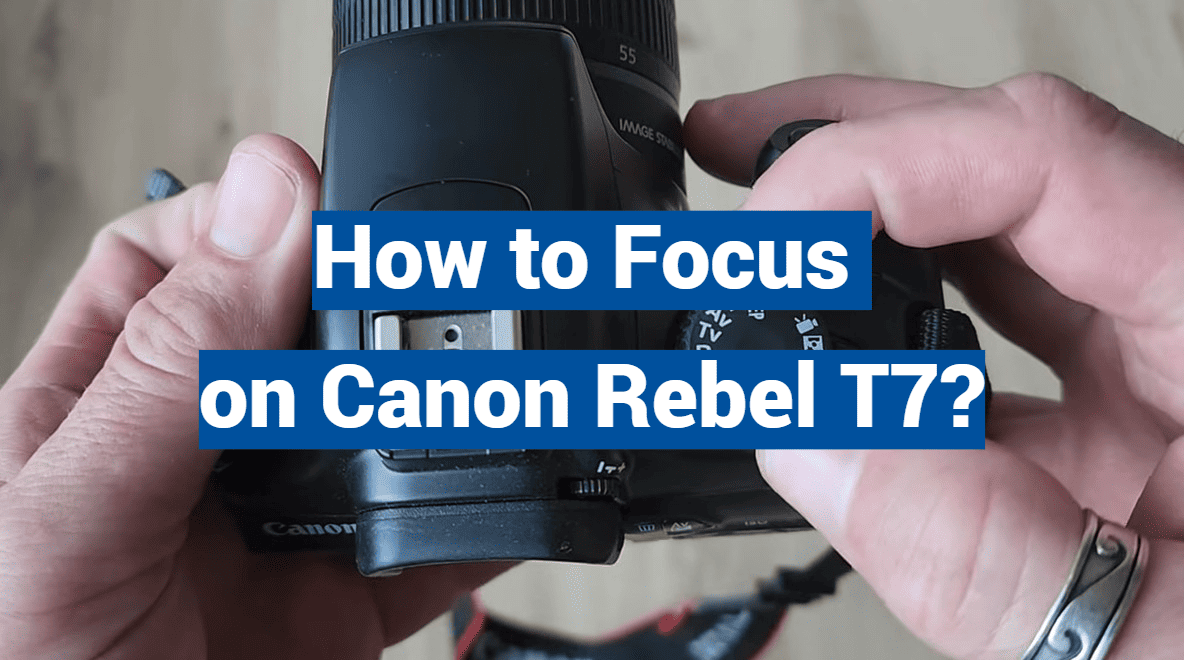
Embarking on a photography journey can be both exciting and overwhelming, especially if you’re armed with the powerful Canon Rebel T7. As a novice, it’s natural to spend hours scouring the internet for tips and tricks on how to master this incredible camera. But fear not, fellow shutterbugs, this article will guide you through the essential aspects of focusing on the Canon Rebel T7, so you can spend less time searching and more time capturing breathtaking shots. So, grab your camera and let’s dive into the world of focused photography!
DSLR Focus Points
DSLR Focus Points are great for achieving a sharp image when shooting photos. To get the most out of your focus points, it’s important to understand how they work and what their uses are.
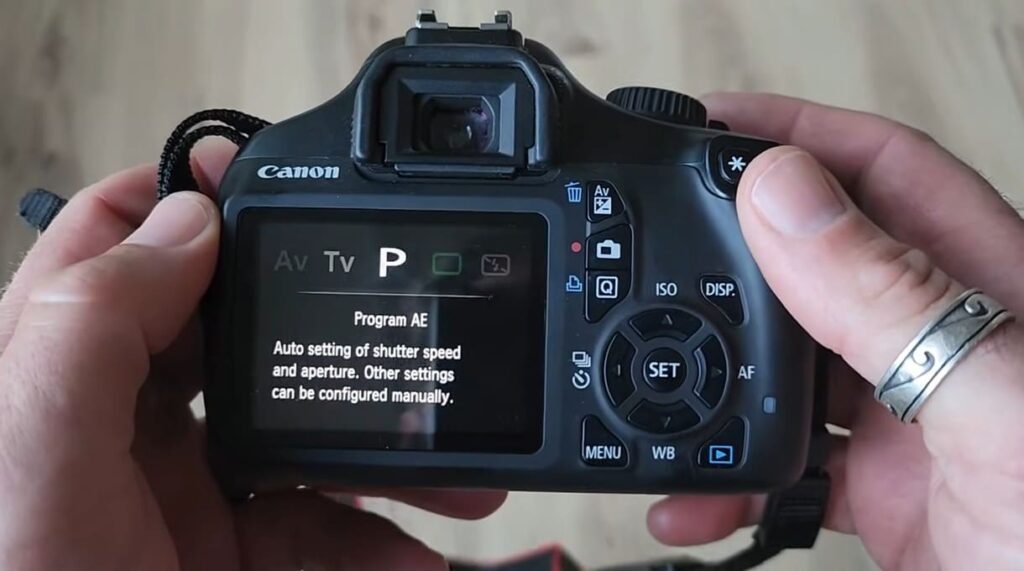
The main purpose of focus points is to help you determine the main subject in an image and ensure that it remains in focus while everything else becomes blurred. Focus points can be used to draw the viewer’s attention to a particular element in the frame, as well as help you achieve shallow depth of field for more creative shots.
Focus points are also useful when shooting sports or other fast-moving subjects. By setting the focus point on the subject, it will remain in sharp focus while everything else is blurred out, creating an interesting effect. They are also great for capturing close-up shots since they allow you to manually select the point of focus.
Aside from just being useful for achieving sharp photos, focus points can also help you compose your shots more effectively. By adjusting the focus point before you take a photo, you can create compositions that draw attention to specific elements in the frame. This allows you to create better compositions and capture more interesting images.
Finally, focus points are also great for experimenting with different types of photography. By changing the focus point and adjusting your aperture, you can explore a variety of creative techniques that will help you get a unique shot. You can also use them to control the depth of field in your photos, allowing you to create interesting bokeh effects.
Overall, focus points are an incredibly useful tool for photographers of all levels. By understanding their purpose and how to use them effectively, you can achieve sharp images with precise compositions and explore a variety of creative techniques. With the right knowledge and some practice, you’ll be able to get amazing shots!
Why Is Your Canon Rebel T7 Not Focusing? – 7 Solutions
Check That The AF/MF Switch Is Set To Auto Focus
The Canon Rebel T7, a popular camera model among photography enthusiasts, features a convenient autofocus (AF) switch located near the lens. This switch grants you the flexibility to choose your preferred focusing mode. If it’s set to manual focus (MF) mode, the camera won’t automatically adjust the focus when capturing a photo. To ensure optimal results, make sure to set the switch to AF and give it another try when taking your pictures. Enjoy capturing those perfect moments with your Canon Rebel T7!
Make Sure The Lens Is Compatible With Your Camera
Not all lenses are compatible with the Canon Rebel T7. It is important to check and ensure that your lens is an EF-S lens, as these lenses are specifically designed for the Rebel series cameras. They offer the best performance and are optimized to work seamlessly with the T7. If you are using a third-party lens that may not be inherently compatible, this could potentially be the cause of your focus issues. Taking the time to verify lens compatibility and using an EF-S lens will help ensure optimal performance and image quality with your Canon Rebel T7 camera.
Camera Is Too Close To The Subject
If you’re attempting to capture a photograph of an object that is positioned in close proximity to the camera, it can pose a challenge for certain camera models to achieve proper focus. To address this issue, ensure that your camera is positioned at a minimum distance of two feet away from the subject. By increasing the distance between the camera and the object, you may observe an improvement in the camera’s ability to focus accurately on the subject. Give it a try and see if this adjustment yields more desirable results for your photography endeavors.
The Lens Might Not Be Attached Correctly
If you recently changed lenses on your camera, it’s possible that the lens wasn’t properly attached. To ensure optimal performance and avoid any potential issues, it is crucial to make sure that the lens is securely fastened to the camera body. Double-check the lens mount and ensure that it clicks into place snugly. Take a moment to inspect the alignment and make any necessary adjustments before proceeding. After confirming the secure attachment, try taking a few pictures again to see if the issue is resolved. By following these steps, you can ensure that your camera and lens work seamlessly together, capturing stunning images with ease.
Contacts Need Cleaning
Over time, the contacts between the camera body and lens can accumulate dirt or become tarnished due to regular use. When this happens, the proper communication between the camera and lens can be disrupted, leading to various issues, such as autofocus problems and inconsistent performance. To address this issue effectively, it is important to ensure that you thoroughly clean both the contacts on the camera body and lens using a soft cloth or specialized cleaning solution. By taking the time to clean these contacts before reattaching them together, you can maintain optimal performance and prevent potential complications in your photography endeavors.
Not Enough Light
In situations where you find yourself shooting in a dimly lit environment, it is not uncommon for the camera to struggle with focusing accurately due to the limited availability of light. To overcome this challenge and achieve better focus, consider activating your camera’s built-in flash or utilizing an external light source to provide ample illumination to the scene. By doing so, you can optimize the visibility of your subject and enhance the overall quality of your photographs.
Your Subject Is Moving Too Quickly
If your subject is moving too quickly, it can be challenging for the camera to keep up and capture sharp images. In such situations, you can try adjusting the settings to improve your chances of getting a well-focused shot. One way to do this is by using a faster shutter speed, which reduces the amount of time the camera’s shutter remains open, effectively freezing the motion. Another option is to increase the ISO of your camera, which amplifies the camera’s sensitivity to light and allows for faster shutter speeds. By experimenting with these settings, you can enhance your ability to capture the action and ensure your photographs are sharp and focused.
Check the Custom Function Settings
Sometimes, when you encounter an issue with your camera, it can be resolved by making adjustments to the custom function settings. Take a closer look at the settings related to focusing and ensure that they are configured correctly for your specific lens. In addition, consider experimenting with different autofocus modes, such as AI Servo or Manual Focus, to see if any of these options can help resolve the issue you’re experiencing. By exploring these options and fine-tuning your camera settings, you’ll have a better chance of capturing the perfect shot.
Confirm That The Autofocus Is Enabled
In some cases, you may encounter a situation where the autofocus on your Canon Rebel T7 camera is disabled. To troubleshoot this issue, you can follow a simple step to confirm if autofocus is enabled. Access the menu settings on your camera and navigate to the autofocus settings section. Ensure that the autofocus option is enabled. If you find that it’s not enabled, simply toggle the switch to turn on the autofocus feature. Once you’ve made this adjustment, try taking some pictures again to see if the autofocus functionality has been restored. By following these steps, you can ensure that your camera is set up correctly and ready to capture sharp and focused images.
Check For Firmware Updates
Sometimes, firmware updates can work wonders for resolving focusing issues with cameras. It’s worth taking a moment to check if there are any updates available specifically for your camera model. If there are updates, follow the provided instructions diligently to install them. Once the update is successfully installed, take a moment to assess if the issue has indeed been resolved. This simple yet effective process can help ensure optimal performance and capture those picture-perfect moments with ease.
Check The AF Point Selection
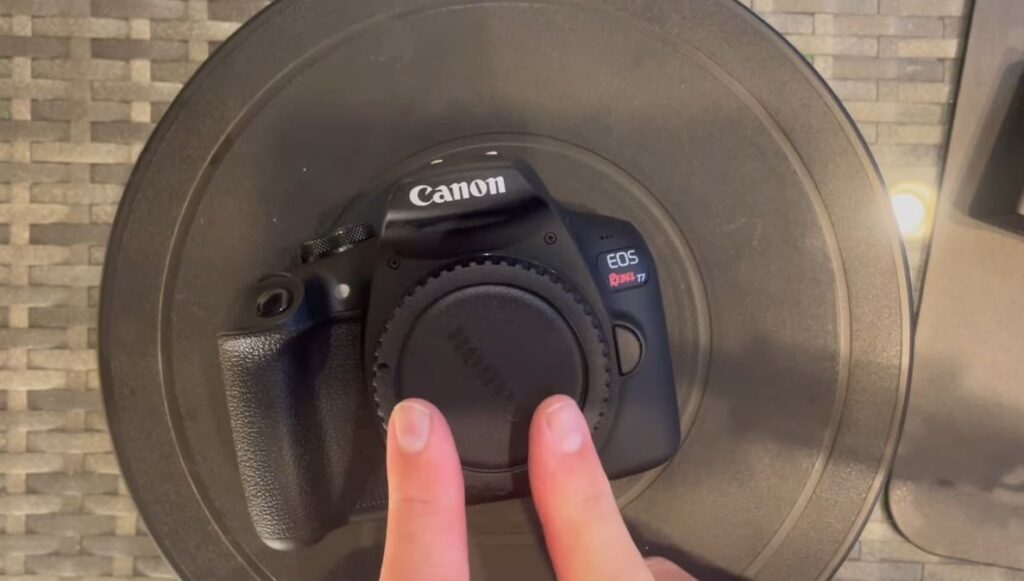
If you’re using a Canon Rebel T7 with multiple autofocus points, make sure that the correct autofocus point is selected. You can usually find this setting in the menu settings and you can then choose which point should be used for focusing. After choosing the correct autofocus point, try taking some pictures again and see if this fixes the issue.
How to Change Focus Point on Canon Rebel T7?
The Canon Rebel T7 is a powerful DSLR camera that allows users to get professional-quality images. However, it can be difficult for new photographers to understand how to change the focus point on the camera. Fortunately, once you understand the basics of changing focus points, it’s easy to do and will help you take better photos.
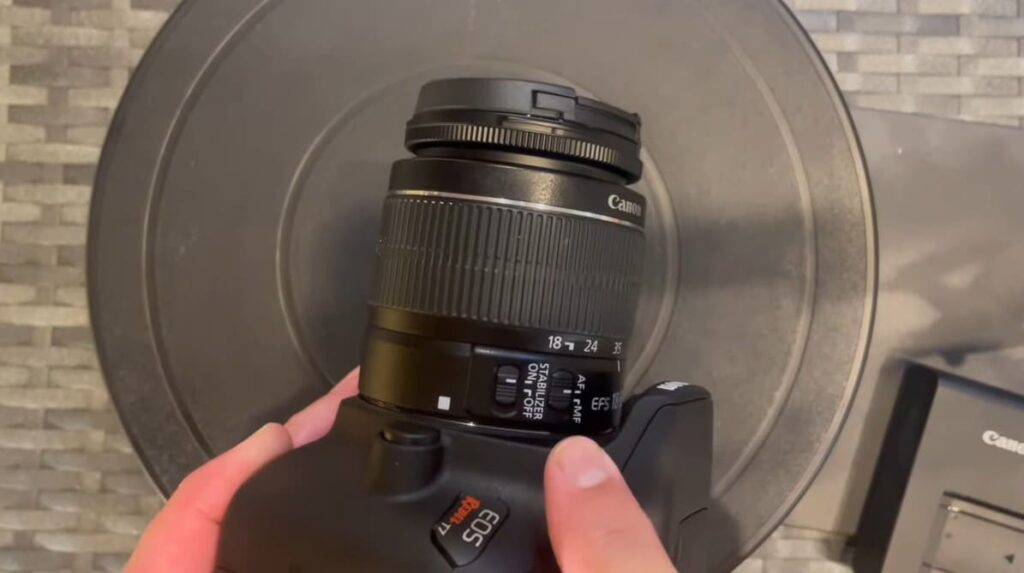
To change the focus point on your Canon Rebel T7, first select the focus point mode. You can do this by pressing the AF button located on the back of the camera and then using the command dial to select one of three modes: single-point AF, zone AF, or auto-selection AF.
Once you have chosen the desired focus point mode, use the multi-controller joystick located to the right of the LCD to select your desired focus point. Finally, press the shutter button halfway down and the camera will lock onto your subject and adjust its focus accordingly.
To ensure that you get a sharp image, it’s important to make sure that the correct focus point is selected for each shot. This can be done by using Live View mode to zoom in on your subject and fine-tune the focus point selection.
It’s also important to remember that you can select multiple focus points at once when shooting in Zone AF mode. This is especially useful for capturing subjects that are moving, as it allows you to capture a wider area of focus with each press of the shutter button.
Finally, don’t forget to adjust the focus area size in the camera menu if you want more precise control over your focus points. This will allow you to select a smaller or larger area of focus, depending on what your subject requires. By following these steps and getting familiar with the features available on the Canon Rebel T7, you’ll be able to take amazing photos like never before!
For more advanced users, the Canon Rebel T7 also offers an array of custom focus settings. These settings allow you to fine-tune your focus points and select the exact size, shape, and placement for each one. This can be invaluable when shooting in difficult lighting situations or extreme close-ups. With a little bit of practice, you’ll have no problem mastering the focus point settings on your Canon Rebel T7!
FAQ
How do I get the best focus on my Canon Rebel T7?
The key to achieving the best focus with your Canon Rebel T7 is using the autofocus feature. Autofocus makes it easy to keep track of where you need to focus and helps ensure that every shot is as sharp as possible. To use autofocus, press the shutter halfway down; this will engage the autofocus system and lock in on your subject. Once it has focused, press the shutter down to take the shot.
You can also adjust the autofocus point manually by pressing the AF Point Selection button and then using arrows on the camera body to select a different focus area. This is useful when you need to shift focus from one area of your frame to another. Additionally, you can fine-tune the autofocus by setting the AF Microadjustment function. This will allow you to tweak the focus accuracy for your specific lens and camera combination.
Finally, it is important to understand that focusing on a moving subject requires practice and patience to get optimum results. Always remember to keep an eye on your subject and adjust the autofocus point accordingly. With practice, you will be able to get the best results with your Canon Rebel T7.
Can I use third-party lenses on my camera?
Yes, you can use third-party lenses on your Canon Rebel T7 provided they have the proper mount type for your camera. Third-party lenses are often less expensive than OEM lenses, but it’s important to do your research and make sure they’re compatible with your camera. Additionally, you may need to purchase an adapter if the lens uses a different mount than what is found on your camera. Make sure that any adapters or extra mounts are designed for use with Canon Rebel cameras before purchasing them.
It is also important to remember that some features such as autofocus and image stabilization may not work with third-party lenses. If you want to take advantage of these features, it’s best to stick with OEM lenses that are designed specifically for your camera.
What is the difference between RAW and JPEG files?
RAW files are uncompressed digital images that contain all of the information captured by the camera’s sensor. These files are ideal for editing because they retain maximum detail and have more flexibility than JPEG files. On the other hand, JPEGs are compressed digital images that contain fewer colors and details, making them smaller in size but also less suitable for editing.
In general, RAW files are preferable when you plan to do a lot of post-processing or need to extract the maximum amount of detail from your images. JPEGs are better for web or print use since they are more compressed and take up less space, making them faster to upload or download. Ultimately, the decision between RAW and JPEG comes down to what you plan to do with your photos.
What is the best way to clean my camera lens?
The best way to clean your camera lens is with a microfiber cloth and some lens cleaner. Start by using the microfiber cloth to gently wipe away any dust or dirt from the surface of the lens. If there are any smudges or fingerprints, use a few drops of lens cleaner on the cloth and lightly wipe down the entire lens.
It is important not to use too much lens cleaner, as this could damage the lens. Additionally, avoid using tissue paper or other rough surfaces as these can scratch the surface of your lens. After you have cleaned the lens with a microfiber cloth and lens cleaner, it is recommended that you use an air blower to remove any residual dust particles from the surface of the lens. This will help ensure that your lens is clean and free from any dirt or debris.
What type of memory card should I use with my camera?
The type of memory card you use with your Canon Rebel T7 will depend on the size and speed of the card. The camera can accept SD, SDHC, and SDXC cards, so make sure to check the specifications of the card before purchasing. Higher-speed cards are typically recommended for capturing video or taking burst shots, while larger capacity cards can store more images and videos.
It is also important to make sure that your memory card is compatible with your camera. Always double-check the manufacturer’s specifications to make sure that your card is suitable for use with your Canon Rebel T7. Additionally, make sure to format the card in your camera before using it to ensure maximum performance.
How do I get my Canon Rebel to focus?
Getting your Canon Rebel T7 to focus properly can be a bit tricky, but once you practice and become familiar with the system it becomes much easier. The key is to use the autofocus feature on your camera; simply press the shutter halfway down and the camera will detect where it needs to focus. You can also manually adjust the autofocus point by pressing the AF Point Selection button and choosing a different focus area.
If you want to fine-tune your focus even further, you can set the AF Microadjustment function. This will allow you to adjust the autofocus accuracy for your lens and camera combination. Finally, remember that focusing on a moving subject requires practice and patience; keep an eye on your subject and adjust the autofocus point accordingly. With practice, you will be able to get the best results with your Canon Rebel T7.
How do I get autofocus on my Canon Rebel T7?
Autofocus on your Canon Rebel T7 is enabled by pressing the shutter button halfway down. When you do this, the camera will detect where it needs to focus and lock in on your subject. Additionally, you can manually adjust the autofocus point by pressing the AF Point Selection button and then using arrows on the camera body to select a different focus area. This will allow you to fine-tune the focus and capture the best possible image.
Conclusion
So, focusing on the Canon Rebel T7i, it’s clear that this camera is an excellent choice for both beginner photographers and experienced professionals. With its advanced features, such as 24-megapixel sensors and the DIGIC 4+ image processor, it offers stunning results that you can be proud of. Furthermore, its affordability makes it a great option for those who don’t want to break the bank. Therefore, if you’re looking for a reliable camera that can capture beautiful photographs, the Canon Rebel T7i should be at the top of your list.