
Picture this: it’s movie night with your friends, and you’ve decided to set up an impromptu cinema in your living room. You’ve already got the perfect wall to project onto, popcorn is ready, and the lights are dim. But wait, what about sound? That’s right — while you often associate projectors with big screens and high-quality visuals, sound can sometimes be an afterthought. So, delve into the auditory capabilities of projectors, the options available to you, and how to ensure your next movie night delivers an immersive experience.
Do Projectors Have Sound?
Projectors are devices that project visual content onto a screen or any flat surface. However, they don’t necessarily come with built-in speakers for sound output. This might be confusing to some people since modern TVs and monitors usually have built-in speakers. So, do projectors have sound? The answer is both yes and no. Here’s why:
Projector Types
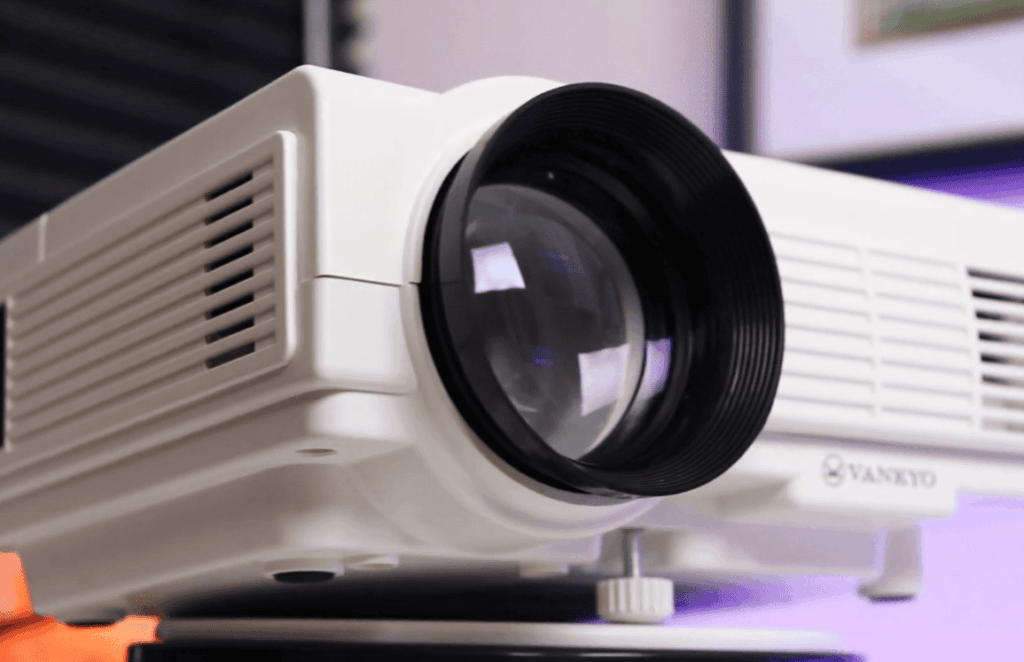
The first thing you need to understand is that there are different types of projectors. Each type serves a specific purpose and has its own set of features. The two most commonly used projector types are DLP (Digital Light Processing) and LCD (Liquid Crystal Display).
DLP projectors use tiny mirrors to reflect light onto the screen, producing an image. These projectors are popular for their high image quality, compact size, and affordability. However, most DLP projectors don’t come with built-in speakers.
On the other hand, LCD projectors use liquid crystal panels to manipulate light and produce an image. These projectors tend to be bulkier than DLP ones but offer better color accuracy and brighter images. Some LCD projectors do come with built-in speakers, but it’s not a standard feature.
Audio Output Options
So, if most projectors don’t come with built-in speakers, how do you get sound when using one? There are a few different options for audio output when using a projector:
- Built-in Speakers: As mentioned earlier, some projectors do come with built-in speakers. These speakers are usually small and not very powerful, so they might not provide the best audio experience. However, if you’re using a projector for casual viewing or presentations, these speakers might be enough.
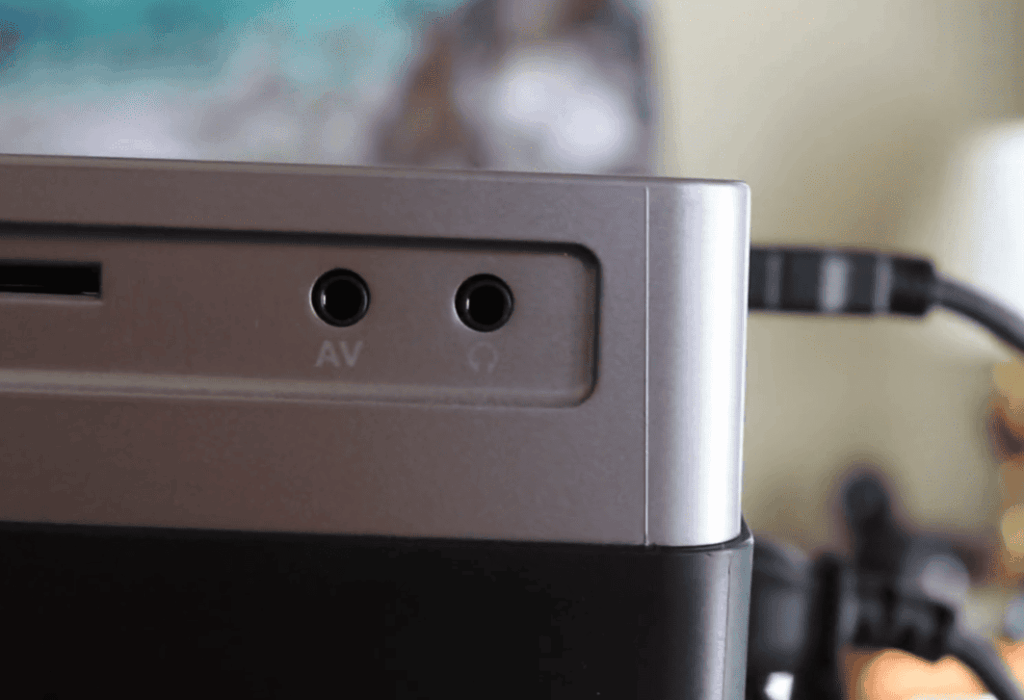
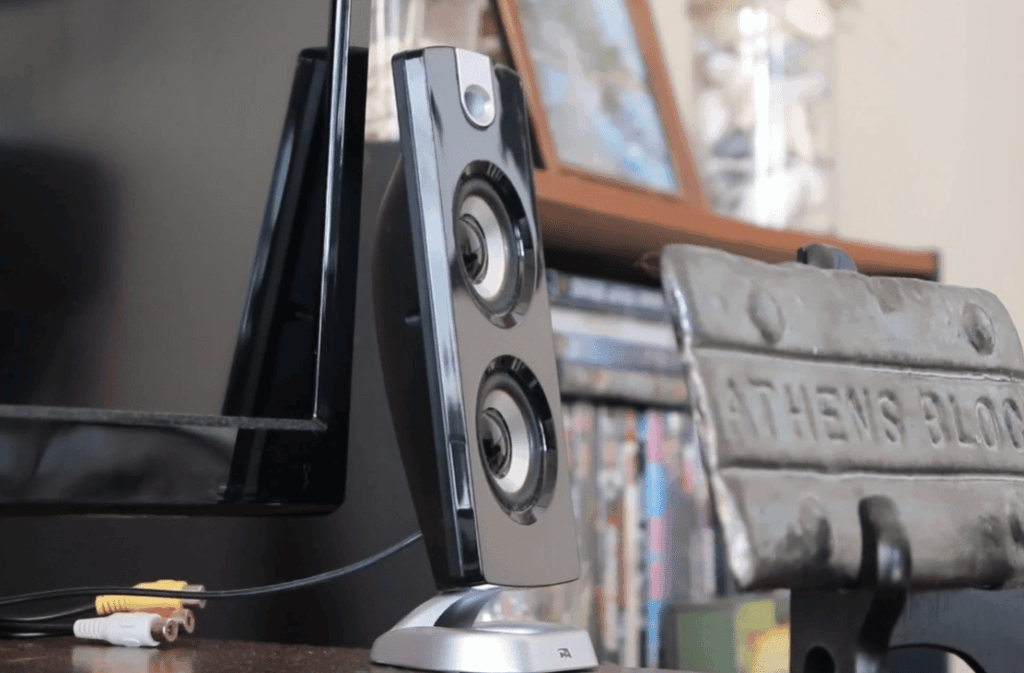
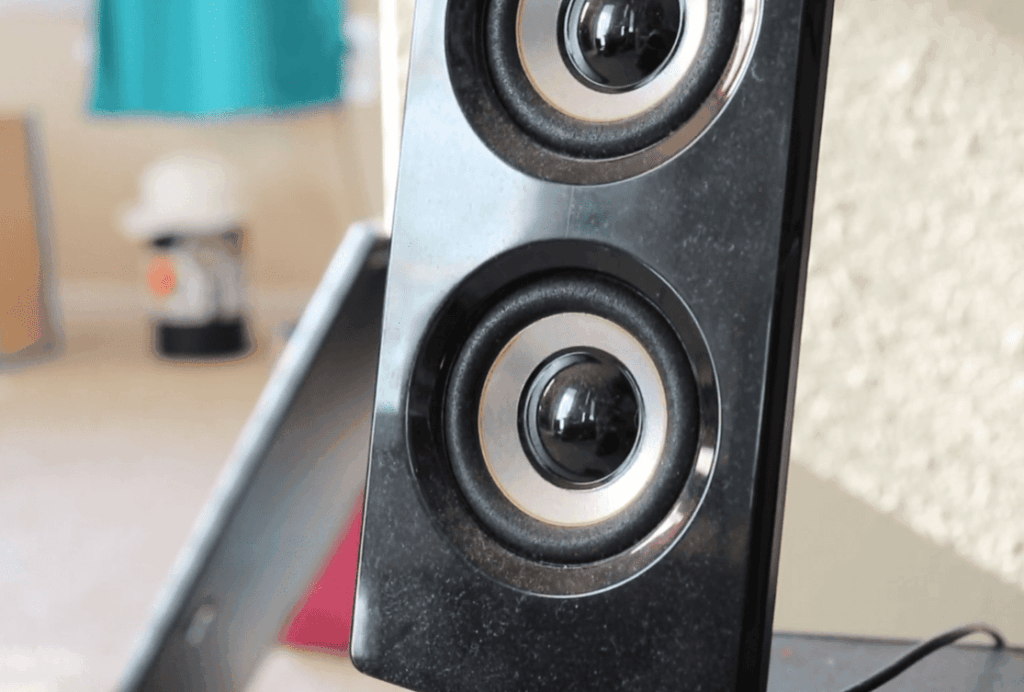
- External Speakers: You can also connect external speakers to your projector for better sound quality. Most projectors come with an audio output port that allows you to connect external speakers. This option is great for watching movies or playing games on a bigger screen.
- Audio Receiver: If you have a home theater setup, you can connect your projector to an audio receiver. The receiver acts as the central hub for all your audio and video devices and provides high-quality sound output.
Different Types of Audio Setups for Projectors
There are several types of audio setups that projectors can accommodate, each with its own benefits and ideal use cases:
- Stereo Systems: For richer sound, projectors can connect to a two-speaker stereo system, typically placed on either side of the projection screen for a symmetrical listening experience.
- Surround Sound: Advanced projectors can connect to a surround sound system, which includes multiple speakers and a subwoofer, delivering an enveloping audio experience ideal for home theaters.
- Soundbars: A popular choice for many households, soundbars offer a sleek and simple addition to your projector setup, providing superior audio performance compared to built-in speaker options.
Built-In Speakers: The Projector’s Voice
A common and widely available feature in most projectors, built-in speakers serve as the default audio output option. They offer convenience by eliminating the need for external speakers, but it’s important to note that they can sometimes come with certain trade-offs. These trade-offs may include limitations in sound quality and volume range, which can impact the overall audio experience. However, for many users, the built-in speakers provide a practical and hassle-free solution for enjoying multimedia content without the need for additional audio equipment.
Pros of Using Built-In Speakers
One of the most apparent benefits of these speakers is the simplicity and convenience they offer. With their all-in-one design, you can enjoy a hassle-free experience without the need for additional setup, tangled wires, or worrying about space requirements. Whether you’re setting up your home entertainment system or just looking to enjoy your favorite music, these speakers provide a seamless and user-friendly solution that enhances your audio experience. Say goodbye to clutter and hello to effortless enjoyment!
Cons of Built-In Speakers
However, most built-in speakers found in devices are generally not designed to deliver the highest quality sound. Due to their limited size and configuration, the audio produced by these speakers can often lack depth, richness, and clarity. This can be particularly noticeable to the discerning viewer who seeks an immersive experience while enjoying their favorite content. Therefore, it is recommended to consider external speakers or audio systems to enhance the audio experience and fully appreciate the intricacies of sound in movies, music, and other media.
Audio Quality Considerations: What Affects Sound from a Projector?
Several factors can influence the quality of audio produced by your projector. Understanding these can help you make informed decisions when setting up your audio system.
Room Acoustics: The Silent Player
The acoustics of your room play a crucial role in how sound travels and is perceived. Factors such as the size, shape, and materials in the room can greatly impact the sound quality. By incorporating soft furnishings, such as plush curtains and carpeting, you can improve the reflection and absorption of sound waves, resulting in a more balanced and immersive listening environment. So, whether you’re enjoying your favorite music, watching a movie, or having a video call, optimizing the acoustics of your room can greatly enhance your overall audio experience.
Projector Placement and Sound Direction
The placement of your projector can have a significant impact on the direction of sound. It’s important to note that projectors often come equipped with fans that can generate considerable noise, which can potentially interfere with the audio experience. Additionally, the placement of speakers in relation to the projector can either enhance or exacerbate this issue. To address these concerns, it is advisable to ensure clear sound paths by strategically positioning the projector and speakers. Moreover, considering the use of noise-reducing equipment, such as acoustic panels or soundproofing materials, can further optimize the audio quality and minimize any unwanted disturbances.
Environmental Noise and Sound Isolation
Environmental noise, such as the bustling traffic outside or the lively activity within your household, can be a major hindrance to your audio experience. To counteract these distractions, implementing effective sound isolation measures becomes crucial. Consider insulating internal walls with soundproof materials or adorning your windows with soundproof curtains to create a tranquil auditory environment that enhances your overall experience.
Tips for Enhancing Your Projector Audio Experience
While external audio systems can provide a significant boost in sound quality, there are also several adjustments and accessories that can help you fine-tune your projector’s sound for that cinematic feel.
Optimal Speaker Placement and Calibration
The right placement of speakers is crucial for achieving the best audio dispersion and creating an immersive audio experience. When calibrating your speaker setup, you might need to fine-tune various aspects such as distances, levels, and other settings to ensure a harmonious audiovisual experience. By taking the time to optimize these factors, you can enjoy a more detailed and realistic soundstage, where every instrument and sound effect comes to life, enhancing your overall enjoyment of movies, music, and other multimedia content.
Adjustment of Projector Audio Settings
Projector settings offer a range of features to enhance your audio experience. Along with equalizer presets, volume normalization, and Bluetooth connectivity, you can delve into advanced options such as surround sound simulation and audio delay adjustment. These customizable settings allow you to fine-tune the audio output according to your preferences and optimize it for the specific media you’re enjoying, whether it’s a thrilling action movie or a soothing music playlist. So, take your time to explore these options and create the perfect audio setup for your projector.
Additional Audio Enhancements
If you want to take your audio experience to the next level, consider investing in an external amplifier for increased power and control. This will not only enhance the overall sound quality but also allow you to fine-tune your audio settings to suit your preferences. Additionally, adding a dedicated subwoofer to your setup can bring deep and immersive bass frequencies, bringing your favorite music and movies to life with a richer and more impactful sound. By incorporating these valuable additions to your audio system, you can enjoy a higher level of fidelity, range, and overall audio performance.
How to Get Sound from a Projector?
How to Get Sound with HDMI?
Connecting a projector to your device is easy, but getting sound from it may require some additional steps. If you are using an HDMI cable to connect your projector to your device, there are a few things you should keep in mind.
First, ensure that both the projector and the device are turned on and set to the correct input source. Next, make sure that the volume on your device is turned up and that the audio output is set to HDMI.
If you are still not getting any sound, it could be due to a few reasons. One common issue is that the HDMI cable may not be capable of transmitting audio. In this case, you will need to purchase a new HDMI cable that supports audio transmission.
Another possible reason for no sound is that the audio settings on your device may not be configured properly. To check this, go to the sound settings and make sure that the correct output source is selected.
If you are using a Windows device, you can also try updating your audio drivers or checking for any updates for your projector’s firmware. This could potentially solve any compatibility issues between your devices.
How to Get Sound with Audio Cables?
If you are using audio cables to connect your projector to your device, there are a few steps you can follow to ensure you get sound from the projector.
First, make sure that both the projector and the device are turned on and set to the correct input source. Next, check that the audio cable is securely connected to both devices.
If you are still not getting any sound, try adjusting the volume on your device and make sure that the audio output is set to the correct source. You can also try using different audio cables or connecting to a different input source on the projector.
How to Get Sound Wirelessly?
If you are looking for a more convenient way to get sound from your projector, you can consider using wireless options.
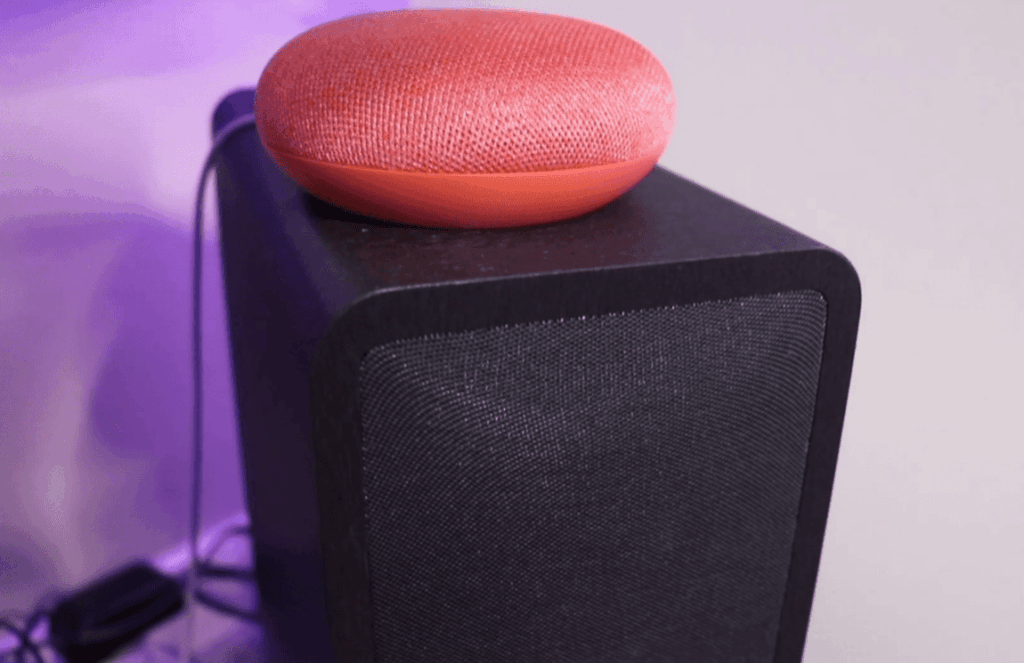
One option is to use a Bluetooth audio receiver. This device can be connected to the audio output of your projector, allowing you to stream sound from your device wirelessly. Simply pair your device with the Bluetooth receiver and adjust the volume accordingly.
Another option is to use a wireless HDMI kit. This allows you to transmit both video and audio wirelessly from your device to the projector. However, keep in mind that this option may not provide the best sound quality compared to using audio cables.
Audio Output Connection Types for Projectors
3.5mm Jack Inputs and Outputs
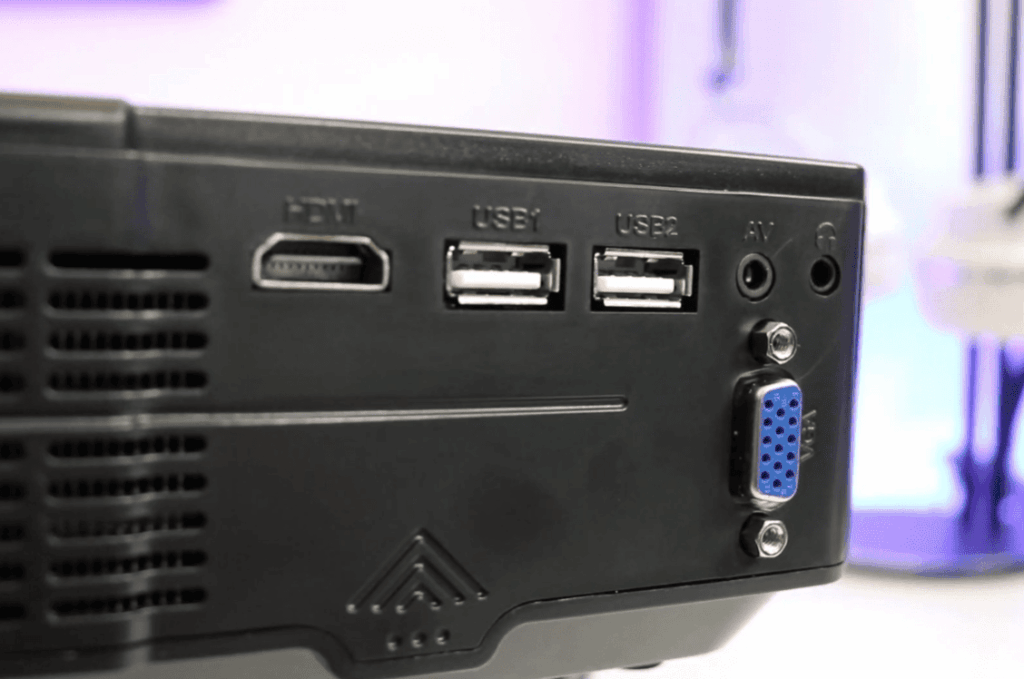
3.5mm jack inputs and outputs are commonly used in projectors for audio output connection. This type of connection uses a small, round plug that is 3.5 millimeters in diameter, hence the name.
The 3.5mm jack is a universal standard for audio connections and can be found on most electronic devices such as smartphones, laptops, and MP3 players. This makes it a convenient option for projectors as it allows users to easily connect their devices without the need for additional adapters.
RCA Connection Types
RCA (Radio Corporation of America) connections consist of three separate connectors – one for video, one for left audio, and one for right audio. These connections are typically color-coded with yellow for video, white for left audio, and red for right audio.
While not as commonly used as 3.5mm jack inputs and outputs, RCA connections can still be found on some projectors. They are a good option for connecting older devices such as DVD players or gaming consoles that may not have 3.5mm jack outputs.
HDMI Connection Types
HDMI (High-Definition Multimedia Interface) connections are becoming increasingly popular in projectors due to their ability to transmit both audio and video signals in high definition. This type of connection uses a single cable to transfer both audio and video signals, making it a simple and convenient option.
HDMI connections are also backwards compatible with DVI (Digital Visual Interface) connections, so they can be used with older devices that do not have HDMI outputs. However, an additional adapter may be required for this type of connection.
S/PDIF Connection Types
S/PDIF (Sony/Philips Digital Interface) connections are primarily used for digital audio output. This type of connection uses either an optical or coaxial cable to transmit high-quality surround sound audio signals.
While not as commonly found in projectors, S/PDIF connections are a good option for those looking for a more advanced audio experience. They can also be found on some gaming consoles and DVD or Blu-ray players.
Bluetooth Connectivity
Some projectors also offer Bluetooth connectivity for audio output. This allows users to wirelessly connect their devices and stream audio directly to the projector without the need for any cables. By leveraging Bluetooth technology, users can enjoy a seamless and hassle-free audio experience.
Whether you want to immerse yourself in your favorite movie or enhance your presentation with high-quality sound, Bluetooth connectivity provides a convenient and clutter-free solution. It also enables easy switching between multiple devices, giving you the flexibility to use different sources for audio output with just a few taps. So say goodbye to tangled cables and embrace the freedom of wireless audio connectivity with Bluetooth-enabled projectors.
Built-in Speakers or Soundbars
In addition to external audio output options, some projectors also come with built-in speakers or soundbars. These are typically low-wattage speakers that provide basic audio output for presentations or watching videos in a small setting.
While they may not offer the same level of sound quality as external speakers, built-in speakers and soundbars are a convenient option for those who do not want to deal with additional devices and wires. They are also a great option for on-the-go presentations or movie nights with friends and family.
Common Issues when Getting Sound from Projector to Speakers
There are several common issues that you may encounter when trying to get sound from your projector to your speakers. These issues can be frustrating and may leave you feeling confused about what steps to take next. This section will discuss some of the most common problems people face and provide solutions for each one.
No Sound or Low Sound From Projector Speakers
The most common issue when attempting to get sound from a projector to speakers is that there is no sound or very low sound coming from the projector’s built-in speakers. There are a few potential causes for this problem, which we will outline below.
- Audio Output Settings: One of the first things you should check if you are not getting any sound from your projector’s speakers is the audio output settings. Make sure that the correct audio output option is selected and that the volume is turned up.
- Faulty Cables: Another potential issue could be faulty cables. If your projector uses a separate cable to connect to the speakers, make sure that it is securely connected and not damaged in any way.
- Speaker Volume: It may seem obvious, but sometimes the issue is simply that the speaker volume is turned down too low. Make sure to check the volume on both the projector and speakers to ensure they are at an appropriate level.
- Mute Function: Some projectors have a mute function that can accidentally be turned on, resulting in no sound or low sound. Check your projector’s manual to see if it has this function and how to disable it.
- Internal Speaker Malfunction: If none of the above solutions work, then it is possible that there is a malfunction with the projector’s internal speakers. In this case, you may need to contact the manufacturer for further assistance.
Audio Lag or Delay
Another common issue when getting sound from a projector to speakers is audio lag or delay. This can be particularly frustrating when watching videos or playing games, as the sound may not sync up with the visuals on the screen.
- Input Lag: One potential cause of audio lag is input lag. If your projector has a long input delay, it can result in audio being out of sync with the video. You may need to adjust your settings or invest in a projector with a shorter input lag.
- Audio Sync Settings: Some projectors have audio sync settings that can be adjusted to help reduce audio delay. Check your projector’s manual or settings menu to see if this is an option.
- Audio Output Connection: If you are using a separate cable to connect your speakers to the projector, it is possible that there may be a delay in the audio signal. Consider using a different type of cable or connecting the speakers directly to the projector if possible.
Poor Sound Quality
Lastly, you may encounter poor sound quality when trying to get sound from your projector to speakers. This can be especially noticeable if you are used to high-quality sound from other devices.
- Low-Quality Speakers: The most obvious cause of poor sound quality is using low-quality speakers. If this is the case, consider upgrading your speakers to improve the overall sound experience.
- Limited Audio Output Options: Some projectors may have limited audio output options, resulting in lower sound quality when connected to external speakers. Consider investing in a projector with better audio output capabilities if this is a priority for you.
- Audio Interference: It is also possible that there may be interference from other electronic devices, leading to poor sound quality. Try moving your speakers or projector away from other electronics to see if this improves the audio.
- Audio Equalization Settings: Many projectors have audio equalization settings that can be adjusted to enhance sound quality. Experiment with different settings to find what works best for your setup.
By understanding and addressing these common issues, you can ensure that you get the best sound experience when connecting your projector to external speakers. If you continue to encounter problems, it may be helpful to consult with a professional or contact the manufacturer for further assistance. With the right troubleshooting steps, you can enjoy high-quality sound from your projector in no time!
FAQ
How do you get sound from a projector?
To get sound from a projector, options vary based on your projector model. Some projectors have built-in speakers and audio ports, while others require external speakers. If your projector has built-in speakers, adjust the volume for sound. Otherwise, connect external speakers using an audio cable. Another option is to use a separate sound system or home theater system.
Connect the audio output of your projector to the aux input of your sound system for better sound quality. If your projector lacks built-in speakers or an audio port, use a separate audio adapter with HDMI or VGA ports. In some cases, you can also use Bluetooth technology if both your projector and device support it. Pair them for wireless sound.
Why is there no sound on my projector?
There are several reasons why you may not be getting sound from your projector. First, check if the volume is turned up and not muted. If the volume is turned up but there is still no sound, make sure that the correct audio input source is selected on both your projector and external speakers or sound system. Additionally, ensure that all cables are properly connected and in good condition. If you are using an HDMI connection, make sure the HDMI cable supports audio transmission. If none of these solutions work, there may be a problem with the projector’s audio component and it may need to be repaired or replaced.
Conclusion Paragraph
So, if you still wonder if projectors have sound, the answer is yes, they can have sound but it varies based on the projector model. There are different options to get sound from a projector such as built-in speakers, external speakers, or using a separate sound system. Make sure to check the volume and audio input sources if you encounter any issues with sound on your projector. Hopefully, this article has provided helpful information for those looking to get sound from their projector.