
Unraveling the mysteries behind the longevity of your camera can sometimes feel like embarking on a thrilling detective mission! As a passionate photographer, you understand the significance of the shutter count in determining the lifespan of your beloved Sony A7III. With each click, your camera reveals a hidden secret, a glimpse into its past adventures capturing breathtaking moments. But fear not, fellow shutterbugs, for today this article will embark on a quest to uncover the secrets of checking the shutter count on your Sony A7III. So, grab your magnifying glass, put on your detective hat, and dive into this must-know guide to ensure the continued prowess of your trusty companion!
Some facts about the Sony A7III camera
Sony A7III is one of the best full-frame mirrorless cameras on the market. It has a 24-megapixel sensor, 5-axis image stabilization and 4K video recording capabilities. It also supports Eye AF technology, which allows it to automatically track and focus on subjects’ eyes for better results in portrait photography. It also features an improved battery life, lasting up to 710 shots on a single charge. It’s also dust and moisture-resistant, making it suitable for shooting in any condition.
When it comes to performance, the Sony A7III is an excellent camera with great image quality and fast autofocus speed. It has a maximum continuous shooting speed of 10 frames per second (fps) at full resolution, and can also record 4K video at 30fps. It offers a great range of features such as AF-C tracking, Eye AF and face detection for improved accuracy when shooting people or animals. In terms of image quality, the A7III produces images with excellent dynamic range, rich colors and an impressive level of detail.
The Sony A7III is a great choice for photographers looking to get more out of their photography. Whether you’re shooting landscapes, portraits or action shots, the A7III has the features and performance you need to capture amazing photos. It’s also a great option for those looking to upgrade from an entry-level camera without breaking the bank.
In addition to its improved image quality and performance, the Sony A7III also has a wide range of accessories available. From lens adapters to spare batteries and external flash units, it’s easy to find just the right gear for your photography needs. With its impressive features, high-quality images and great value for money, the Sony A7III is an excellent choice for aspiring photographers.
What is a Camera Shutter Count?
A camera shutter count is a way of measuring the total number of times that a digital camera’s shutter has been activated. This information can be extremely useful, as it can indicate how much use a camera has had over its lifetime. The more photos taken with a particular camera, the higher the shutter count will be. Knowing this information can help determine if a used camera is a good purchase or not, as the shutter count can help determine how much wear and tear the camera has had. Additionally, some digital camera models have a maximum shutter count set by their manufacturer, beyond which the warranty may be void.
The only way to accurately determine a digital camera’s shutter count is to check its EXIF data. This is a type of data embedded in photos taken with digital cameras, and it contains information such as the camera model, lens used, date taken and shutter count. EXIF data can be viewed using image editing software such as Adobe Photoshop or via an online EXIF viewer like exifviewer.com. By accessing this data, photographers can check the number of shots taken with their cameras and make an informed decision about whether it is suitable for continued use.
In addition to providing important information on a camera’s usage, shutter counts can also be used by photographers to keep track of the total number of images taken with their cameras over time. By monitoring this metric, they can identify trends in their photography and look for ways to improve their technique. This data can also help photographers plan for how often they should upgrade their camera bodies to ensure that they always have the latest equipment and features.
Overall, shutter counts are a valuable tool for both amateur and professional photographers looking to evaluate used cameras or track their own progress over time. By understanding what these numbers mean and how to access them, photographers can make informed decisions and gain insight into their own photography.
How to Check Shutter Count on Sony A7III?
Method 1: Using Exit Data
The first way to check the shutter count on a Sony A7III is to use an Exit Data program. An Exit Data program is a software tool that can be used to read and interpret data stored in the camera’s memory card. By accessing this, you can find out how many photos have been taken with your camera since its purchase date. To access the exit data on your Sony A7III, first make sure you have installed the camera’s firmware update. Then, using a compatible memory card and an Exit Data program, follow the instructions below:
- Insert your memory card into your computer’s card reader
- Open the Exit Data program and connect to the camera
- Select the “Exit” option from the menu
- Select “Read” to access the camera’s memory card
- Look for the shutter count and other information about your camera
Once you have found this information, you can use it to get an estimate of how many photos your Sony A7III has taken since its purchase date. This will give you a better understanding of your camera’s life expectancy and help you decide when it may be time for an upgrade.
Method 2: Using Software
The second way to check the shutter count on a Sony A7III is to use a dedicated software tool. There are several software tools available that can be used to read and interpret exit data from your camera’s memory card, including Sony Image Data Converter 4 and Sony PC Remote. To use a software tool to check the shutter count on your Sony A7III, first make sure you have downloaded and installed the correct program for your camera. Then, follow the instructions below:
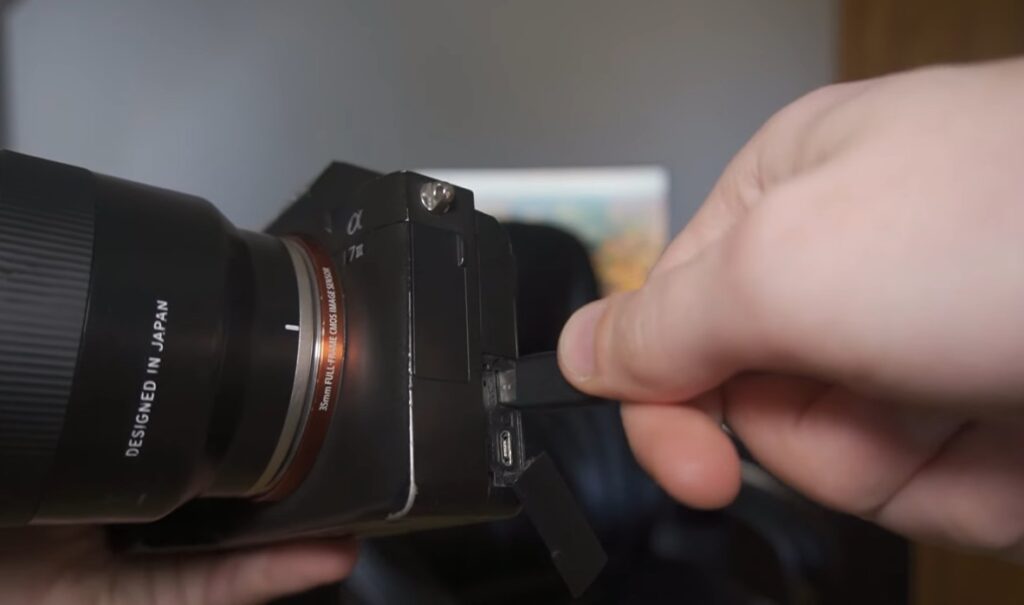
- Connect your camera to your computer using a USB cable
- Open the software application and connect to the camera
- Select the “Exit” option from the menu
- Select “Read” to access the camera’s memory card
- Look for the shutter count and other information about your camera
Once you have found this information, you can use it to get an estimate of how many photos your Sony A7III has taken since its purchase date. This will give you a better understanding of your camera’s life expectancy and help you decide when it may be time for an upgrade.
Method 3: Online Shutter Count Tools
Finally, there are also several online tools available that can be used to check the shutter count on a Sony A7III. These online tools typically require you to upload your camera’s memory card to the tool’s website and then wait for the results. To use an online tool to check the shutter count on your Sony A7III, first, make sure you have downloaded and installed the correct program for your camera. Then, follow the instructions below:
- Connect your camera to your computer using a USB cable
- Upload the contents of your memory card onto the online tool’s website
- Wait for the results from the online tool
- Look for the shutter count and other information about your camera
Once you have found this information, you can use it to get an estimate of how many photos your Sony A7III has taken since its purchase date. This will give you a better understanding of your camera’s life expectancy and help you decide when it may be time for an upgrade.
In addition to checking shutter count, these tools also provide other useful information such as lens type, serial numbers, and the total number of photos taken with your camera. This is beneficial if you are looking to buy a new lens or want to keep track of how many photos you’ve taken on your Sony A7III. Knowing this information can help you make better decisions when it comes to taking care of your camera and its lenses.
What is a High Shutter Count?
The number of photos taken with a digital camera is often referred to as its shutter count. This number refers to the total number of photos taken with the camera since it was purchased and can range from 1 to several hundred thousand or more depending on how often the camera is used. Generally speaking, a high shutter count indicates that the camera has been used extensively over time and may be nearing the end of its life expectancy. On the other hand, a low shutter count indicates that the camera has had very little use and may still have many years of service life left. Knowing your camera’s shutter count can help you make informed decisions about when it might be time to upgrade or replace your camera body.
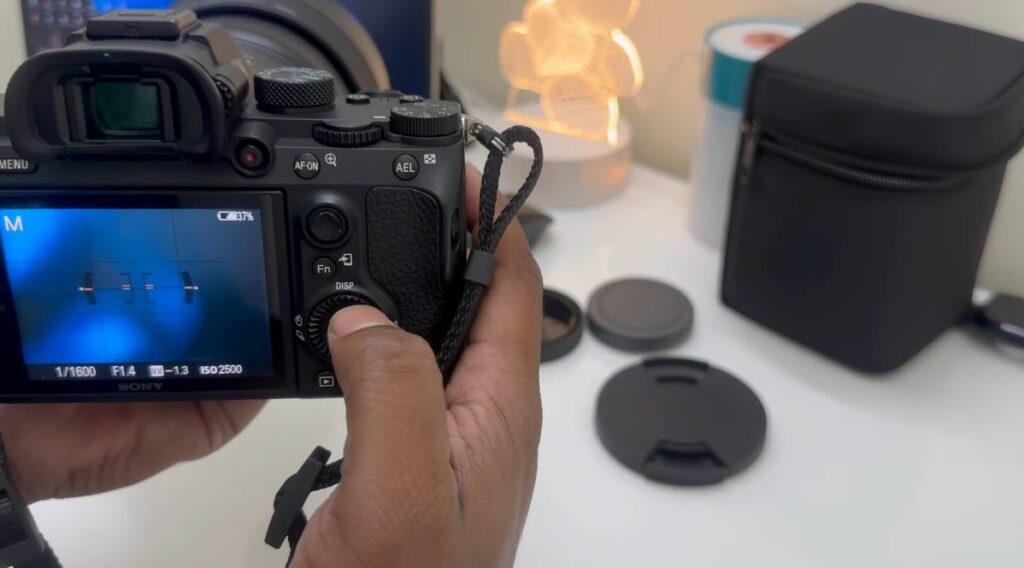
It is important to keep in mind that the number of photos taken does not necessarily reflect the quality of the camera. Even if a camera has a high shutter count, it may still be capable of producing excellent-quality images and videos. However, it is important to consider the wear and tear that comes with heavy use over time, as this can affect the performance and durability of your Sony A7III.
In conclusion, it is important to be aware of the shutter count on your Sony A7III as this can help you make decisions about when it might be time to upgrade or replace your camera body. Knowing this information can also help you better understand the life expectancy of your equipment and ensure that you get the most out of your investment.
DSLR Shutter Counts vs. Mirrorless Shutter Counts
When comparing DSLR shutter counts and mirrorless shutter counts, it’s important to consider the differences between the two types of cameras. DSLR cameras use a physical mechanism called a ‘shutter’ to control exposure time. This mechanism is made up of several components and can be quite expensive to repair or replace over time. Mirrorless cameras, on the other hand, rely on an electronic shutter system that eliminates the need for physical components.
While DSLR cameras have higher shutter counts than mirrorless cameras, this does not necessarily mean that they are better or more durable. Mirrorless camera technology is quickly advancing and many models now offer up to 1 million shots per charge, while some high-end DSLR bodies can only manage around 500,000.
Another factor to consider is the shutter speeds available on each type of camera. DSLRs generally offer more flexibility when it comes to adjusting shutter speed, allowing photographers to capture fast-moving subjects or freeze momentary action with ease. Mirrorless cameras usually have a fixed range of shutter speeds that cannot be changed, limiting their potential for certain types of photography.
Overall, when it comes to shutter counts and durability there is no clear winner between DSLR and mirrorless cameras. Each type has its own strengths and weaknesses and the best choice for you will depend on your individual needs as a photographer. In any case, it’s important to choose a camera that will stand up to regular use over time.
Also, when investing in a new camera, be sure to check the manufacturer’s specs and service life of each model, as this will give you a better indication of how long your chosen camera can last. With proper care and maintenance, both DSLRs and mirrorless cameras should provide years of reliable shooting.
Tips to Maximize Your Camera’s Life Span
In addition to following the recommended care instructions, there are some additional simple tips you can follow to maximize the life span of your camera and protect it from wear and tear.
- Keep your lens clean by wiping away dirt or dust with a soft cloth. Avoid using any kind of cleaning solution or solvent as this may damage the lens coating.
- If your camera has a removable lens, store it in a separate case that is padded and sealed to prevent dirt and dust from entering.
- Consider using a UV filter on your camera lens for added protection against dirt, debris, and ultraviolet light.
- Avoid leaving your camera outside in extreme temperatures for extended periods as this can cause corrosion or damage to the internal components.
- If you’re taking pictures in a dusty environment, consider using a lens hood or cover to protect the lens from dirt and debris.
- Always store your camera in a dry place with low humidity and away from direct sunlight. This will help prevent corrosion and other damage due to extreme temperatures.
- When traveling with your camera, make sure to store it in a secure and padded carrying case to protect it from bumps and scratches.
- Make sure your camera’s battery is fully charged before each use and that you have spare batteries or a backup source of power available.
- Be careful when using the flash on your camera as this can cause significant wear and tear over time. If possible, use an external flash or diffuser instead.
- Regularly clean your camera’s sensor to remove any dust or particles that may have collected on the surface. This can be done with a special cleaning kit or by bringing it to a professional for cleaning.
- Finally, consider investing in a good-quality camera bag and strap to keep your camera safe and secure. The bag should be waterproof and shockproof in order to protect your camera from any potential damage.
FAQ
How do I find the shutter count on Sony A7III?
The shutter count of the Sony A7III can be found in two different ways. The first way is to connect your camera to your computer using a USB cable and then download the Sony Shutter Count App. This will give you an immediate answer on how many times the shutter has been used. The second way is to remove the memory card from your camera and connect it to a card reader. You can then use an application such as Exif Reader or PhotoME to find out the shutter count on your Sony A7III.
Is there any other way to check the shutter count?
Yes, if you are unsure of how many times your camera shutter has been used, you can send it to a service center that offers shutter count checking services. This will give you an accurate answer on how many times the shutter has been used. However, this method requires sending your camera away and there may be costs involved.
What are some tips for maintaining a healthy shutter count?
Keeping your camera’s shutter count healthy and low is an important part of ensuring that your camera performs optimally. Here are some tips to help you maintain a healthy shutter count:
- Use the correct shutter speed for the type of photo you are taking, as using too slow a shutter speed can lead to image blur.
- Turn off your camera when not in use, this will ensure that the camera does not move and potentially cause image blur.
- Try to avoid taking too many photos in a short period as this can lead to excessive wear and tear on the shutter mechanism.
- Clean your lens regularly, as dust and dirt can interfere with the accuracy of the photo taken.
- Avoid exposing your camera to extreme temperatures or sudden temperature changes, as this can cause the shutter to malfunction.
- Make sure that you use a quality memory card and format it regularly to ensure maximum performance of your camera.
- Regularly inspect your camera for any signs of wear or damage, like loose screws or missing parts, as these can lead to incorrect image capture.
- Have your camera serviced regularly by a professional, this will ensure that the shutter mechanism and other components are functioning correctly.
How do I find the shutter count on my Sony camera?
The shutter count of your Sony camera can be found in two different ways. The first way is to connect your camera to your computer using a USB cable and then download the Sony Shutter Count App. This will give you an immediate answer on how many times the shutter has been used. The second way is to remove the memory card from your camera and connect it to a card reader. You can then use an application such as Exif Reader or PhotoME to find out the shutter count on your camera.
Is there anything I should do to extend the life of my camera’s shutter?
Yes, there are several steps you can take to extend the life of your camera’s shutter. Here are some tips. The first one is to use the appropriate shutter speed for the type of photo you are taking, as using too slow a shutter speed can lead to image blur. Second, make sure that your camera is turned off when not in use, this will ensure that the camera does not move and potentially cause image blur. Third, try to avoid taking too many photos in a short period as this can lead to excessive wear and tear on the shutter mechanism. Fourth, clean your lens regularly as dust and dirt can interfere with the accuracy of the photo taken.
Fifth, avoid exposing your camera to extreme temperatures or sudden temperature changes as this can cause the shutter to malfunction. Sixth, make sure that you use a quality memory card and format it regularly to ensure maximum performance of your camera. Seventh, regularly inspect your camera for any signs of wear or damage, like loose screws or missing parts as these can lead to incorrect image capture. And lastly, have your camera serviced regularly by a professional, this will ensure that the shutter mechanism and other components are functioning correctly.
Final Thoughts
So, checking shutter count on Sony A7III is not something that should be taken lightly. It’s important to get the most accurate reading possible in order to be sure you are getting the best performance from your camera. There are several different methods for doing this, each with their own pros and cons. Ultimately, it comes down to personal preference and what works best for your needs. With some patience and knowledge, you can be sure to get the right shutter count reading for your Sony A7III and experience the best performance from your camera.