

In a world where you rely heavily on digital photography, there is something undeniably charming about the satisfaction of holding a physical photograph in our hands. That’s why the Instax Mini 11 has become a beloved companion for capturing and preserving precious moments. However, there may come a time when your heart sinks as you realize that the eagerly anticipated Instax film isn’t coming out. Fear not, fellow Instax enthusiasts, because this ultimate guide will help you to fix this perplexing issue. So, take a deep breath and leave panic at the door, because it is about to unravel the mystery behind your stuck Instax film.
What is an Instax Mini 11 Camera?
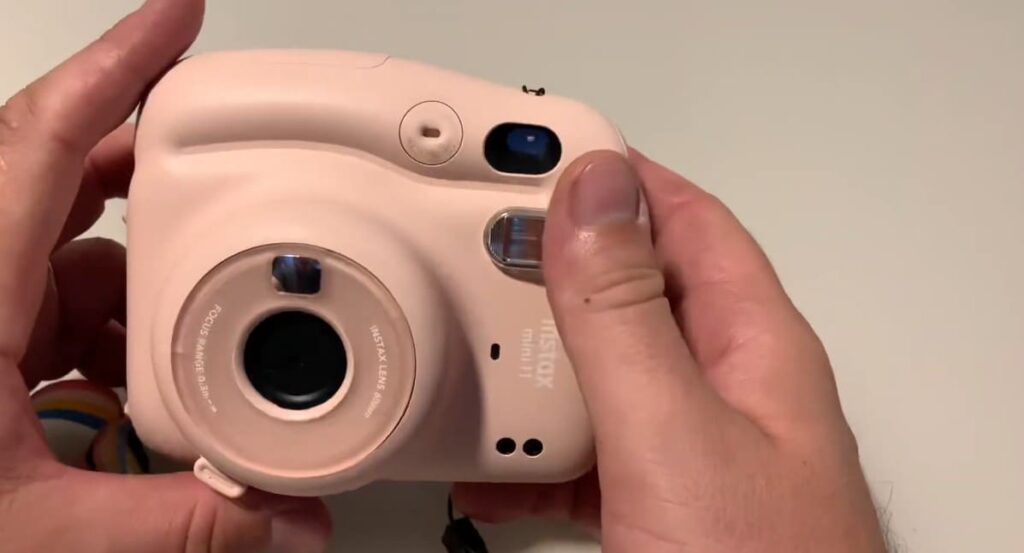
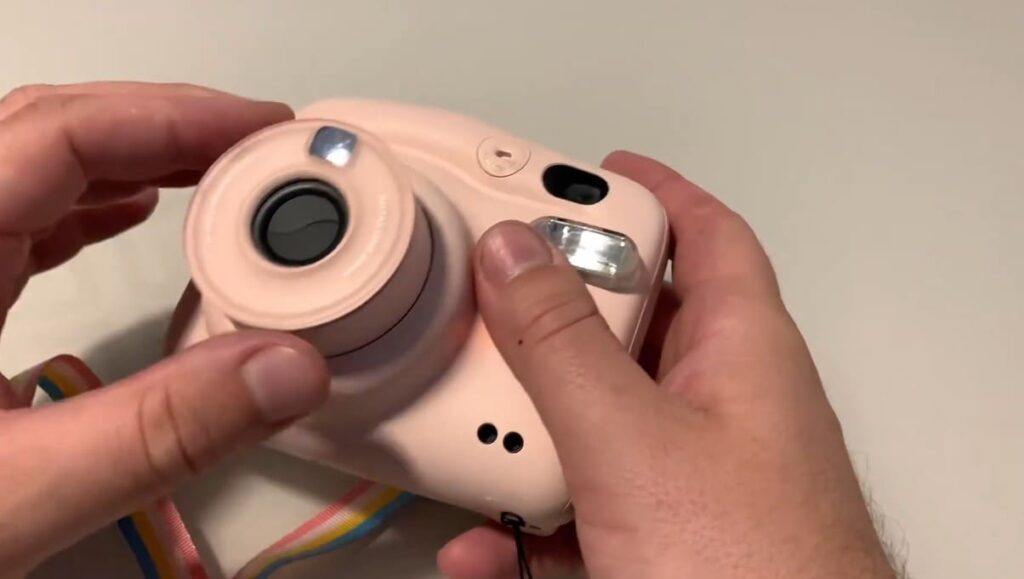
The Instax Mini 11 is a fun and easy-to-use instant camera produced by Fujifilm. It prints out credit card-sized photos instantly so you can enjoy your photos right away. The Instax Mini 11 features an updated design with a lens that retracts when not in use, making it more compact and stylish than ever before.
It is perfect for capturing fun moments with friends and family. You can use it to take selfies, group shots, scenery photos, and more! It has an Automatic Exposure Mode which adjusts the brightness of each shot automatically so you don’t have to worry about adjusting your settings every time.
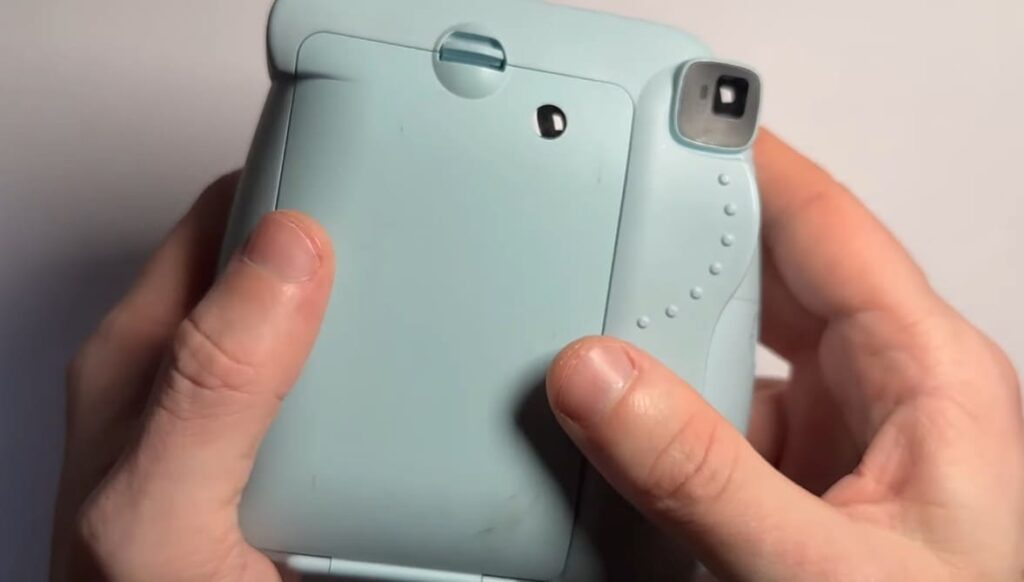
It also comes with a built-in Selfie Mirror which helps you take perfectly framed selfies. The Instax Mini 11 also features a Selfie Mode, which automatically sets the shutter speed and flash to help you take beautiful selfies every time. With its improved design and easy-to-use features, the Instax Mini 11 is perfect for capturing special moments in your life.
It’s fun to use and makes it easy to share memories with those around you. Whether you’re looking for a fun camera to take on vacation or just want an easy way to capture special moments, the Instax Mini 11 is sure to be a great fit! So why wait? Try it out today and start capturing all your favorite memories!
The Instax Mini 11 is also perfect for scrapbooking and other craft projects. You can easily print out your photos and add them to albums, cards, scrapbooks, or even frames so you can display your memories for all to see! With its easy-to-use features and fun design, the Instax Mini 11 is the perfect way to capture special moments in your life.
Common Problems with Your Instax Mini 11 Camera
In spite of its popularity, the Instax Mini 11 camera can experience a variety of common problems. Here are some of them:
- Dead Batteries: Even if your camera has been fully charged, it might not respond if the battery is dead. Make sure to replace your batteries regularly.
- Dust on the Lens: Dust can cause blurry photos and other issues. Make sure to regularly clean the lens with a microfiber cloth or air duster.
- Unresponsive Buttons: If your camera’s buttons are unresponsive, it could be due to dirt or moisture exposure. Try wiping down the buttons gently with a damp cloth and Q-tips for better results.
- Error Messages: If your camera displays an error message, it could be due to a corrupted memory card. Try formatting the card in your computer to resolve the issue.
No matter which problem you experience with your Instax Mini 11 camera, these tips should help you troubleshoot and fix the issue quickly and easily! With regular maintenance and care, you can ensure that your camera keeps running smoothly for years to come.
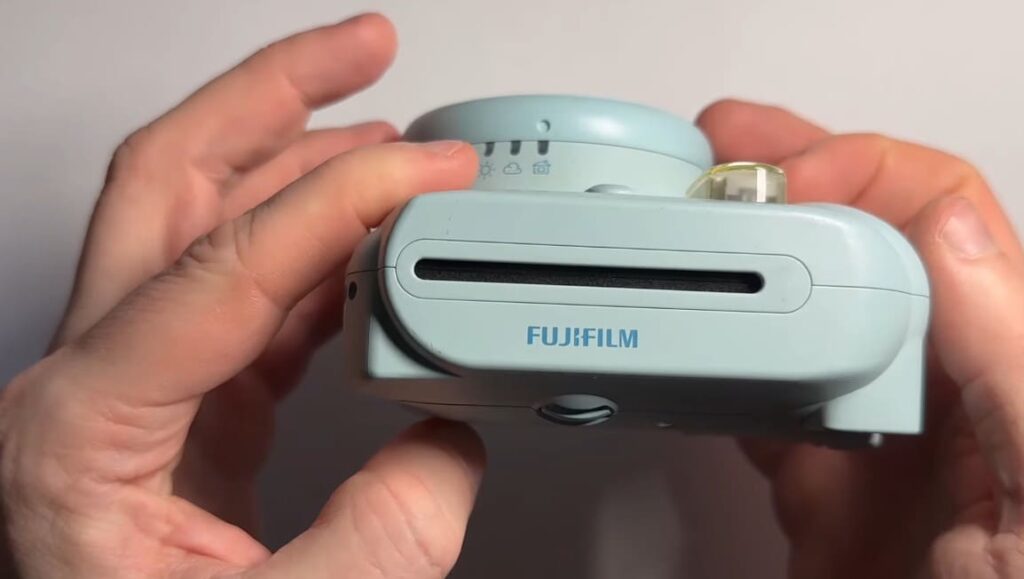
Why My Instax Mini 11 Won’t Take Photos?
There are several possible reasons why your Instax Mini 11 won’t take photos. First, make sure that you have loaded the film properly and inserted it into the camera correctly. Second, check that the shutter is not set to “lock” mode; this setting can prevent you from taking pictures. Additionally, be sure that the power switch is set to “on” and the lens cap is removed. It’s also important to make sure that the batteries are inserted correctly, as this can prevent your camera from taking photos properly. Finally, ensure that no dirt or debris has built up in the lens area; if it has, use a soft cloth to gently clean it off.
If all of these checks have been made and the camera still isn’t taking photos, you may need to contact a customer service representative for further assistance. It’s possible that a more serious issue is causing your camera to malfunction, and a technician may be able to help diagnose it and offer suggestions on how to fix it. In any case, it’s always best to speak with an expert about any issues you are having with your Instax Mini 11. With their experience and knowledge, they should be able to help you determine the cause of your camera’s problem and provide an effective solution.
It is also important to regularly clean the lens on your camera to keep it functioning properly. This can help reduce any dirt or debris buildup that may affect the quality of your photos. Clean the lens with a soft cloth and mild soap every few months to ensure that you’re taking high-quality, crisp photos. Additionally, check for any damage or wear on your camera’s components as these can also cause your Instax Mini 11 to malfunction.
Full Steps on Film Not Coming Out Of Instax Mini 11 Issue
Solution #1: Check The Batteries on Your Camera and Replace Them
Instax Mini 9 cameras require two AA batteries to function properly. If the batteries are worn out or depleted, your camera may not be able to take photos properly. Start by checking the battery compartment of your Instax Mini 9 and replacing both batteries with fresh ones if necessary.
Solution #2: Make Sure The Film Outlet is Clear
If the batteries are fine, then you should check to make sure that the film outlet is clear. This part of your camera is used to eject a new photo after it’s been taken. If it’s blocked with dirt or debris, this may be the reason why your film isn’t coming out properly. To clear it up, take a soft cloth and wipe away any dust particles.
Solution #3: Check the Exposure Counter
The exposure counter on your Instax Mini 9 keeps track of how many photos have been taken with the camera. If it reads “0” then this could be another possible cause for why your film isn’t coming out properly. To fix this, simply press and hold the back button while turning the power on. This will reset the exposure counter and should fix the issue.
Solution #4: Reset Your Camera
If none of these solutions have worked, then you can try resetting your camera. To do this, press and hold the power button for at least 5 seconds until the Instax Mini 9 turns off. Once it’s powered down, wait a few minutes before turning it back on. This should reset the camera and hopefully fix the issue.
Solution #5: Make Sure The Film Pack You Loaded is Not Damaged
The last thing you should check is the film pack you loaded into your Instax Mini 9. If it’s been damaged or exposed to extreme temperatures, this could be the reason why your photos aren’t coming out properly. To fix this, replace the film with a new one and make sure that it hasn’t been damaged in any way.
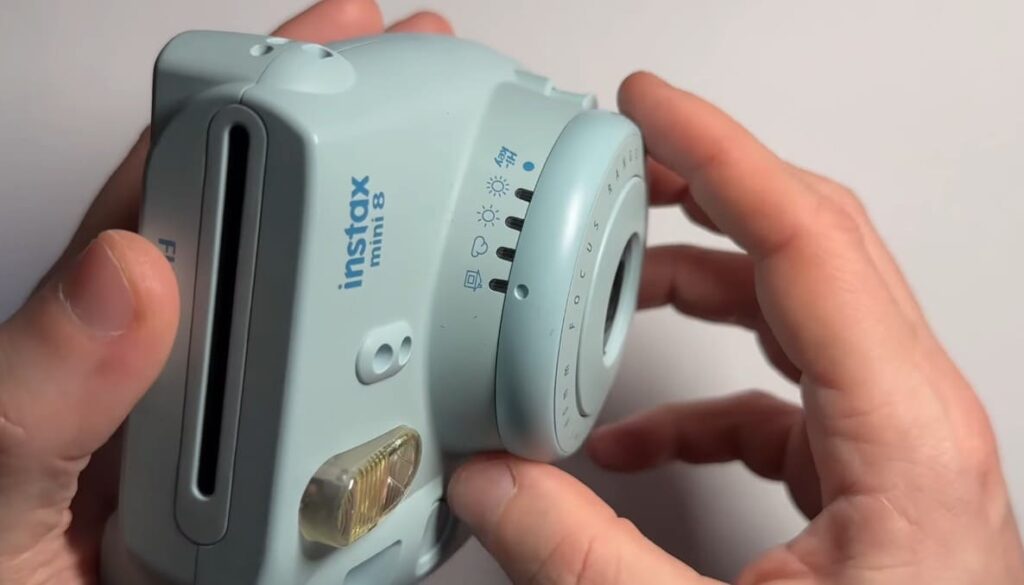
Solution #6: Clean The Film Ejection Slot on Your Camera
If you’ve tried all the solutions above and your film still isn’t coming out properly, then there may be dirt or debris blocking the film ejection slot on your camera. To clean it up, take a soft cloth moistened with rubbing alcohol and carefully wipe away any dust particles. Once this is done, try taking another photo to see if the issue has been resolved.
Solution #7: Match the Film Counter to the Remaining Shots Left in the Film Pack
Sometimes, you may find that the film counter on your Instax Mini 9 does not match the number of shots left in the film pack. If this is what’s causing your photos to not come out properly, then you can try matching the two numbers by pressing and holding the back button while turning on the power. This should reset both counters and hopefully fix the issue.
Solution #8: Change the Exposure Mode of Your Instax Mini 11
If you’re using an Instax Mini 11, the exposure mode may be set to “L” for low-light conditions. This can cause your photos to come out too dark or not at all. To change this setting, simply press and hold the shutter button until the LED lights up and then release it. The exposure mode will switch from “L” to “N” for normal conditions. Try taking a photo again to see if this has solved the issue.
Solution #9: Flush Out Software and Mechanical Glitches by Resetting Your Instax Mini Camera
If none of the above solutions have worked, then it may be necessary to reset your Instax Mini camera to fix any software or mechanical glitches that are causing your film not to come out properly. To do this, refer to your camera’s manual for instructions on how to perform a full reset. This should clear any issues and get your camera working properly again.
Solution #10: Seek Professional Help
If all else fails, it’s always best to seek professional help from a camera technician or the manufacturer of your Instax Mini camera. They will have the expertise and tools to diagnose and fix any technical issues with your camera. It may be a bit more costly, but it’s worth it to get your camera back in working condition if you’re unable to fix the issue yourself.
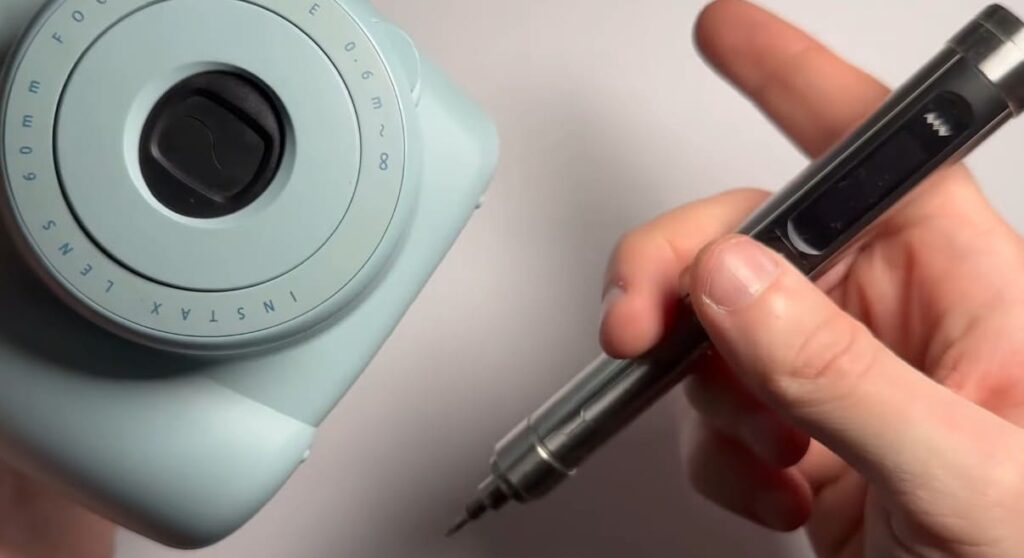
How to Replace Instax Mini 11 Film?
There are several reasons why you might need to replace the film in your Instax Mini 11 camera. It could be because you have run out of film, or perhaps you want to change the type of film being used (e.g. from color to black and white). Whatever the reason may be, changing the film is a simple process that can be done in just a few steps.
Step 1: Gather the necessary materials
Before you begin, make sure you have all the materials needed to replace your Instax Mini 11 film. This includes:
- A new pack of Instax Mini film
- Your Instax Mini 11 camera
- A flat surface to work on
Step 2: Open the back cover of the camera
To open the back cover of your Instax Mini 11, simply locate the small button on the top left side of the camera. Gently press this button, and you will feel a satisfying click as the back cover pops open, revealing the film compartment. Now, you can easily access and load your film to capture those precious moments.
Step 3: Remove the old film pack
Once the back cover is open, take a moment to appreciate the anticipation of what lies behind it. With utmost care and precision, gently pull out the old film pack from the camera, ensuring not to disturb the delicate magic contained within. Be mindful of the fragility of the film, protecting it from any exposure to light that could potentially steal its secrets.
Step 4: Insert the new film pack
To start capturing memories with your Instax Mini camera, carefully take out the new pack of Instax Mini film and gently insert it into the empty slot in the camera. Remember to pay attention to the orientation of the film pack – make sure the yellow tab on the bottom of the film pack is facing outwards. This simple step ensures proper alignment and guarantees you’re ready to capture beautiful instant photos!
Step 5: Close the back cover
Once you have inserted the new film pack, carefully align it with the designated slots in the camera. Gently apply pressure to securely position the film pack, ensuring a proper connection. Then, with a delicate touch, push the back cover back into place until you hear a satisfying click, indicating that the film is securely loaded and ready for you to capture wonderful moments.
Step 6: Take a test photo
To ensure that your film is loaded correctly and working properly, it is recommended to take a test photo before capturing any important shots with your camera. This simple step involves pressing the shutter button and patiently waiting for the photo to develop, allowing you to verify that everything is functioning as expected and avoid any potential issues that may arise during your photography session. Taking this extra precaution can help you achieve the best results and ensure a successful and enjoyable shooting experience.
Tips for Taking Better Photos with Your Instax Mini 11 Camera
If you want to take the best photos possible with your Instax Mini 11 camera, here are a few tips:
- Increase the ISO Setting: When taking photos in low light, increasing the ISO setting can help capture more light and produce clearer photos.
- Use the Close-up Lens Attachment: The Instax Mini 11 comes with a close-up lens attachment that allows you to take sharp, up-close shots. Utilizing this accessory can add variety to your photos and make them more visually appealing.
- Experiment with Different Shooting Modes: The Instax Mini 11 has a variety of shooting modes, such as “Selfie” and “Party”, to help you capture the perfect shot for any occasion. Don’t be afraid to try them out and see which one works best for your desired outcome.
- Don’t Forget to Have Fun: The Instax Mini 11 is all about capturing fun, spontaneous moments with your loved ones. So don’t stress too much about getting the perfect shot and remember to enjoy the process!
With these simple tips in mind, you can make the most out of your Instax Mini 11 camera and create beautiful memories that will last a lifetime.
FAQ
Why is the film not coming out of my Instax 11?
There could be a few reasons why your Instax 11 film is not coming out:
- Make sure the camera is turned on and has enough battery to eject the film.
- Check if there are any obstructions in the film output slot, such as dirt or debris. If so, carefully remove them with a soft cloth.
- If you have just loaded new film into the camera, make sure it is properly inserted and the film door is closed securely.
- If you have taken a photo with the camera but the film did not come out, check if the light on top of the camera is flashing. If it is, this means there was an error with the exposure and you will need to take another photo.
- If none of these solutions work, there may be a mechanical issue with your camera and it is best to contact customer support for further assistance.
Can I use Instax Mini film in my Instax Square SQ1?
No, you cannot. The Instax Square SQ1 uses square format film while the Instax Mini film is rectangular. It is important to always use the correct type of film for your specific camera model to ensure proper functionality and image quality. Using the wrong type of film can also potentially damage your camera.
Why is my Instax camera not pushing out the film?
There could be a few reasons for this issue. First, make sure your camera is turned on and has enough battery to eject the film. Next, check if the film door is closed securely and if there are no obstructions in the film output slot. If the issue persists, try resetting your camera by removing the batteries and reinserting them after a few seconds. If none of these solutions work, there may be a mechanical issue with your camera and it is best to contact customer support for further assistance.
Can I use an expired Instax film?
While it is not recommended, you can still use expired Instax film. However, keep in mind that the image quality may not be as good as using fresh film and there is a higher chance of the film getting stuck or jammed in the camera. Also, the expiration date is not a guarantee and the film may still produce images even after the specified date. It is best to use fresh film for optimal results.
Conclusion
If you want to fix some problems that are combined with the Instax Mini 11 film not coming out, there are a few steps you can take. These include cleaning the film ejection slot, replacing the batteries, and ensuring that your camera is not overheated or damaged. Additionally, it is important to handle your Instax Mini 11 with care to avoid any potential damage or malfunctions. Cleaning the film ejection slot involves using a soft cloth and gently wiping away any dirt or debris that may be blocking the film from coming out properly. Replacing the batteries is a simple process that can often solve issues with the camera not functioning correctly. And finally, being mindful of how you handle and store your Instax Mini 11 can help prevent any damage or malfunctions in the future.