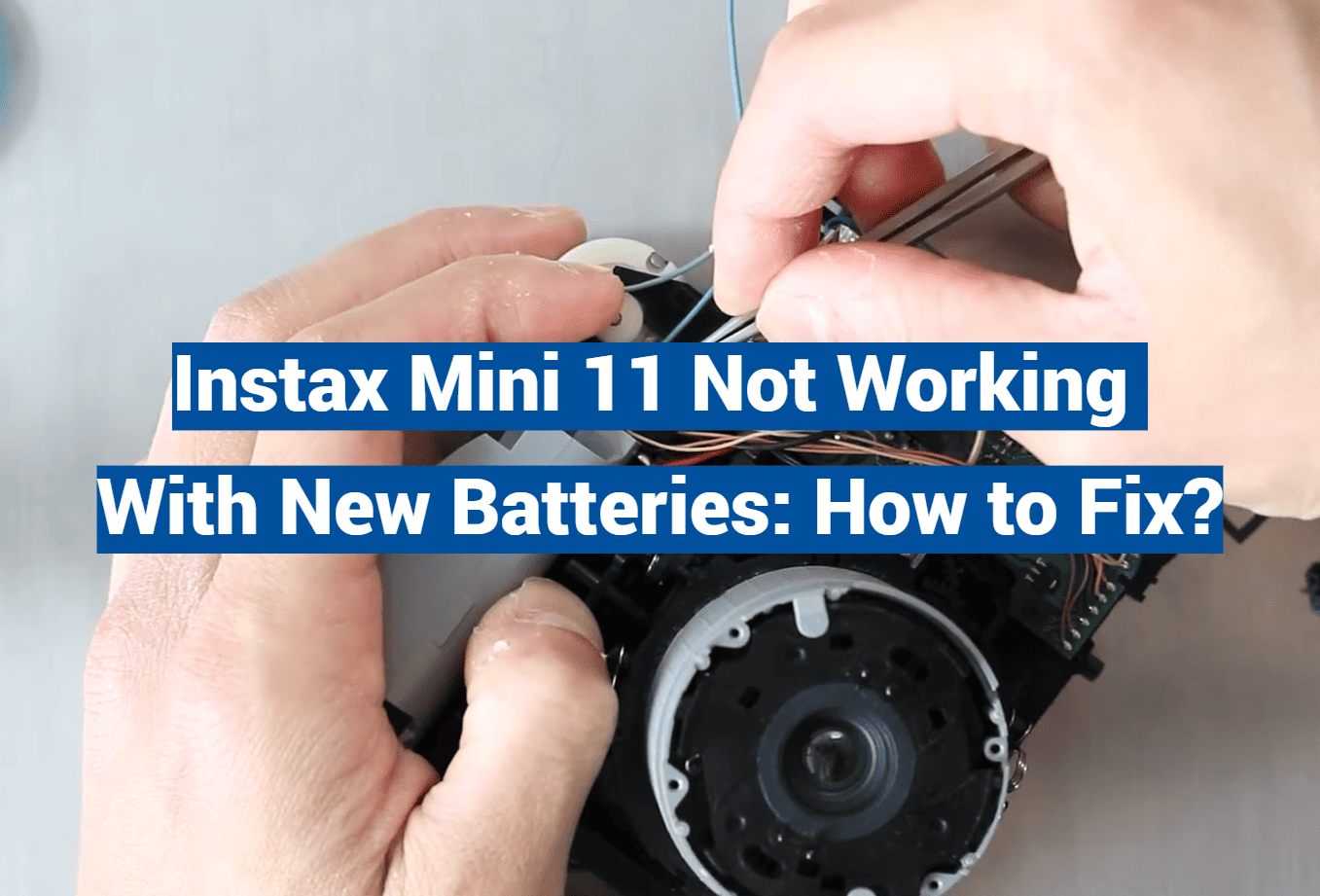
In a world where capturing and preserving memories has become effortless, the Instax Mini 11 has emerged as a reliable companion for instant photography enthusiasts. With its compact design and simple operation, this little gem instantly transforms moments into tangible keepsakes. However, just like any electronic device, it can occasionally run into battery issues that leave you scratching your head in frustration. Don’t fret! This guide will uncover the secrets to troubleshooting Instax Mini 11 battery issues, ensuring you’ll never miss a shot again. So, if you’ve found yourself exclaiming, “Why won’t my Instax Mini 11 work with new batteries?!” – read on, because help is just a few paragraphs away!
What Should You Do When Your Instax Mini 11 Not Working Due to Battery Issues?
Alkaline vs Non-Alkaline Batteries
When using the Instax Mini 11, it is crucial to opt for alkaline batteries as they offer a significantly longer lifespan, ensuring that they will last you much longer. On the other hand, while non-alkaline batteries may be cheaper, they cannot provide the same level of performance or longevity that an alkaline battery would deliver. Therefore, it is highly recommended to choose alkaline batteries for optimal results and a more extended usage period. In case of any uncertainty, it is always advisable to consult your local camera store for expert advice on determining the best battery type for your camera.
Replace the Batteries
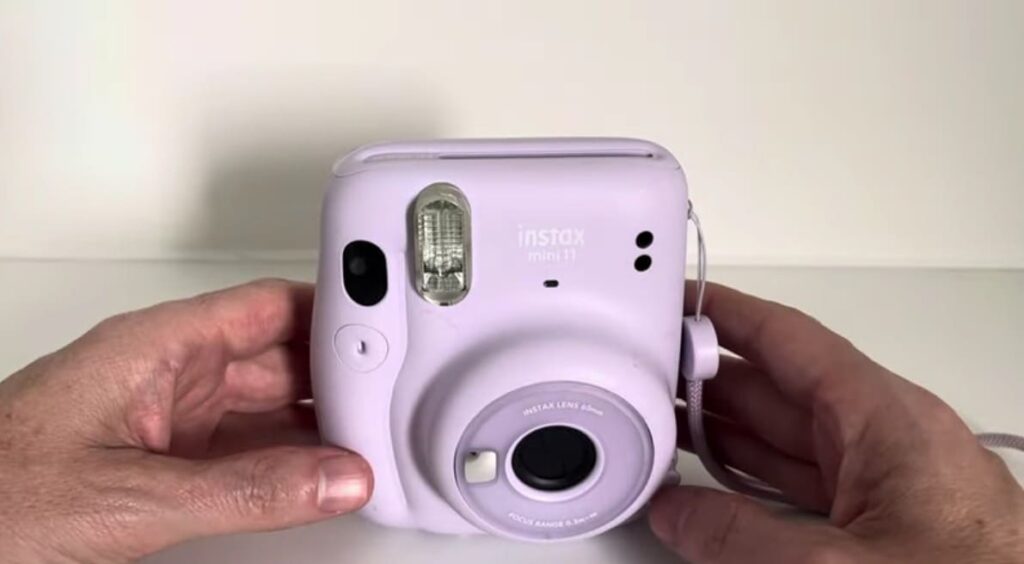
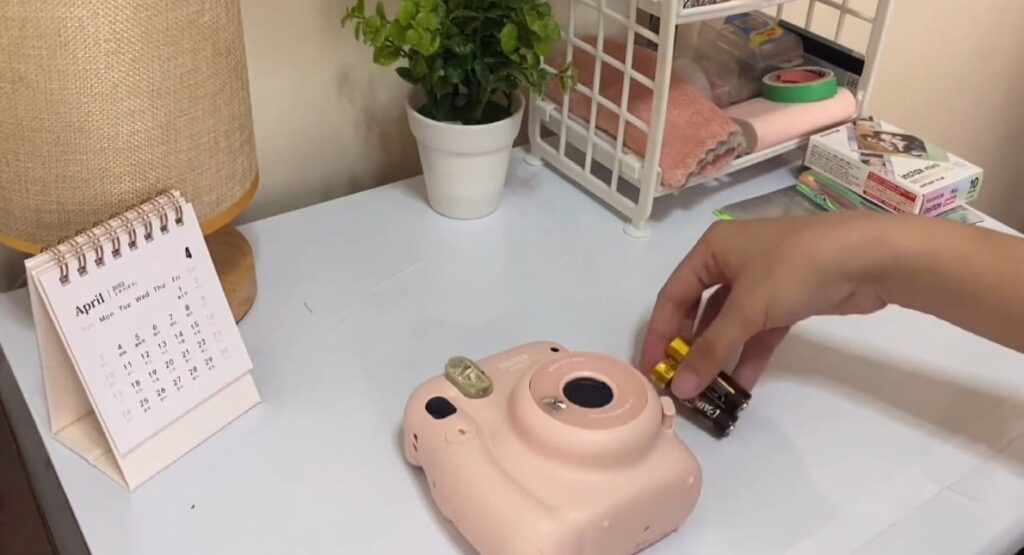
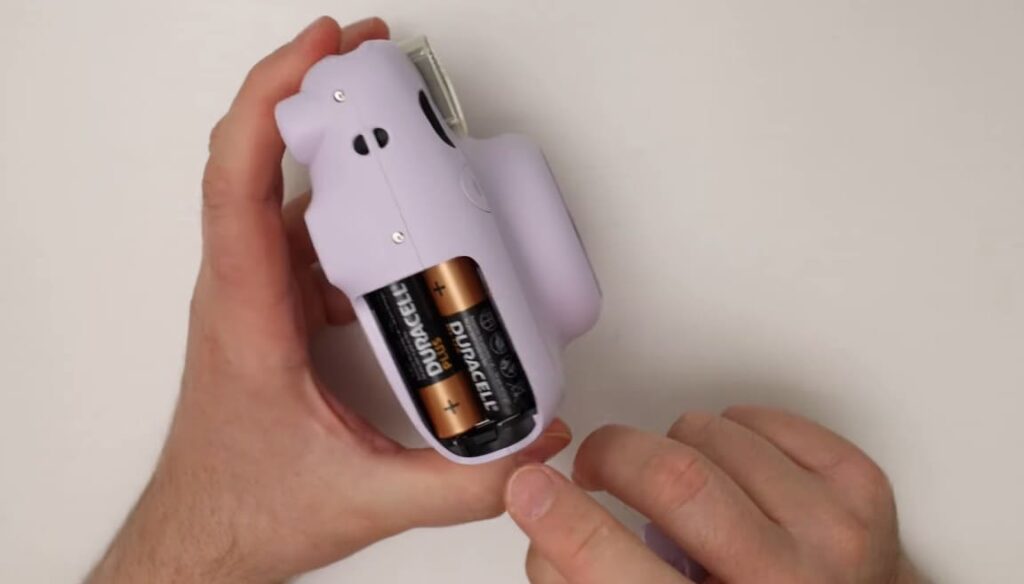
If you’re experiencing difficulties with your Instax Mini 11 camera caused by battery issues, it is recommended to begin the troubleshooting process by replacing the existing batteries with brand new ones. Remember to remove both batteries simultaneously and replace them together. This approach ensures that any potential damage or complications, which might arise from changing only one battery, are effectively avoided. By following this careful procedure, you can rest assured that your camera will continue to function optimally and capture those precious moments without any hindrances.
Clean the Battery Contacts
If replacing the batteries didn’t help, you should try cleaning the battery contacts with a cotton swab soaked in rubbing alcohol. Gently rub the contacts to remove any dirt, dust, or grime that may be hindering proper contact between the camera and the battery. Additionally, if there is any corrosion on the contacts, you can carefully scrape it off using a toothpick or a small brush. Taking these steps will ensure optimal connectivity and improve the chances of resolving the issue effectively.
Rechargeable AA Batteries
Rechargeable AA batteries are also an option for powering your Instax Mini 11. There are many different types of rechargeable batteries that you can choose from, so make sure to do some research before deciding which ones are right for your camera. Rechargeable batteries will last longer and save you money in the long run, but they may not provide as much power as alkaline batteries.
Reset the Camera
If all else fails and you’re experiencing issues with your camera, don’t worry! You can try resetting your camera to its default settings, which often resolves many common problems. To reset the Instax Mini 11, simply press and hold the power button for five seconds until the camera shuts off. This will restore the camera to its original state, giving it a fresh start and potentially fixing any issues you may be facing. Stay confident and capture those perfect moments!
Camera Functionality Problems of Instax Mini 11
Lens and Shutter Button Issues
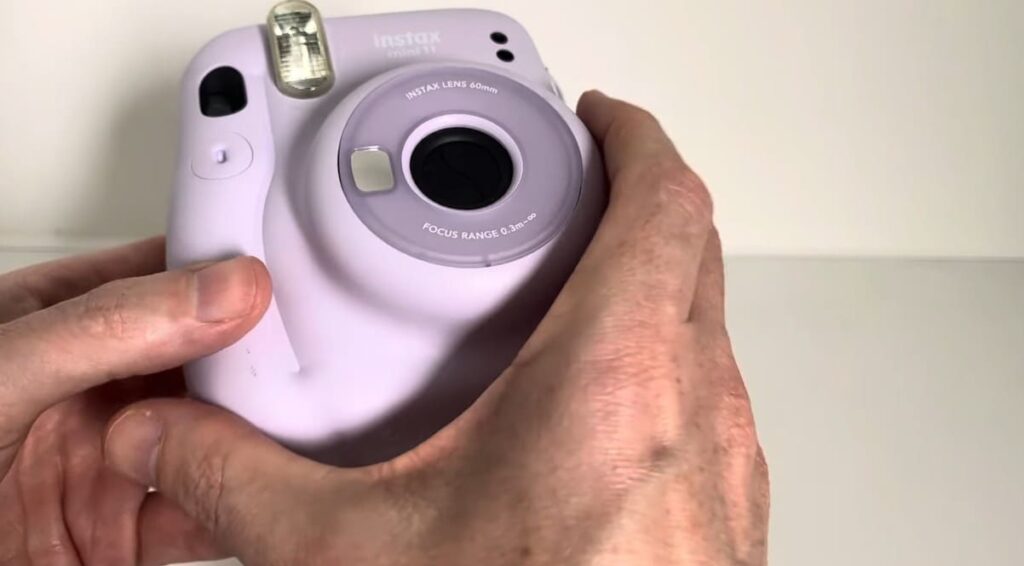
The Instax Mini 11 has been known to have issues with its lens and shutter button. Users often report that the lens is not focusing properly, resulting in blurry images. Additionally, some users have noted that the shutter button does not always work reliably, leading to missed photos or inaccurate exposures. Finally, there have been reports of a “dead zone” at the center of the lens, causing pictures to be out of focus in that area.
Battery Usage
The Instax Mini 11 also has an issue with its battery usage. Many users have reported that the camera drains its batteries quickly, even when it is not in use. This can lead to unexpected power loss during a photo session, resulting in missed shots or poor image quality if the user is not careful. Additionally, some users have reported that the camera does not always recognize when new batteries are installed, causing further frustration.
Mode Indicator Lights
The Instax Mini 11 has mode indicator lights that are designed to let the user know when a certain mode is selected. However, many users have reported that these lights are too dim or do not work at all. This can make it difficult for the user to know which mode they are currently in, leading to confusion and possibly missed photos. Additionally, some users have noted that the lights turn off too quickly, further complicating matters.
Shutter Speed and Autofocus Issues
The Instax Mini 11 has also been known to have issues with its shutter speed and autofocus. Many users have reported that the camera does not always focus properly, resulting in blurry images. Additionally, some users have noted that the camera’s shutter speed is too slow, leading to missed shots or inaccurate exposures. Finally, there have been reports of the autofocus not working in certain light conditions. This can lead to further frustration and difficulty getting the perfect shot.
Sensors and Flash Issues
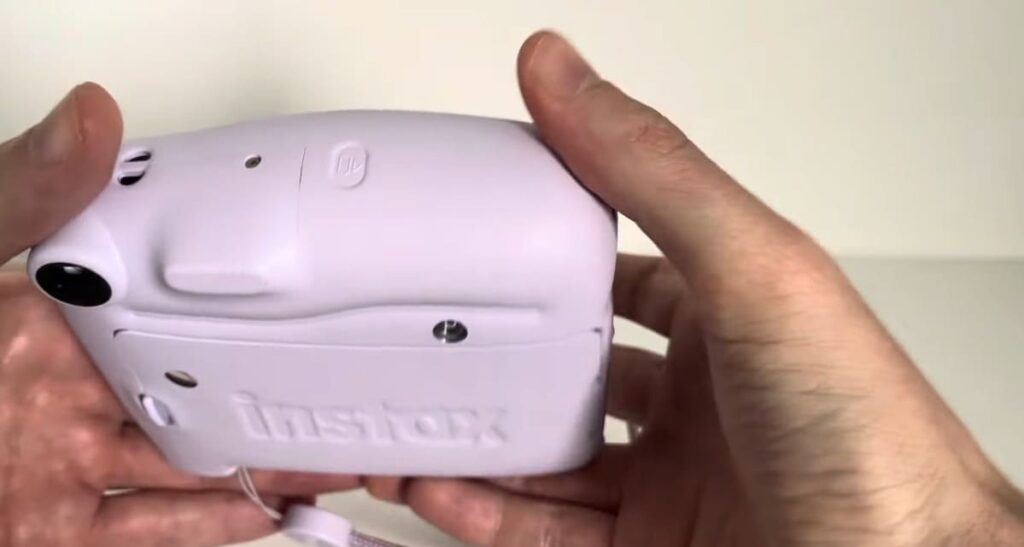
The Instax Mini 11 has also been known to have issues with its sensors and flash. Many users have reported that the camera’s sensors do not always work reliably, leading to inaccurate metering or white balance settings. Additionally, some users have noted that the camera’s flash does not always fire properly, resulting in underexposed images. Finally, there have been reports of the flash being too bright or not bright enough, causing further difficulty in getting the perfect shot.
Flash and Lighting Concerns of Instax Mini 11
Blinking Orange Light
The Instax Mini 11 has a built-in orange light on the front that will blink when it is ready to take pictures. The blinking indicates either that the camera is ready to take a photo or that the battery is running low and needs to be recharged. It’s important not to ignore this warning, as your photos may come out blurry if the battery runs out while you’re in the middle of a photo session.
Flash Settings
The Instax Mini 11 has several flash settings to choose from, depending on your needs. The auto setting is generally sufficient for most lighting conditions. For darker environments, you can select either the forced flash or slow sync mode. Forced flash will fire regardless of the surrounding light and slow sync will fire the flash at a slower speed to capture the ambient light in addition to the subject.
Flashlight and AE Light Behavior
The Instax Mini 11 has both a flashlight and an AE light function. The flashlight is used to illuminate your scene when the lighting is dark or low, while the AE light helps you adjust your settings for different conditions. You can also use the AE light as a test flash to see how your chosen subject will look in the final image before taking a photo. It should be noted that the AE light does not fire for every photo and will only be used when manually activated.
Film Issues of Instax Mini 11
The Instax Mini 11 uses Fuji Instax Mini film, which is available in a variety of different colors and styles. It’s important to always use fresh film when shooting with the camera as expired or damaged film can cause blurry images or discoloration of the photos. Additionally, it’s important to store any unused films properly to avoid them from becoming moist or sticky over time. Finally, it’s important to make sure that the film is properly loaded before shooting with the Instax Mini 11 as any errors in loading can also lead to blurry or discolored photos.
Expired or Damaged Film
It’s important to check any film you have before using it with the Instax Mini 11 as expired or damaged film can cause blurry images or discoloration of the photos. Additionally, films that are exposed to temperatures lower than 16°C (60°F) may not develop properly and result in poor-quality images. If you’re unsure about a particular roll of film, it’s best to discard it and replace it with a new film instead.
Dark Slide and Film Ejection Slot
The Instax Mini 11 comes with a dark slide and a film ejection slot located at the bottom of the camera. The dark slide is used to protect the film from unwanted exposure when not in use. The film ejection slot is used to remove any exposed films that have been processed by the camera. It’s important to always remember to remove your exposed films after they’ve been processed in the Instax Mini 11 to avoid any damage from occurring to the film.
Battery Life and Charging
The Instax Mini 11 has a built-in rechargeable battery which can provide up to 100 pictures per charge. It’s important to make sure that your camera is fully charged before going out on photo sessions as running out of power mid-session can lead to blurry images or poor exposure. Additionally, it’s always best to keep a spare battery on hand in case the camera runs out of power before you’re able to recharge it.
Film Not Developing Properly
If you find that your photos are not developing properly when using the Instax Mini 11, there are a few things to check. First, make sure that any unused film is stored in a cool and dark place as exposure to extreme temperatures or light can cause unwanted discoloration of the images. Secondly, always use fresh film when shooting with the camera as expired film can also cause discoloration. Finally, make sure that the film is properly loaded before shooting as any errors in loading can lead to blurry or discolored photos.
Cleaning the Lens
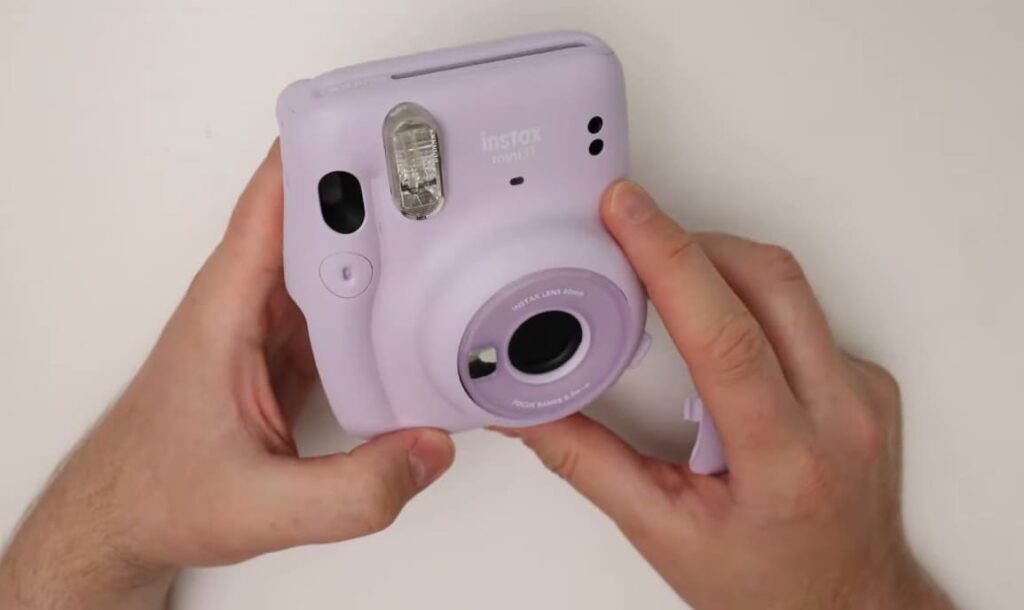
The lens of the Instax Mini 11 should be kept clean to ensure clear images with no smudges or scratches. This can be done by using a soft lint-free cloth and some lens cleaning solution. Additionally, the camera should also be stored in a dry environment to avoid any moisture damage or buildup. It’s important to make sure that all of these steps are taken regularly to ensure your Instax Mini 11 stays in top condition and produces perfect photos every time.
Picture Quality Issues of Your Instax Mini 11
When using the Instax Mini 11, a few common issues can arise that will cause poor picture quality. These include:
- Over-exposure of the image due to incorrect lighting settings. This is often caused by not correctly adjusting the camera’s exposure settings for the specific environment you are shooting in.
- Blurry images are caused by the camera’s shutter speed being too slow. This can be solved by increasing the shutter speed.
- Poor focus is often due to not having a steady hand when taking the photo or moving objects within your scene while capturing it.
- The red eye is caused by bright flashes reflecting off of people’s eyes in the image. To avoid this, move your subject further away from the camera and make sure to turn off your flash.
- Too much or too little light can affect the overall image quality of a picture. To get the best results, make sure you are shooting in an area with soft, evenly distributed lighting.
In addition to these common issues, some other tips can help you get the best image quality out of your Instax Mini 11. Always use a tripod or other stabilizing device when taking pictures, as this will reduce camera shake and motion blur. It can also be beneficial to experiment with different exposure settings and filters to get the most desirable image results. Finally, make sure to keep all lens elements clean and free of dust and dirt for the best image clarity. With these tips in mind, you can be sure to get great pictures with your Instax Mini 11!
Tips for Taking Great Photos with Instax Mini 11
The Instax Mini 11 is a great choice for those looking for an easy and reliable way to take great photos. Here are some tips to help you get the best results from your Instax Mini 11:
- Make sure you have plenty of films loaded in your camera before taking a photo. This will ensure that you don’t run out of shots when trying to capture the perfect moment!
- Use natural light whenever possible. Taking photos outdoors in bright sunlight with no harsh shadows will give you the best results with the Instax Mini 11.
- Consider using a tripod for more stable photos. This can help you take better pictures in low light conditions and prevent blurriness from shaky hands.
- Experiment with different angles and perspectives to add variety to your shots. Taking photos from a higher or lower angle, or zooming in or out can also have a dramatic effect on how your photos turn out.
- Don’t be afraid to use the flash! It can help you take more vibrant and lively photos, even in low-light conditions. Just make sure not to overexpose your subjects with too much flash.
- Have fun with it! Taking photos is about capturing memories and having fun. Try to come up with creative ideas and let your imagination run wild!
- Don’t forget to print out the photos you take with the Instax Mini 11! This way, you can keep those special moments alive forever.
- Share your photos online with friends and family! You can use social media platforms like Instagram or Facebook to show off your masterpieces.
- Finally, make sure to take care of your camera and films properly. Clean the lens often and store films in a cool, dry place. This will help you get the best results out of your Instax Mini 11 for years to come!
FAQ
Why does my Instax mini 11 turn on with new batteries?
Your Instax mini 11 will turn on promptly when new batteries are inserted. This is because the camera is intelligently designed to conserve energy by automatically powering off after a brief period of inactivity. However, when you insert fresh batteries, the internal timer resets, and the camera springs back to life. It’s worth noting that for optimal performance, it is recommended to use alkaline or lithium AA batteries that are specifically designed for cameras, as they offer superior performance compared to regular AA batteries. So, make sure to choose the right batteries to capture picture-perfect moments with your Instax mini 11!
What features does the Instax mini 11 have?
The Instax mini 11 is a very versatile camera that comes with a range of features to make taking pictures easy and enjoyable. It has auto exposure control, automatic flash, selfie mode, and close-up shooting up to 35cm away. You can also add fun elements to your pictures using the Instax mini 11’s built-in form frames and a variety of photo modes like landscape, macro, double exposure, and party mode. Plus, the camera is lightweight and compact so you can take it anywhere!
How do I print photos with my Instax mini 11?
Printing photos with the Instax Mini 11 is simple and convenient. All you need to do is insert a mini Instax film cartridge into the camera, select your desired photo mode, frame up your shot, and then press the shutter button. The camera will automatically print out the photo in under 90 seconds so you can enjoy it right away!
What size prints does the Instax mini 11 produce?
The Instax mini 11 prints photos on credit-card-sized mini film, which measures 2.13″ x 3.4″. The pictures are small but the quality is high — they have great color saturation and sharpness that make them look like real photographs. So don’t let their size fool you; these little prints can be just as impressive as larger photos!
What accessories are available for the Instax mini 11?
The Instax Mini 11 is compatible with a wide range of accessories that can help you get even more creative with your photos. You can find filters, lenses, and close-up lens attachments to add special effects to your pictures. There are also cases and straps available so you can protect your camera and carry it around conveniently. So, have fun exploring the accessories that are available for your Instax mini 11 and get creative with your photography!
What is the best way to store photos taken with an Instax mini 11?
For optimum protection, it is best to store printed photos in a photo album or scrapbook. This will ensure that they stay in good condition for years to come. You can also use a photo box or folder for storage, as this will keep your photos free from dust and moisture. For digital copies of your Instax mini 11 photos, it is recommended that you store them in the cloud or an external hard drive so that they are always safely backed up. That way, even if something happens to the physical prints, you can still access your photos.
Conclusion Paragraph
So, Instax Mini 11 is not working with new batteries? It’s important to remember that Instax Mini 11 is designed to use two CR2 lithium batteries, and in some cases, it may not work with different types of batteries. If your camera will not turn on when you insert new batteries, the batteries are likely incompatible or faulty. It may also be a sign of a larger issue with the camera itself, so it’s important to contact Fujifilm’s customer service to properly diagnose and fix the problem. With some careful troubleshooting, however, you should be able to get your Instax Mini 11 up and running again soon!