
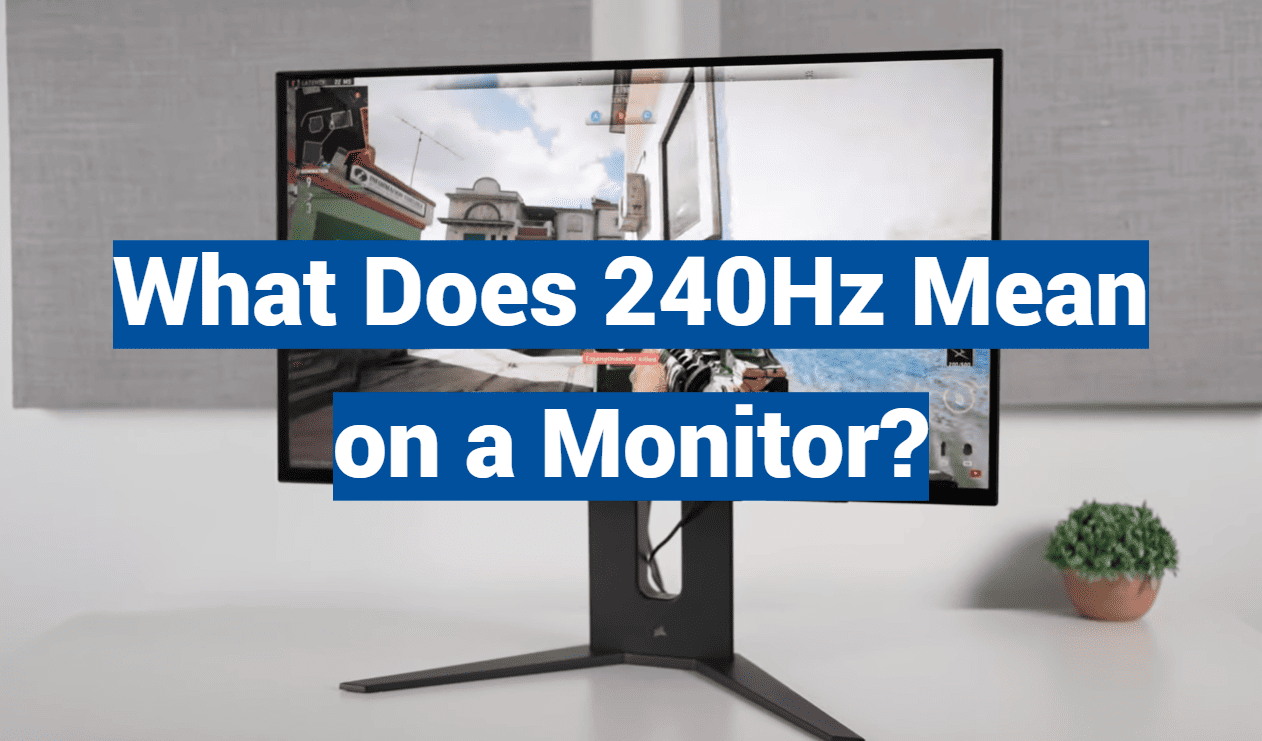
Professional gamers can react to on-screen action in under 150 milliseconds. This incredible speed demands a display that can keep up. That’s where a 240Hz refresh rate comes into play.
This guide will help you understand this key specification. We’ll explore if it’s the right choice for your specific needs and gaming style. While primarily linked to gaming, we’ll also look at its benefits for everyday computing.
You’ll learn about the technical aspects and performance benefits. We will cover system requirements and practical buying considerations. Understanding refresh rates is essential for getting the most value from your investment.
We will compare 240Hz with other common refresh rates. This will show you the tangible differences in real-world usage. We’ll also answer if this technology is overkill or truly necessary for different users.
Key Takeaways
- A 240Hz refresh rate updates the screen 240 times per second for ultra-smooth motion.
- This technology is a game-changer for fast-paced, competitive gaming.
- The high refresh rate provides a significant edge in responsiveness and visual clarity.
- Upgrading to a 240Hz display requires a compatible graphics card to see the full benefit.
- This guide will help you decide if this advanced feature matches your needs and budget.
- We break down the real-world advantages over standard 60Hz and 144Hz monitors.
Understanding Monitor Refresh Rates
The fluidity of motion on your screen hinges on a core specification known as the refresh rate. This number tells you how many times the display updates the image every second. It is measured in hertz (Hz).
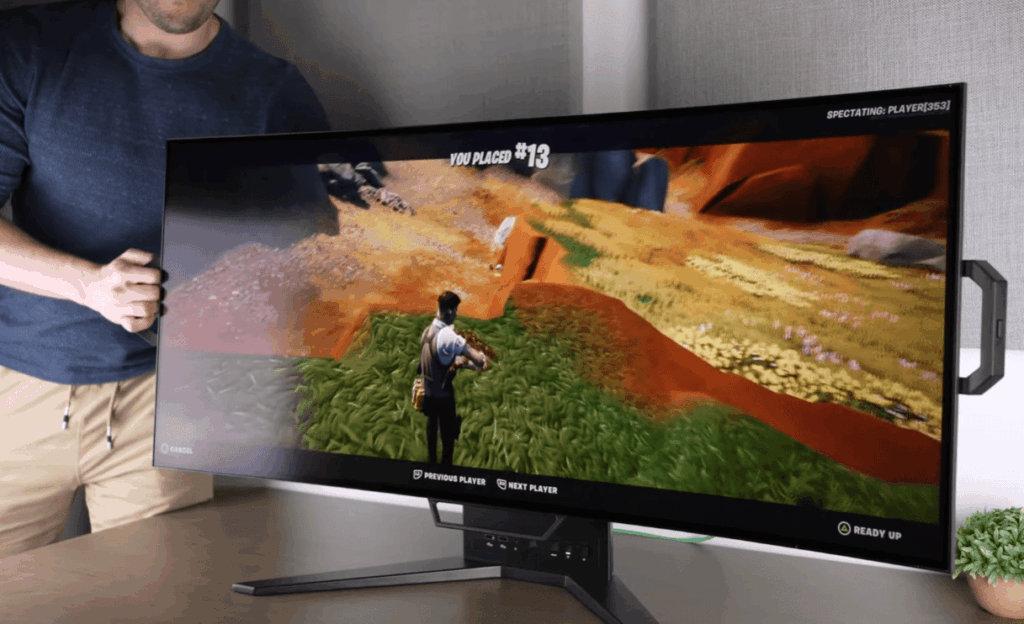
What is a Refresh Rate?
Think of the refresh rate as your monitor’s heartbeat. A standard 60Hz display updates 60 times per second. A 240Hz panel refreshes a remarkable 240 times per second.
This four-fold increase over 60Hz creates a much smoother visual experience. It significantly reduces motion blur during fast-paced action. Higher rates make movements look incredibly fluid.
240Hz in the Context of Gaming
In gaming, a high refresh rate is a critical advantage. Fast-moving scenes in shooters or racing games demand a display that can keep up. Every frame counts when split-second reactions decide the match.
This technology minimizes the delay between your input and the on-screen result. The benefit is a more direct and responsive feel. While born in pro gaming, 240Hz monitors are now a great choice for any serious gamer.
| Refresh Rate | Updates Per Second | Ideal Use Case |
|---|---|---|
| 60Hz | 60 | General computing, casual gaming |
| 144Hz | 144 | Enthusiast gaming, smoother gameplay |
| 240Hz | 240 | Competitive gaming, fastest response |
Performance Benefits of a 240Hz Monitor
Upgrading to a high-refresh-rate monitor brings tangible improvements that go beyond just gaming performance. These displays offer a noticeably different experience that enhances both entertainment and productivity.
Smoother Visuals and Lower Input Lag
The most immediate benefit is dramatically smoother visuals. Fast-moving scenes appear fluid and natural rather than choppy. This improvement makes tracking objects much easier during intense gameplay.
Reduced input lag creates a more direct connection between your actions and the screen response. Commands register almost instantly, giving you superior control. This responsiveness is crucial in fast-paced games where timing determines success.
Motion clarity sees significant enhancement with a 240Hz monitor. The rapid refresh rate minimizes blur during quick camera movements. Your eyes experience less strain during extended sessions as well.
Competitive Gaming Advantages
In competitive gaming, every millisecond counts. The reduced input lag provides a measurable edge in reaction-based titles. Professional gamers consistently report better target tracking and situational awareness.
The performance benefits are most noticeable in reflex-intensive genres. First-person shooters and racing games showcase the technology’s strengths. Even casual players appreciate the smoother visual experience.
| Benefit Type | 60Hz Monitor | 240Hz Monitor |
|---|---|---|
| Input Lag | Higher (16.7ms) | Lower (4.2ms) |
| Motion Clarity | Standard blur | Significantly reduced |
| Visual Smoothness | Basic fluidity | Exceptional smoothness |
| Competitive Edge | Minimal advantage | Significant advantage |
Explaining: what does 240hz mean on a monitor
Different refresh speeds create distinct viewing experiences that impact gaming performance significantly. The gap between standard and high-refresh displays becomes clear during fast action.
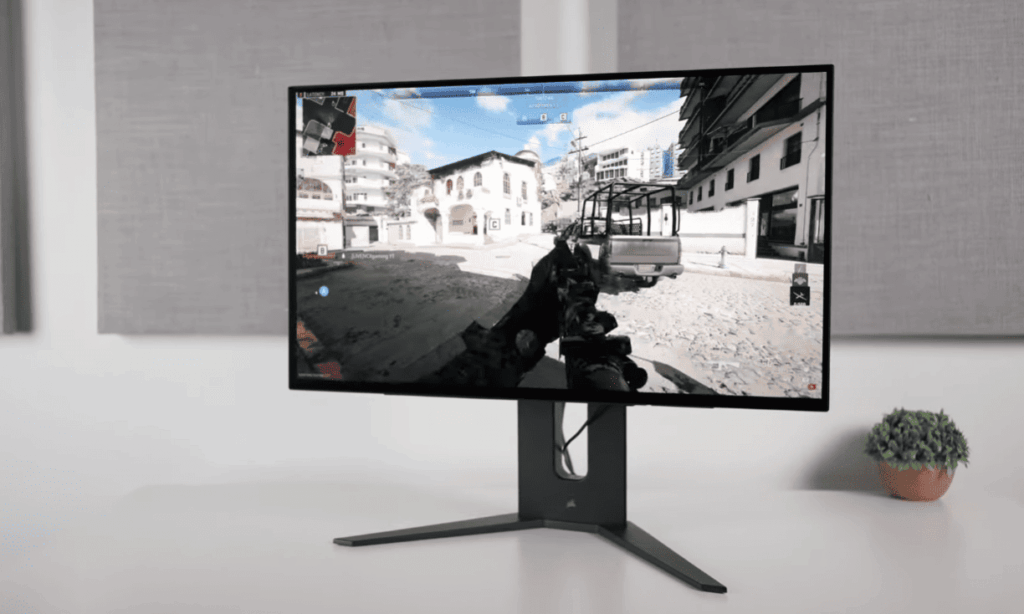
Refresh Rate Showdown: 60Hz vs 144Hz vs 240Hz
A standard 60Hz display updates 60 times per second. This technology is common in basic monitors and household TVs. The jump to a 144Hz monitor delivers a dramatic improvement in smoothness.
Moving to 240Hz represents a 70% speed increase over 144Hz models. While the difference may seem subtle at first, it becomes apparent during rapid movement. The lower lag provides a competitive edge in fast-paced games.
Users quickly adapt to the superior fluidity of higher refresh rates. Returning to slower displays makes the difference unmistakable. This adaptation phenomenon highlights the real advantage of advanced technology.
| Refresh Rate | Frames Per Second | Frame Time | Best For |
|---|---|---|---|
| 60Hz | 60 fps | 16.7ms | Casual use, basic computing |
| 144Hz | 144 fps | 6.94ms | Enthusiast gaming, smooth visuals |
| 240Hz | 240 fps | 4.17ms | Competitive gaming, fastest response |
The 2.77ms advantage of 240Hz over 144Hz makes tracking targets easier. Modern games support these high frame rates, making the upgrade worthwhile for serious players. The refresh rate difference becomes most noticeable during quick camera movements and object tracking.
Optimizing Your System for 240Hz Gaming
A high-refresh-rate display alone isn’t enough – your computer’s hardware needs to keep pace with the monitor’s capabilities. Achieving true 240Hz performance requires your graphics card to consistently output 240 frames per second.
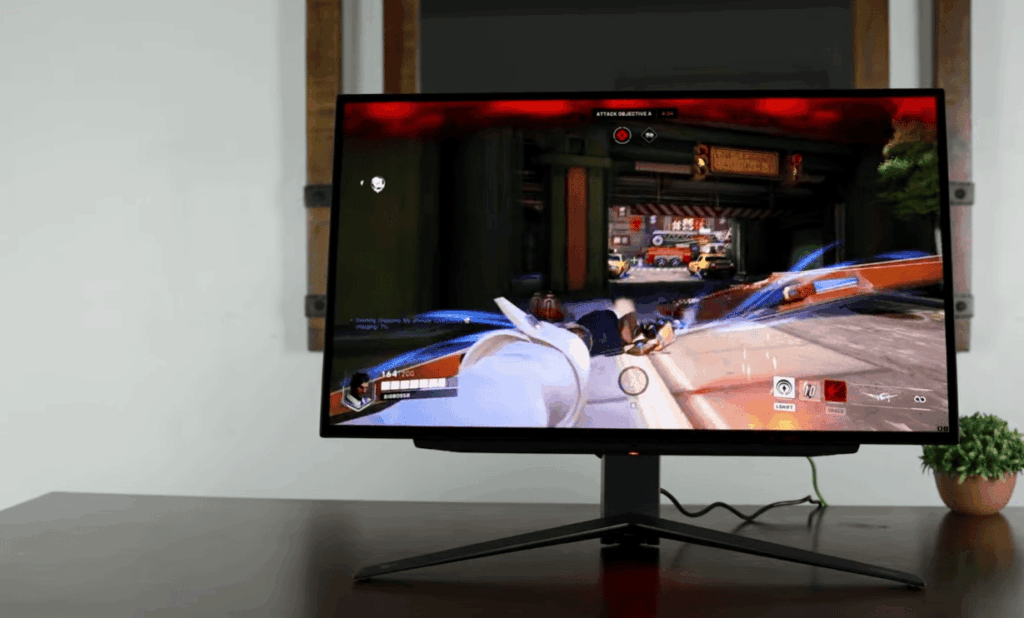
Hardware Requirements and Graphics Performance
Your GPU plays the most critical role in delivering smooth gameplay. Modern graphics cards like the RTX 3060 handle 1080p resolution at 240Hz with excellent performance. For 1440p gaming, consider an RTX 3070 or newer model.
Popular competitive titles optimize well for high frame rates. Games like Fortnite, Apex Legends, and Overwatch 2 reach impressive fps even on mid-range hardware. This makes them perfect for experiencing the benefits of advanced monitors.
| Graphics Card | 1080p Performance | 1440p Performance | Recommended Use |
|---|---|---|---|
| RTX 3060 | Excellent 240Hz | Good 144Hz | Budget 240Hz gaming |
| RTX 3070 | Maximum Performance | Solid 240Hz | Mainstream 1440p gaming |
| RTX 4070+ | Overkill | Peak Performance | Future-proof systems |
Configuring Your System Settings for 240Hz
Windows settings must be properly adjusted to enable the full refresh rate. For Windows 10, navigate to System > Display > Advanced Display Settings. Select 240Hz from the monitor properties tab.
Windows 11 users should go to System > Display > Advanced Display. Choose the refresh rate option and pick 240Hz. Always use DisplayPort 1.2a or HDMI 2.0 cables for full bandwidth support.
Avoid 4K 240Hz gaming monitors currently. Even top-tier GPUs struggle with consistent performance at this demanding combination. Focus on 1080p or 1440p resolutions for the best experience.
240Hz Monitors for Different Uses: Gaming vs Everyday Use
The true value of a high refresh rate becomes clear when we examine specific use cases. Different activities benefit from this technology in varying degrees. Understanding your primary needs helps determine if the investment makes sense for you.
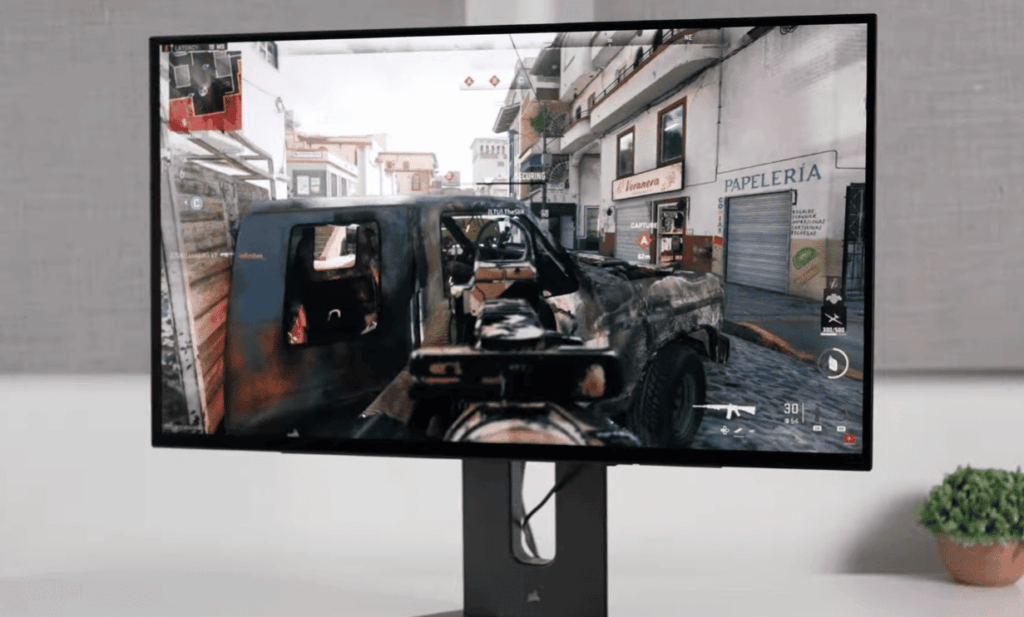
Benefits for Competitive and Casual Gamers
Competitive gamers playing fast-paced titles gain the most from this technology. First-person shooters and esports games demand exceptional motion clarity. The reduced input lag provides a measurable advantage during intense gameplay.
Professional players consistently choose these displays for their superior performance. Casual gamers will notice the smoother experience compared to standard monitors. However, the difference between 144Hz and 240Hz may not justify the cost for recreational play.
- Competitive advantage in reflex-based games
- Superior target tracking during fast movement
- Reduced eye strain during extended sessions
Everyday Tasks and Content Consumption Considerations
For everyday computing, the benefits are minimal. Web browsing, office work, and email don’t require high frame rates. A quality 60Hz display handles these tasks perfectly.
Content creators might appreciate smoother timeline scrubbing in editing software. However, most prioritize color accuracy and resolution over refresh rates. Video streaming services deliver content at standard frame rates that don’t utilize the full potential.
The popular 24-inch size offers optimal viewing for competitive gaming. This dimension keeps the entire screen within your field of vision. It also provides more affordable pricing while delivering excellent performance.
Conclusion
Making the final decision about monitor technology requires balancing performance needs with practical considerations. The 240 monitor represents a significant leap in gaming display technology.
These high-refresh displays deliver smoother visuals and faster response times. Competitive gamers gain a real edge with the reduced input lag. The technology shines in fast-paced FPS and battle royale games.
Before investing, honestly assess your primary usage. Casual gamers might find better value in displays with superior color accuracy. Ensure your system can consistently push high frame rates to utilize the full refresh rate.
The market offers various 240Hz monitors at different price points and resolution options. For serious gaming enthusiasts with capable hardware, this technology provides an exceptional experience.